Thunder Plain
A timber shelter at the edge of a prairie, golden grass at your feet, and a storm working its way along the far horizon. Raise the wind and call up the thunder.
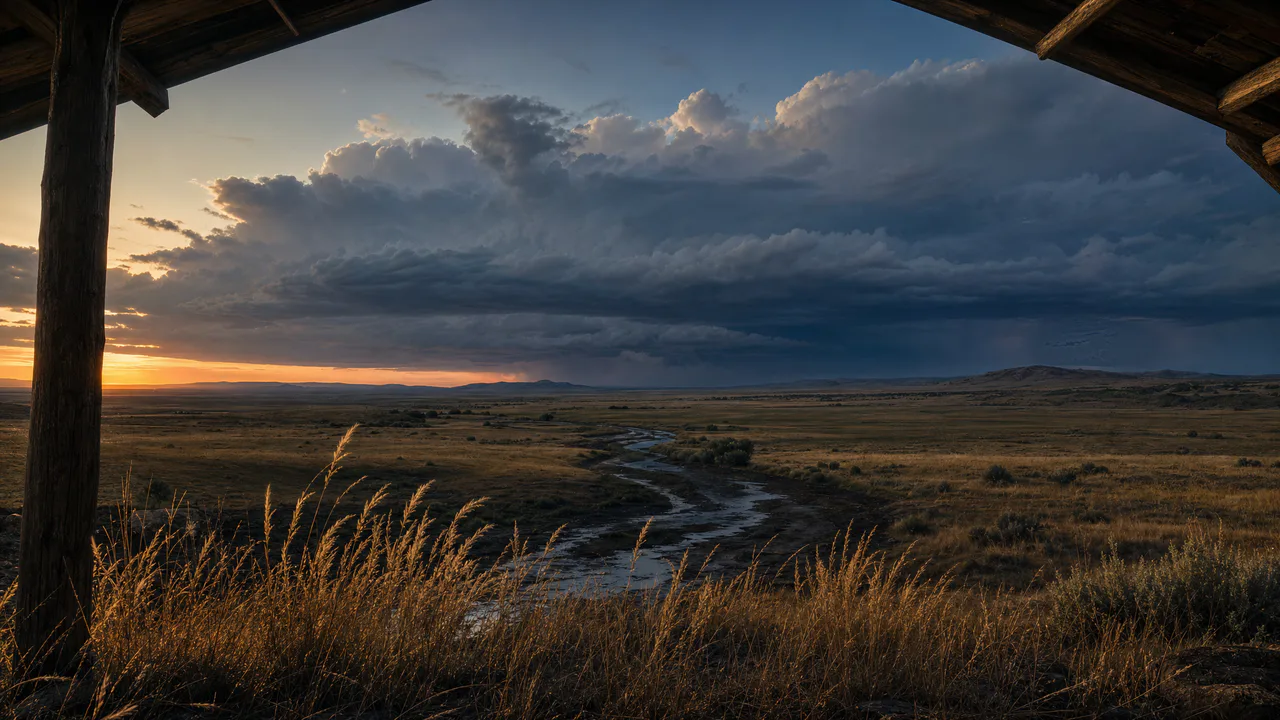
A far-off storm
Grass sways in the wind and faint rain hangs under the storm. Now and then the far cloud lights from inside: one soft rise that fades over a couple of seconds, never a flicker, and never more often than once every twelve seconds. Sound plays only if you start with it.
What you can do here
- Raise the wind
- Wind sends long swells across the grass, the way wind moves over a real field: not every stem at once, but a wave you can watch travel from one side to the other. The tall seed heads lean most.
- Send a gust
- Drag across the grass and a gust follows your hand, then dies away.
- Call up the thunder
- Tap the storm on the right, press Thunder, or press T. The cloud lights from inside, softly, and the rumble rolls in a moment later. The storm needs twelve seconds to build again before it will answer.
- Choose the storm
- Storm sets how busy it is. Passing keeps it quiet unless you ask; Active lights it up every minute or so; Strong, every half minute or so, with heavier rain hanging under the cloud.
Use it as your wallpaper
Press F for fullscreen and M to turn the sound off and on; the volume and your sound choice carry over to every wallpaper. The sound keeps playing if you switch to another tab.
Live link
https://whitescreen.tv/interactive-wallpapers/thunder-plain/#wallpaper- On a computer desktop
- Some wallpaper apps can show a web page behind your desktop icons. Give one the live link above and the scene runs there on its own: no page around it, no ads and no sound.
- On a TV or a spare screen
- Open this page and press F, or use Fullscreen. While it’s in fullscreen we ask the browser to keep the screen from going to sleep.
- On a phone or tablet
- Save image downloads exactly what’s on the screen as a picture. Set it as your wallpaper from your photos; the phone will crop the sides.
A live wallpaper keeps a page running all day. Through the live link the scene draws at most 30 frames a second and stops while the screen is covered, but on a laptop it still costs some battery.
Why the light comes before the sound
Light reaches you almost at once, while sound travels about a mile every five seconds. Count the seconds between the glow and the rumble, divide by five, and you have roughly how many miles away the storm is. From a shelter like this one, a storm on the far horizon may be ten or twenty miles off.
Why the lightning stays inside the cloud
Most lightning never reaches the ground: it jumps within a cloud or between clouds, and from far away it shows only as a glow inside the storm. That is all this scene ever draws, and it is kept soft on purpose. There are no bolts and no flickering strokes.
About the sounds
Two recordings: wind through the seed heads, and one long roll of distant thunder that waits twelve seconds before it can play again.
If you’d rather just watch
Picture and sounds generated from our prompts. Motion, controls and mix by WhiteScreen.tv.
