Christmas Tree Farm
Rows of young firs under fresh snow, a lantern on a post either side of the path, and the sun going down behind the hills. Touch a branch to knock its snow loose.
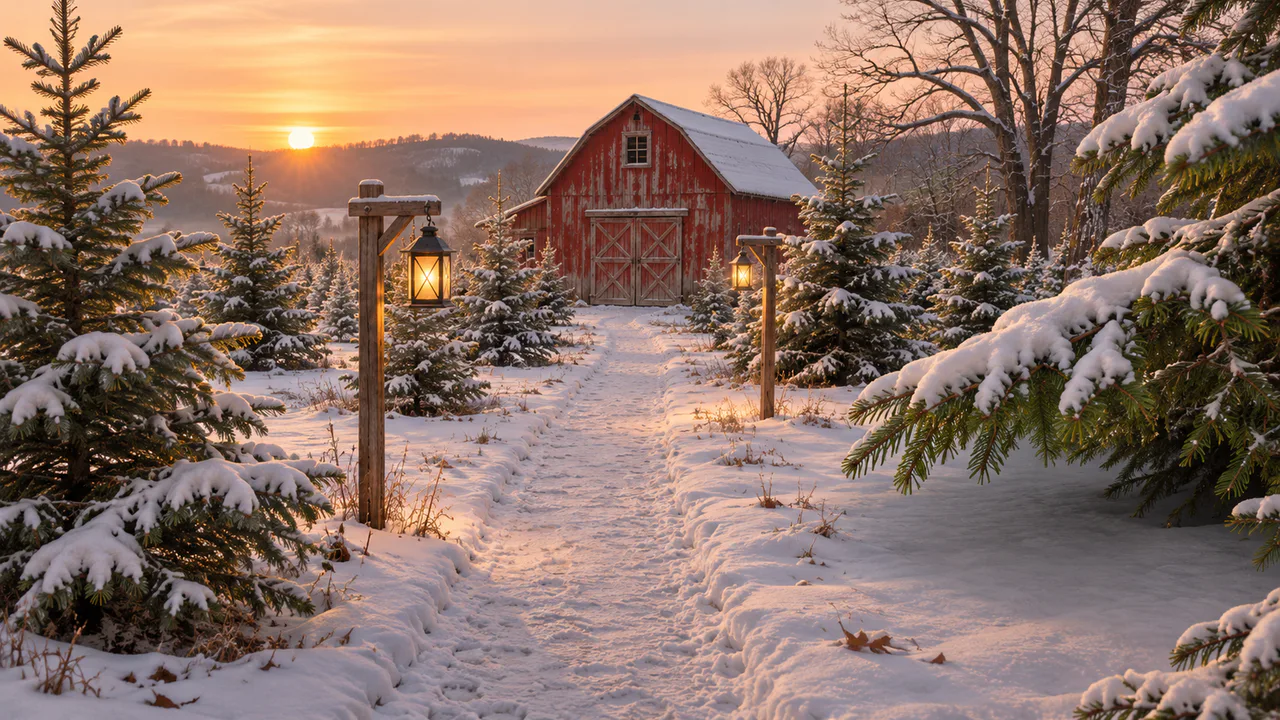
Snow and branches
Branches dip and spring back when you touch them, and clumps of snow fall from them. The lanterns and the sun stay steady; nothing flashes. Sound plays only if you start with it.
Christmas music
O Christmas Tree
Pinewood Waltz
Carols
Written for these scenes
Play all and Shuffle go through the ticked tracks.
This scene’s pick: O Christmas Tree — Pinewood Waltz
What you can do here
- Knock the snow off a branch
- Touch the big snowy bough on the right. It dips under your finger, and one of the lumps hanging from it sags off its twig and drops, turning and shedding powder, into the drift below. The branch is barer where it was, and the bough springs back a little higher, because it’s lighter now. The big fir on the left and the young firs by the path have lumps that come loose too.
- On a phone
- Fullscreen on a phone, the big bough is off the right edge. Shake a branch knocks loose a lump of snow on a fir you can see. After a fall, the snow needs ten seconds before more will come down, and after a few quiet minutes the trees fill back in.
- Let the breeze in
- Breeze sets the dry grass nodding and moves the near boughs a little, more in the gusts. Firs are stiff, so even in a good breeze you see the tips move, not the trees.
- Put on some music
- Music plays apart from the scene’s own sound, with its own volume, so you can have either, both or neither. It starts on this scene’s pick and repeats it; open the list to choose another, play them all in order, or shuffle the ones you tick. There are fifteen, all instrumental: twelve carols, from Jingle Bells to O Holy Night, and three pieces written for these scenes. Music only starts when you start it.
Use it as your wallpaper
Press F for fullscreen and M to turn the sound off and on; the volume and your sound choice carry over to every wallpaper. The sound keeps playing if you switch to another tab.
Live link
https://whitescreen.tv/interactive-wallpapers/christmas-tree-farm/#wallpaper- On a computer desktop
- Some wallpaper apps can show a web page behind your desktop icons. Give one the live link above and the scene runs there on its own: no page around it, no ads and no sound.
- On a TV or a spare screen
- Open this page and press F, or use Fullscreen. While it’s in fullscreen we ask the browser to keep the screen from going to sleep.
- On a phone or tablet
- Save image downloads exactly what’s on the screen as a picture. Set it as your wallpaper from your photos; the phone will crop the sides.
A live wallpaper keeps a page running all day. Through the live link the scene draws at most 30 frames a second and stops while the screen is covered, but on a laptop it still costs some battery.
Why the snow falls the way it does
A clump of snow stays on a bough as long as friction holds it at the bough’s angle. Push the tip down, the angle steepens past what the snow can hold, and it slides to the end and drops. Over a fall this short it comes down almost as fast as a stone would, shedding a trail of loose powder that the air slows right down. The bough, rid of the weight, swings back up past where it was and rings down over a few seconds.
The light
The sun is low and almost behind the trees, so the snow on the branches is lit from behind: the top of each clump catches the last warm light while the side facing you sits in its own blue shade. A clump knocked loose turns as it falls, so you see both.
About the sounds
Two recordings and one quiet layer: the still air of a farm in winter, snow sliding off a fir branch, and soft wind. There’s no music.
If you’d rather just watch
Picture and sounds generated from our prompts. Motion, controls and mix by WhiteScreen.tv.
