Snow Globe
A glass globe of water and glycerin on a desk at night, a snowed-in village inside it, and snow coming down past the window behind.
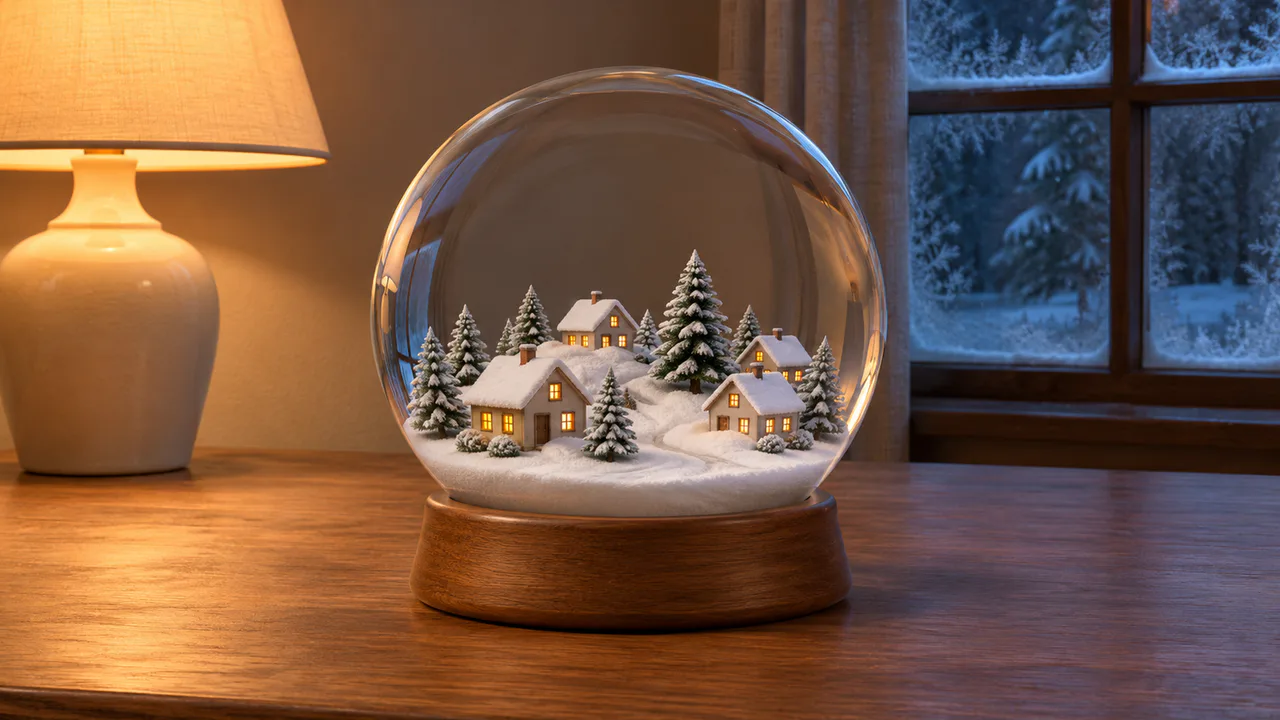
Swirling snow
Snow whirls inside the globe after a shake and settles within a minute. A light snow falls past the window. Nothing flashes. Sound plays only if you start with it.
Christmas music
It Came Upon the Midnight Clear
Lantern Guitar
Carols
Written for these scenes
Play all and Shuffle go through the ticked tracks.
This scene’s pick: It Came Upon the Midnight Clear — Lantern Guitar
What you can do here
- Shake it
- Tap the globe and the snow jumps off the ground and whirls around the village. Drag back and forth across it to shake harder: the more you shake, the more snow comes up and the longer the liquid keeps turning. The Shake button and the S key do the same.
- Change what’s inside
- Liquid sets what the globe is filled with. In plain Water the snow is down in about twenty seconds. Classic, water with some glycerin, the way most globes are filled, lets the last flakes down after forty seconds or so. Thick keeps some snow falling for more than a minute, and stops swirling almost as soon as you stop shaking.
- Leave it on
- With Shake it now and then on, the globe gets a gentle shake of its own half a minute or so after the last flake has landed, so it never sits still for long as a wallpaper.
- Look out the window
- It’s snowing outside too, slowly, behind the frost on the panes. The flakes closest to the glass pick up a little of the lamp’s warm light; the ones out by the trees stay blue.
- Put on some music
- Music plays apart from the scene’s own sound, with its own volume, so you can have either, both or neither. It starts on this scene’s pick and repeats it; open the list to choose another, play them all in order, or shuffle the ones you tick. There are fifteen, all instrumental: twelve carols, from Jingle Bells to O Holy Night, and three pieces written for these scenes. Music only starts when you start it.
Use it as your wallpaper
Press F for fullscreen and M to turn the sound off and on; the volume and your sound choice carry over to every wallpaper. The sound keeps playing if you switch to another tab.
Live link
https://whitescreen.tv/interactive-wallpapers/snow-globe/#wallpaper- On a computer desktop
- Some wallpaper apps can show a web page behind your desktop icons. Give one the live link above and the scene runs there on its own: no page around it, no ads and no sound.
- On a TV or a spare screen
- Open this page and press F, or use Fullscreen. While it’s in fullscreen we ask the browser to keep the screen from going to sleep.
- On a phone or tablet
- Save image downloads exactly what’s on the screen as a picture. Set it as your wallpaper from your photos; the phone will crop the sides.
A live wallpaper keeps a page running all day. Through the live link the scene draws at most 30 frames a second and stops while the screen is covered, but on a laptop it still costs some battery.
Why the snow falls so slowly
Most snow globes are filled with water and a little glycerin. Glycerin is more than a thousand times as viscous as water, so even some of it slows the flakes down and stops the liquid sloshing soon after a shake. The flakes are bits of white plastic, a little heavier than the liquid and flat, so they rock and slip from side to side as they sink, and catch the light now and then as they turn.
What happens when you shake it
The liquid does two things at once. It turns around the globe’s middle, and it rolls over: in along the bottom, up through the middle and down the sides, the way water does in a shaken jar. Both die away in a few seconds, sooner in a thicker liquid. Each flake rides the liquid and sinks at its own speed, so they never come down all together.
What the glass does
A ball of liquid works like a lens. The snow in the middle of the globe looks a little bigger than it is, and the flakes near the edge look squeezed together and thin out where the glass curves away from you.
About the sounds
Two recordings: the quiet of a room on a winter night, and a globe being shaken, liquid and snow moving inside the glass. A snow globe makes no sound once it’s set down, so nothing plays while the snow settles.
If you’d rather just watch
Picture and sounds generated from our prompts. Motion, controls and mix by WhiteScreen.tv.
