Autumn River Rapids
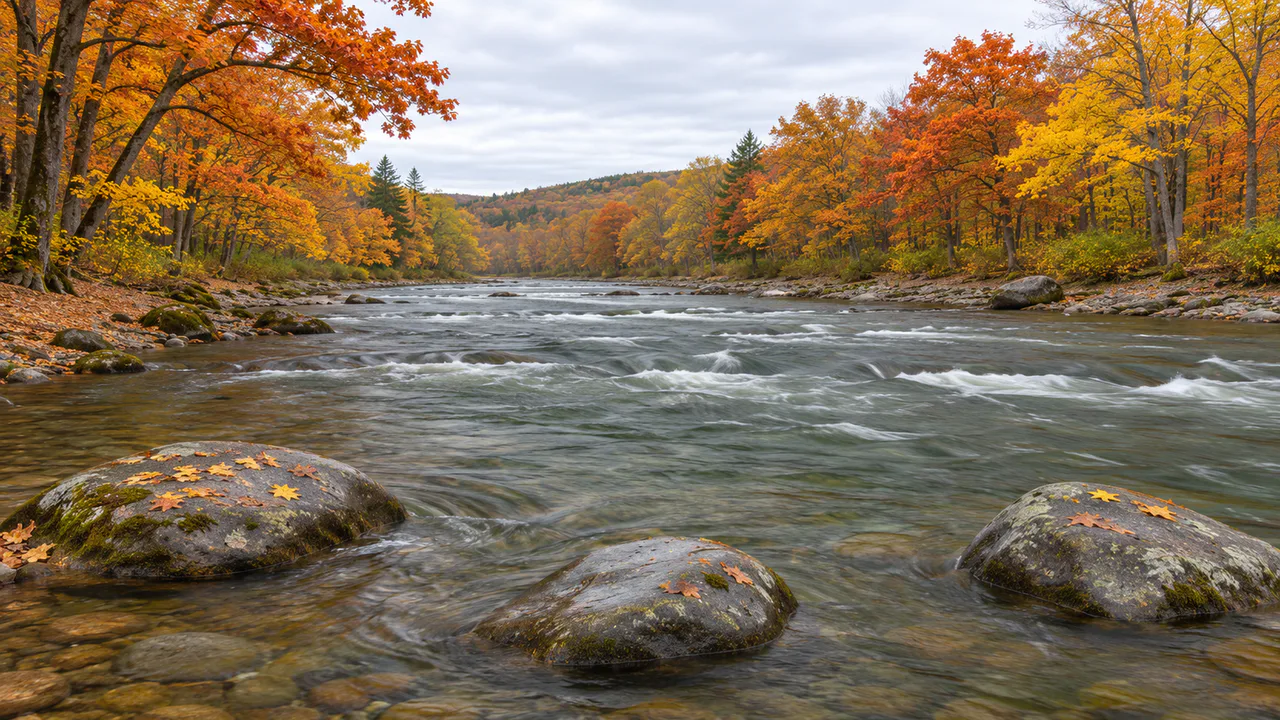
A broad, shallow river comes down a wooded valley in October, breaks white over the riffles and slides past three big rocks right in front of you.
Running water
The river streams toward you and to the left, the white water churns in place, a leaf drifts by now and then, and the trees on the banks lean a little in the breeze. Nothing flashes. Sound plays only if you start with it.
What you can do here
- Set the flow
- Flow runs from late-summer low water to a river swollen by a week of rain. The surface streams faster, the waves over the shallows hurry, the leaves come by quicker, and the river gets louder.
- Touch the current
- Tap the water and the disturbance doesn’t stay where you made it. The river takes it away, and since the water at your fingertip is moving faster than the water a little upstream, the rings get drawn out into a streak as they go. Drag a finger through the water and you leave a wake that the current carries off.
- Watch the rocks part the water
- The current splits in front of each rock, runs fastest along its sides and idles in the lee behind it, which is where you’d find a trout waiting. Watch a leaf come down: it swings wide around a rock rather than going through it, and sometimes it hangs against the upstream face for a moment before it slips off.
- Raise the breeze
- Breeze moves the near trees on both banks, from a still morning to a fresh afternoon wind, and the more of it there is, the more leaves come down the river.
Use it as your wallpaper
Press F for fullscreen and M to turn the sound off and on; the volume and your sound choice carry over to every wallpaper. The sound keeps playing if you switch to another tab.
Live link
https://whitescreen.tv/interactive-wallpapers/autumn-river-rapids/#wallpaper- On a computer desktop
- Some wallpaper apps can show a web page behind your desktop icons. Give one the live link above and the scene runs there on its own: no page around it, no ads and no sound.
- On a TV or a spare screen
- Open this page and press F, or use Fullscreen. While it’s in fullscreen we ask the browser to keep the screen from going to sleep.
- On a phone or tablet
- Save image downloads exactly what’s on the screen as a picture. Set it as your wallpaper from your photos; the phone will crop the sides.
A live wallpaper keeps a page running all day. Through the live link the scene draws at most 30 frames a second and stops while the screen is covered, but on a laptop it still costs some battery.
Why the white water stays put
The white bands across the river don’t travel with the current. Each one is a standing wave: the water speeds up over a ridge of stones on the bed, piles up just past it and breaks, and fresh water keeps arriving to break in the same place. So the foam on a riffle churns where it is while the smooth water between the riffles streams by. Paddlers read a river the same way, from waves that hold their place.
Why the near water looks so fast
Here the current runs at about a meter a second in the channels and half that over the shallows. A few steps from the camera that carries the surface across the picture in a few seconds; out at the riffles, a dozen yards off, the same speed barely shows. The water moves just as fast in both places. Distance is what changes how fast it looks.
About the sounds
Two recordings: the rapids themselves, low and steady, and a small splash at the water’s edge when you touch it. The splash waits six seconds before it plays again.
If you’d rather just watch
Picture and sounds generated from our prompts. Motion, controls and mix by WhiteScreen.tv.
