DVD Screensaver
DVD Screensaver Settings
Prank and Fake Screens
Screensavers
222 live scenes in 11 collections, all with music.
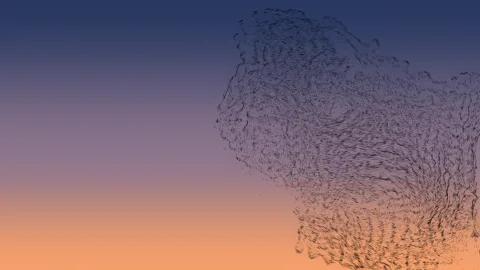
Murmuration
Starlings at dusk, folding and splitting around a falcon.
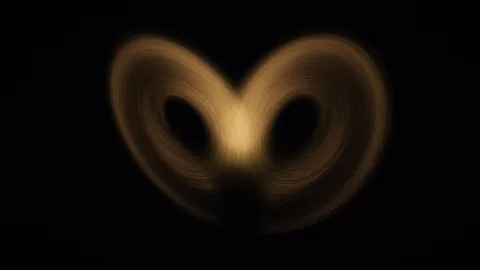
Lorenz Butterfly
The 1963 weather model that gave chaos its butterfly, drawn by its own flow.
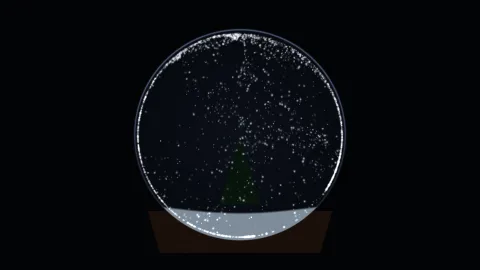
Snow Globe
Shaken now and then, the snow swirls and settles around a small pine.
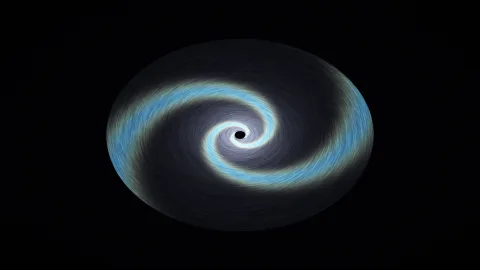
Spiral Arms
Stars brighten as they cross a density wave that turns slower than they do.
Particle Clock
The time, in your own format, written in particles that regroup every minute.
Torus Knot
A tube wound through a ring in a knot; two knobs choose how it winds.
Harmonograph
Damped pendulums draw nested loops that slowly redraw themselves.
Cloud Chamber
Particle tracks condense in vapor and curl in a magnetic field.
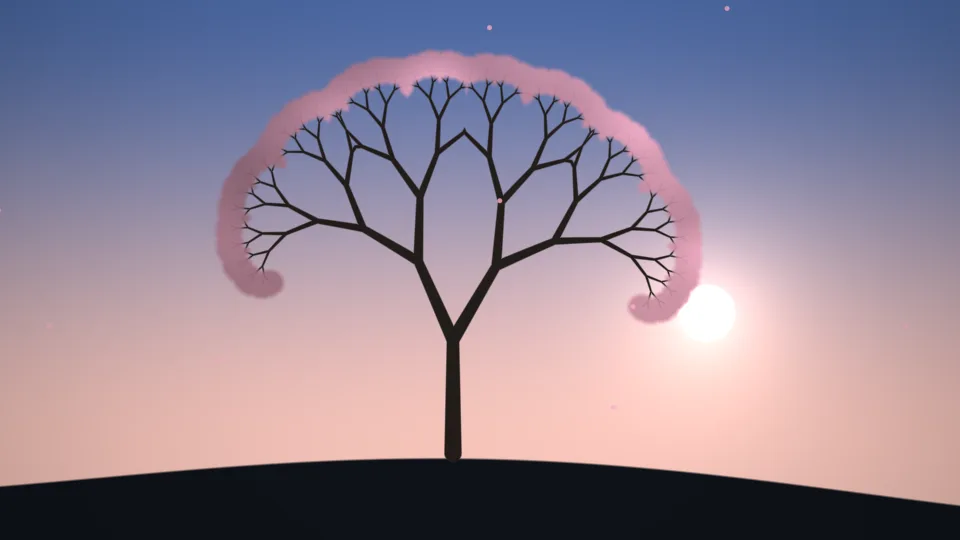
Wind Tree
A lone tree sways on a hill through four seasons.
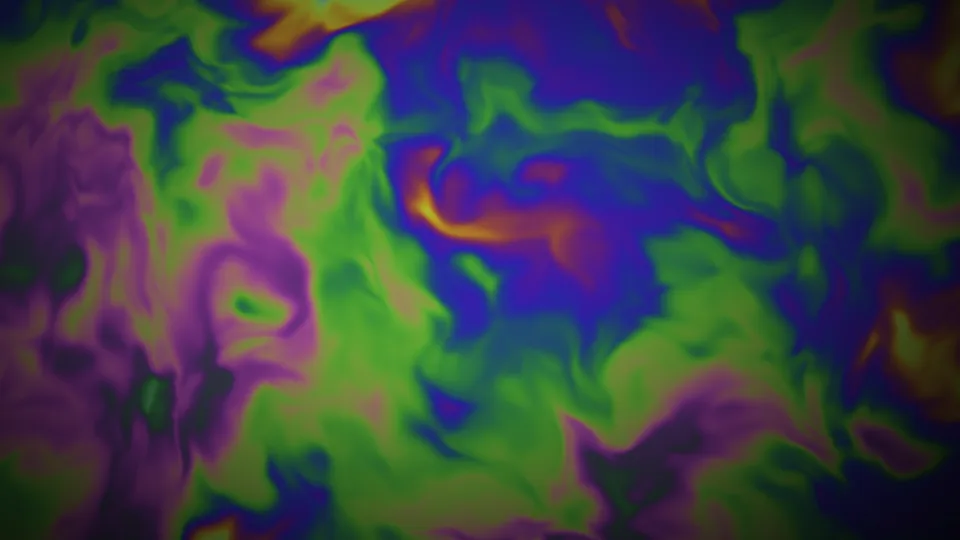
Soap Film
Rainbow colors swirl across a thin, draining soap film.
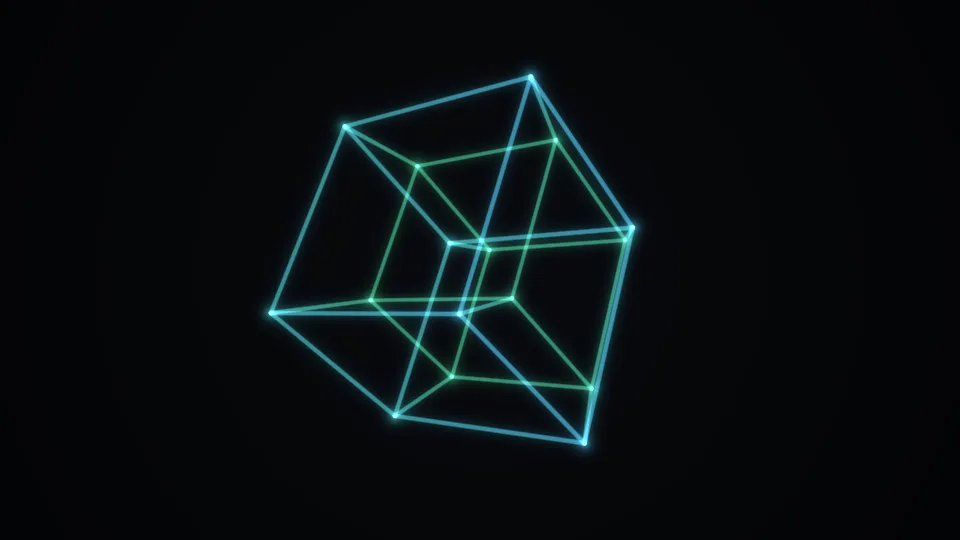
Tesseract
A four-dimensional cube turns through planes we cannot see.
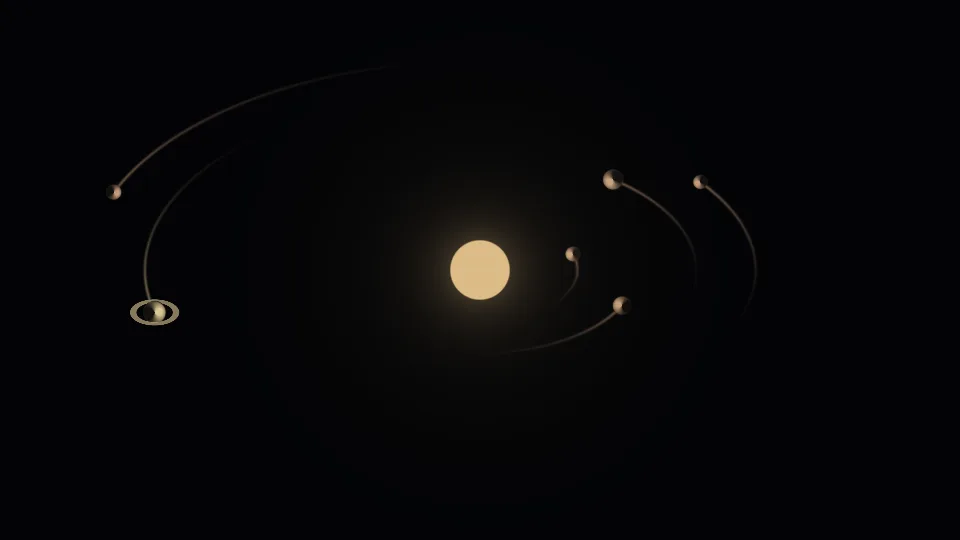
Orrery
Planets circle a steady sun, trailing the paths they draw.
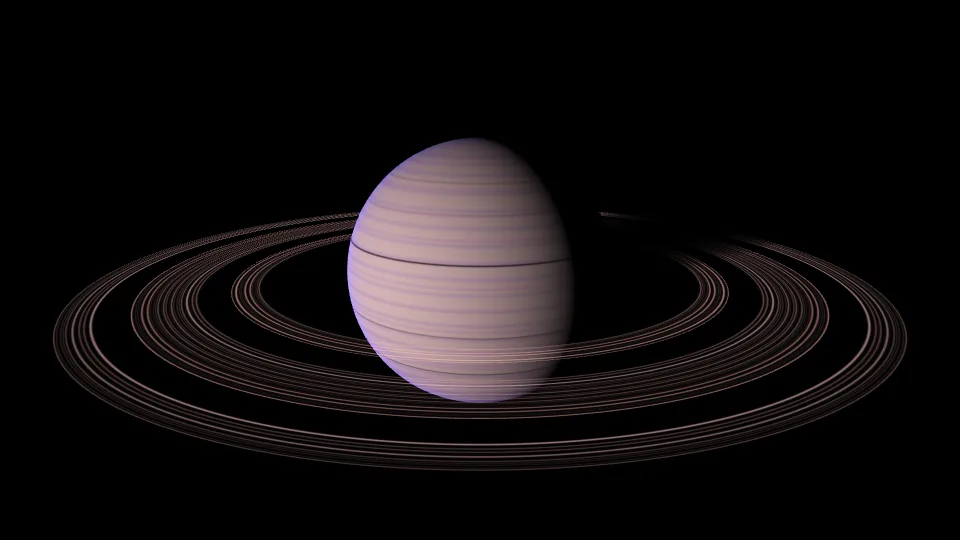
Ringed Planet
A dark ringed world slowly eclipses its sun.
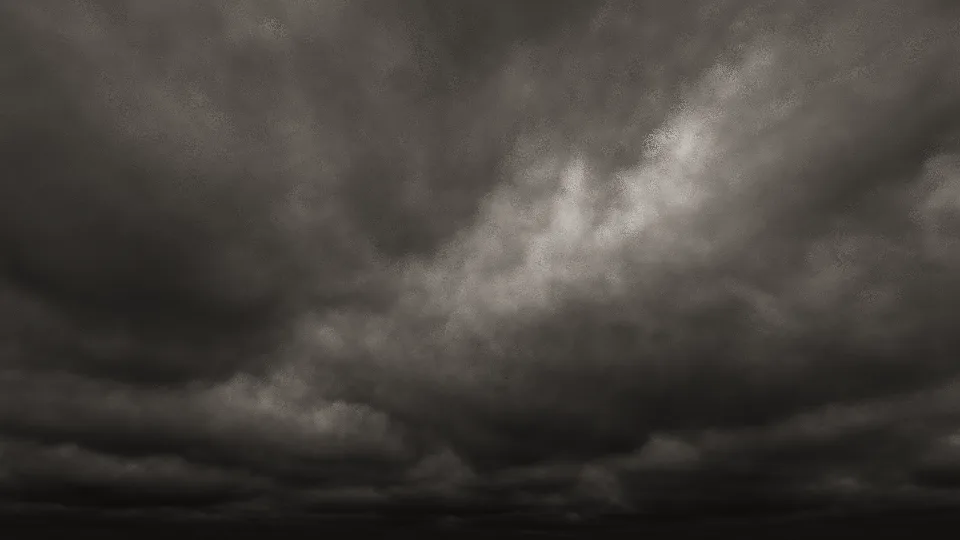
Overcast
A low gray ceiling of cloud rolling slowly overhead.
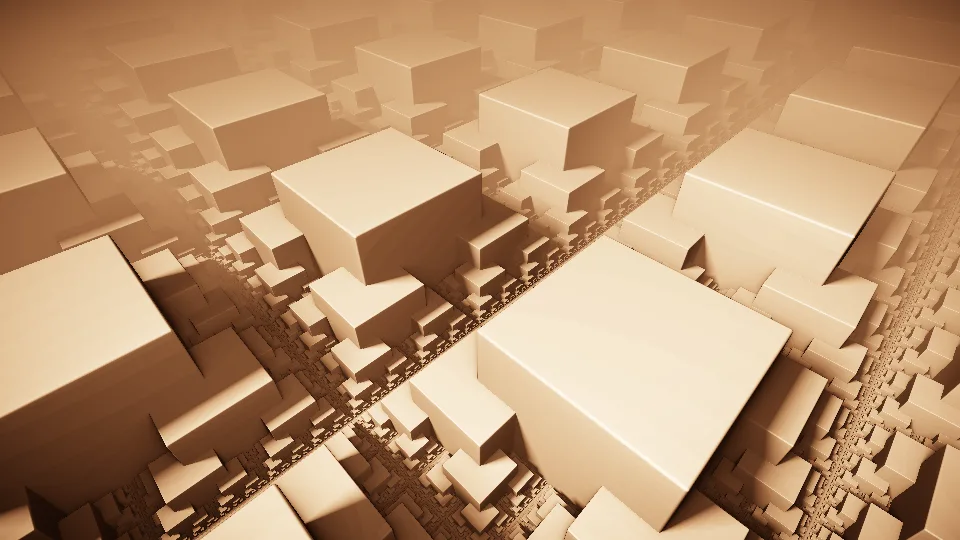
Sandstone City
An endless fractal city of sunlit sandstone blocks.

Neon Heart
A glass heart inside a ring of flowing neon current.
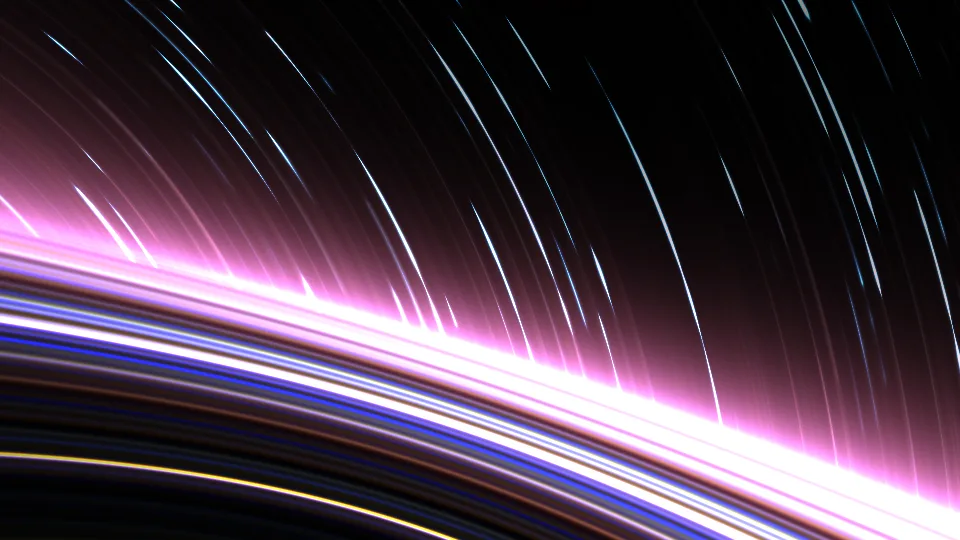
Star Trails
Long arcs of colored light, like a night-sky exposure.
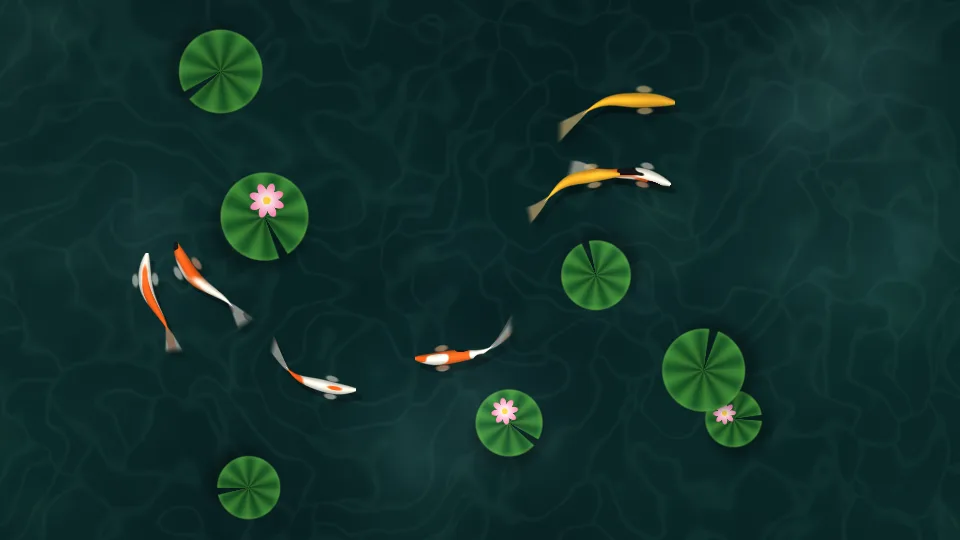
Koi Pond
Koi glide under lily pads in a clear green pond.
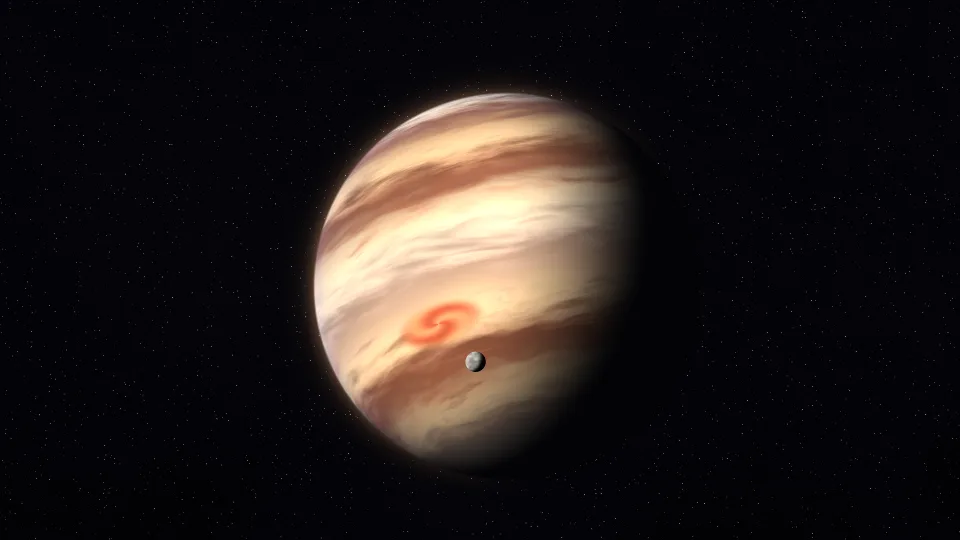
Gas Giant
A banded giant planet turning slowly, with a small moon in orbit.
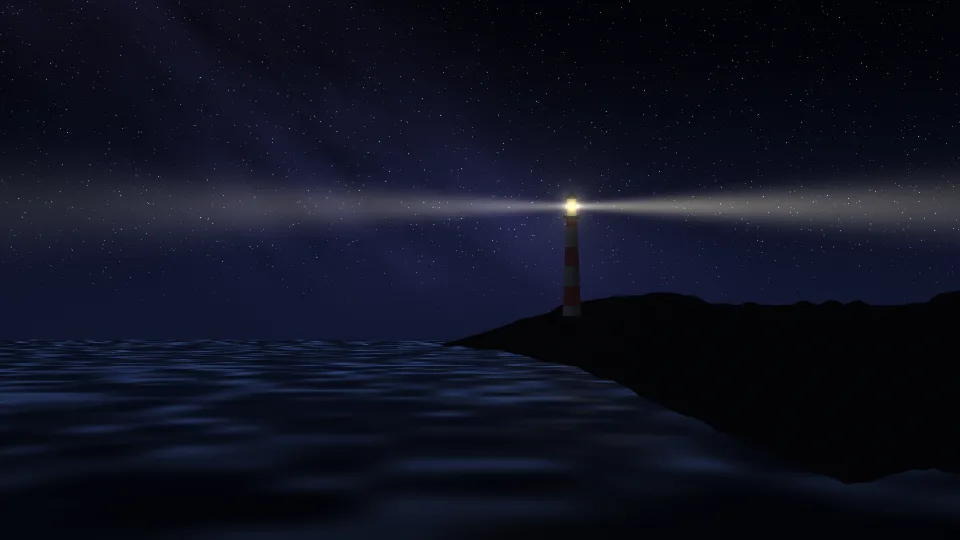
Lighthouse
A lighthouse sweeps its beam over a dark sea under the Milky Way.

Slow Fireworks
Fireworks open in slow motion over dark water.
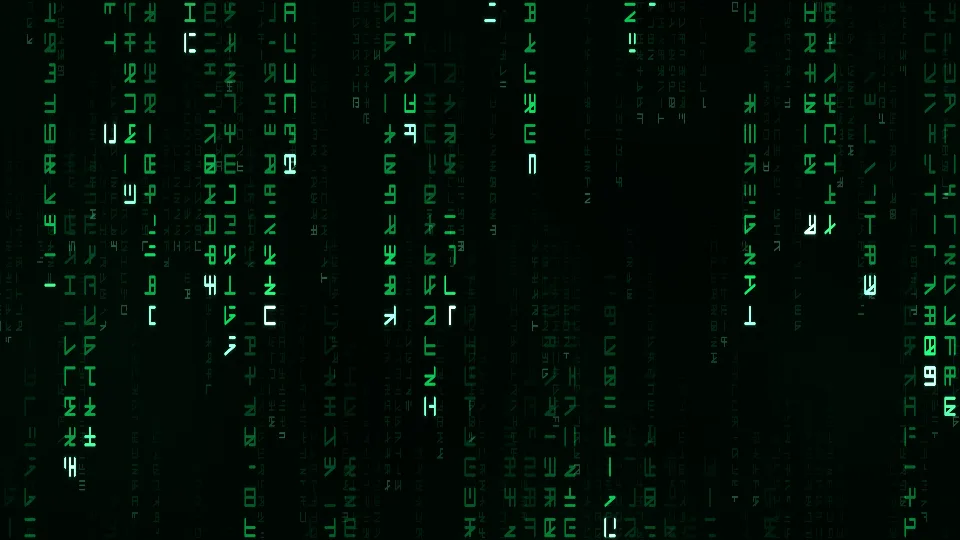
Digital Rain
Columns of glowing green symbols fall down a black screen.
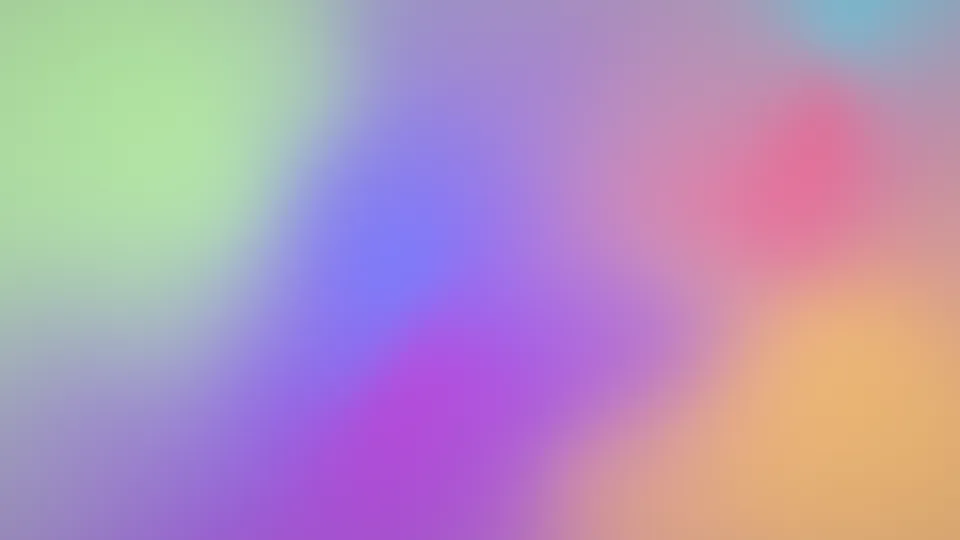
Dream Gradient
Soft pastel colors melt into one another.
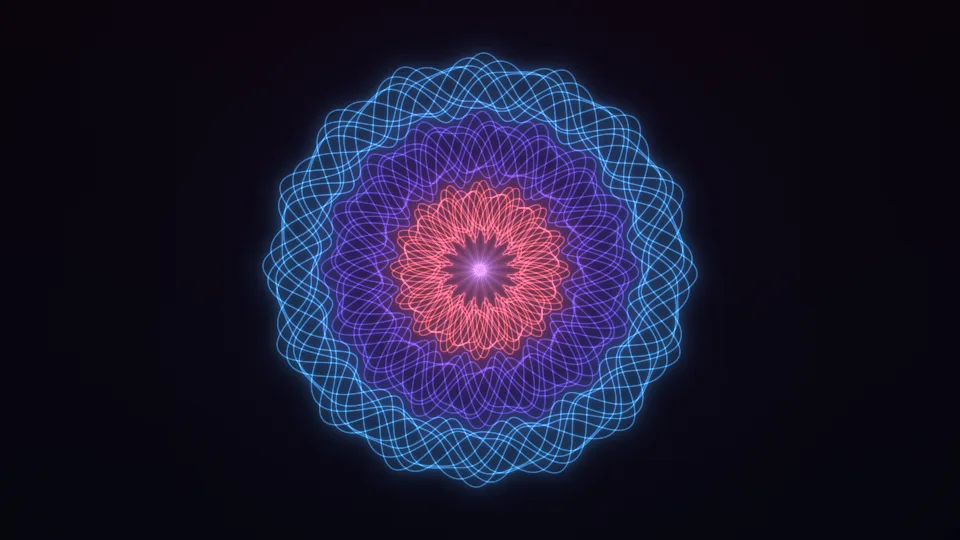
Woven Rosette
Fine glowing lines weave a slowly turning rosette.
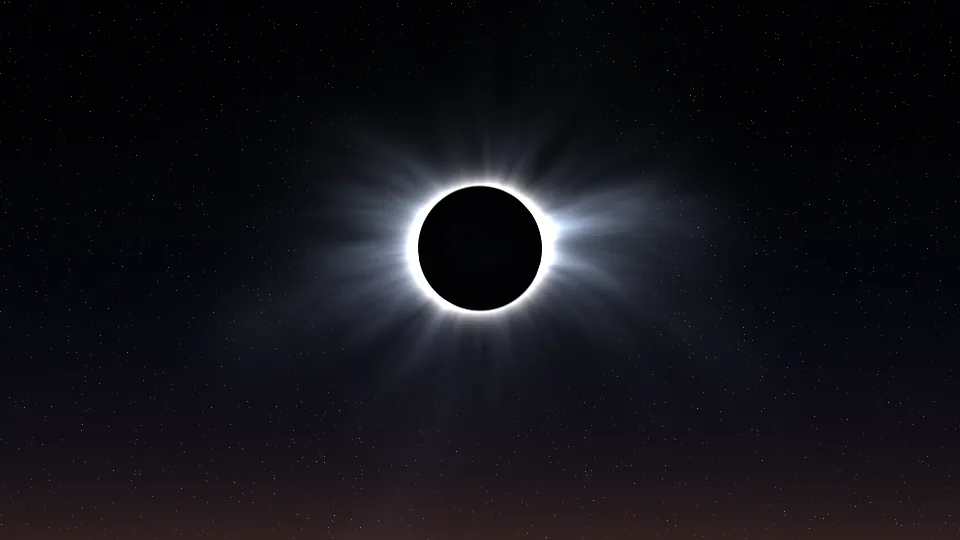
Total Eclipse
The Sun's corona streams around a black Moon.
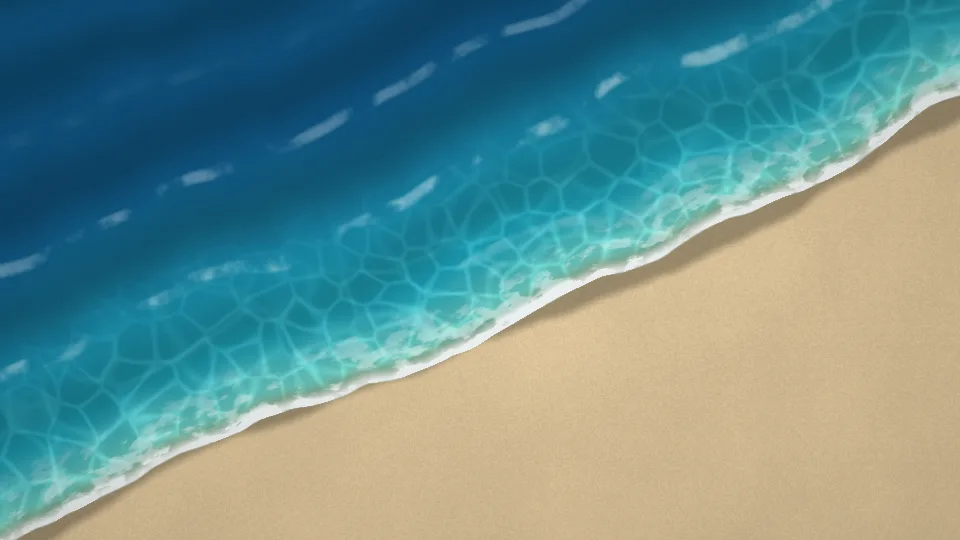
Tide Line
Turquoise waves wash up a sandy beach, seen from above.
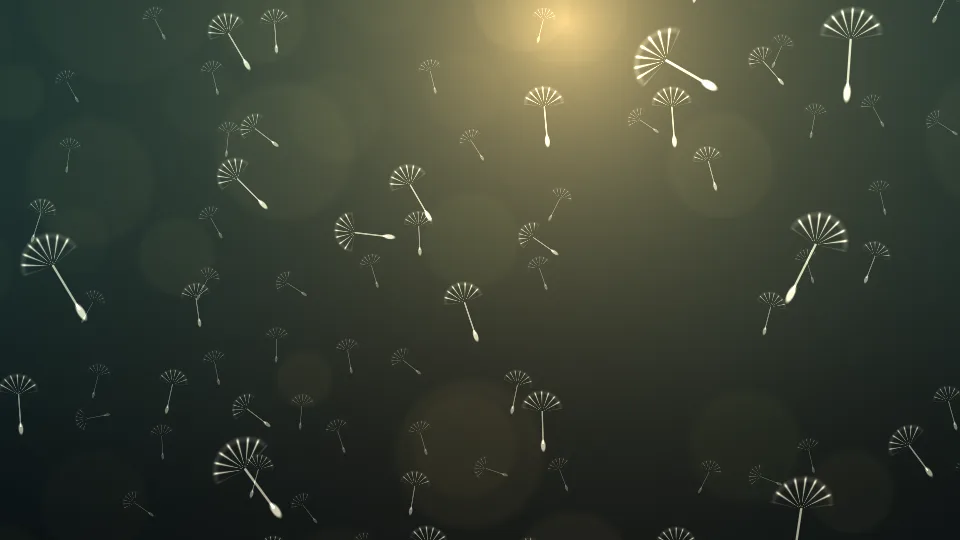
Dandelion Seeds
Dandelion seeds float past in low evening light.
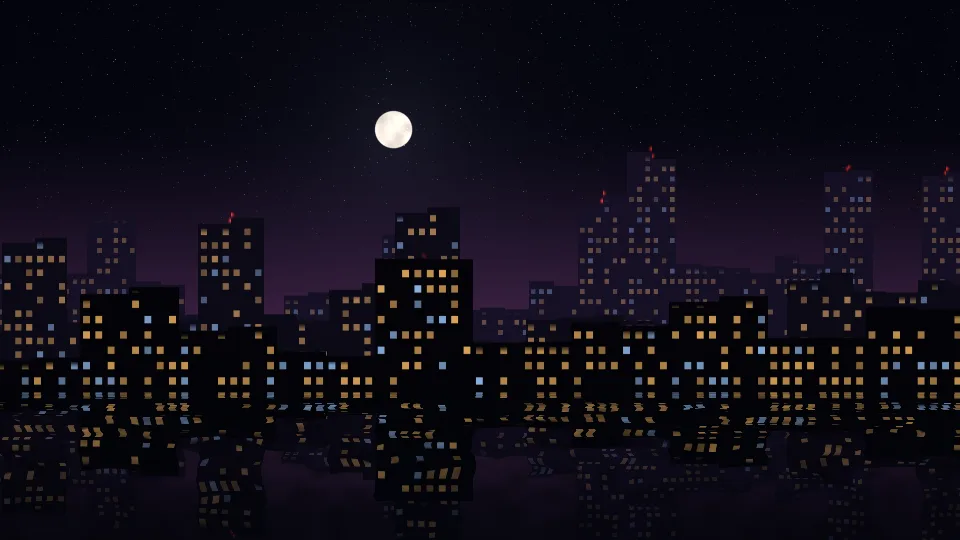
Midnight Skyline
A city skyline at night, its lit windows mirrored in the water.
 Stripes
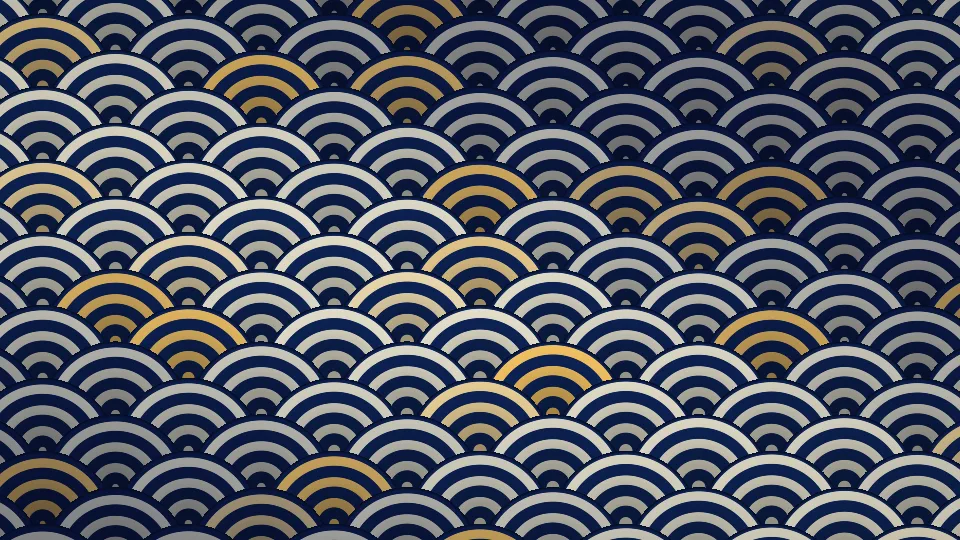
Seigaiha Waves
The Japanese wave pattern in indigo, cream, and gold.
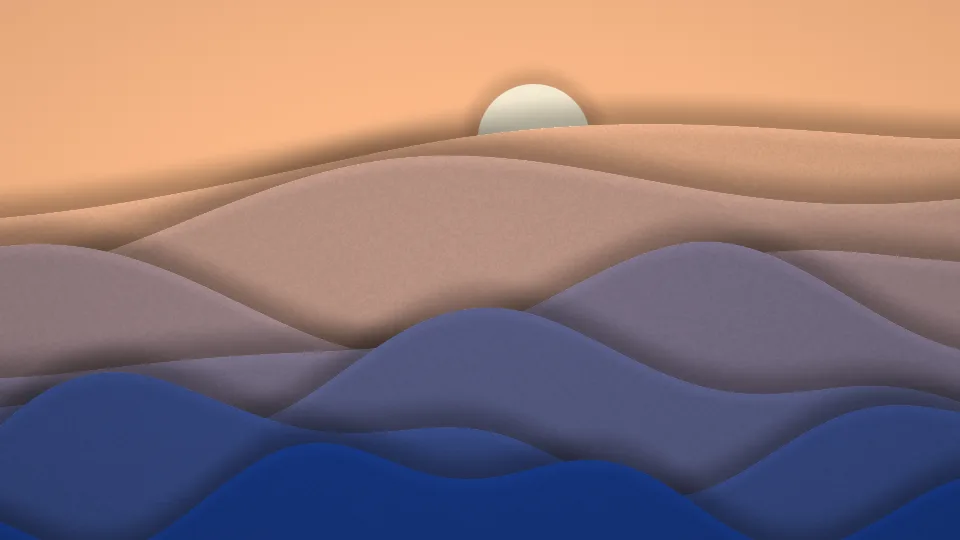
Paper Cut Hills
Layers of cut paper form rolling hills under a paper sun.
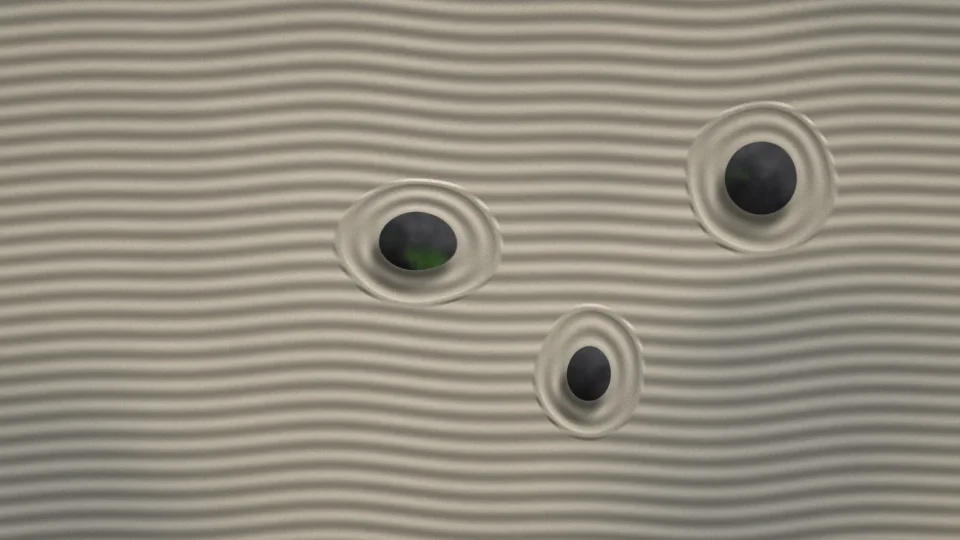
Zen Garden
Raked sand circles three stones as the light slowly moves.
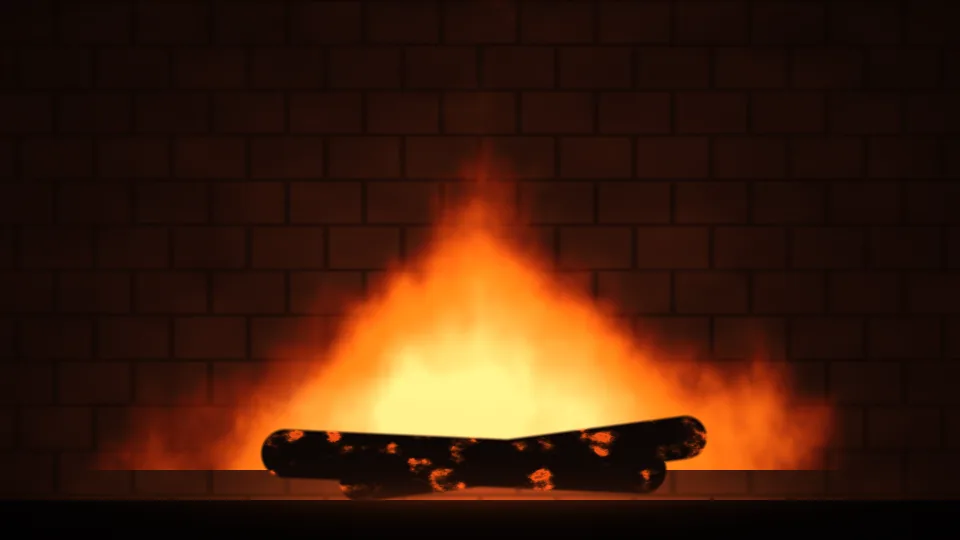
Fireplace
A log fire burning in a brick fireplace.
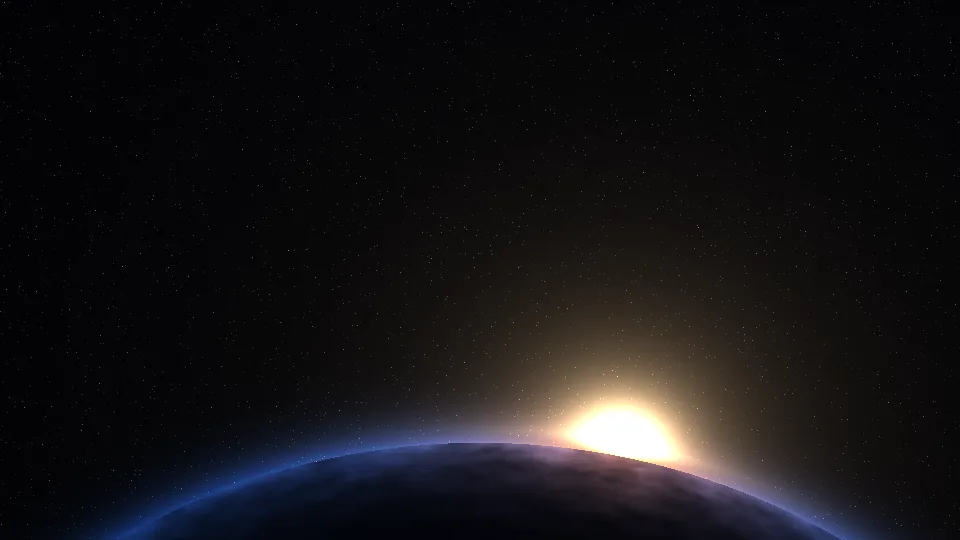
Planet Rise
Sunrise over the curved edge of a planet, seen from orbit.
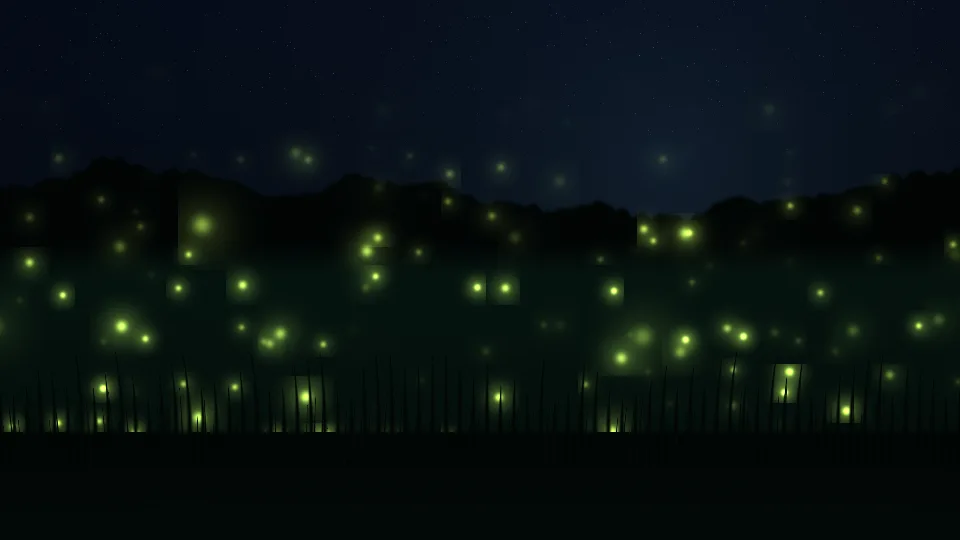
Firefly Meadow
Fireflies glowing and dimming over a night meadow.
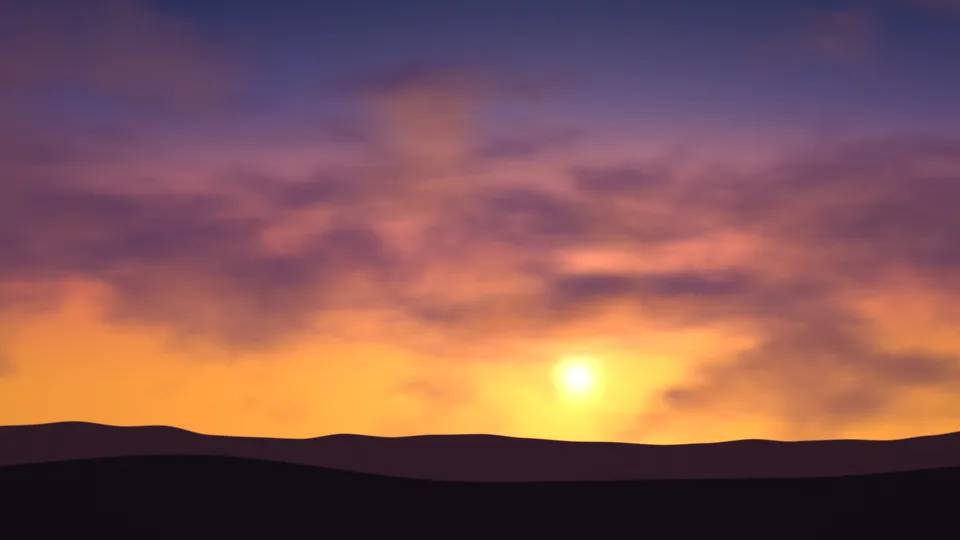
Golden Hour
A low sun and orange light under drifting purple clouds.
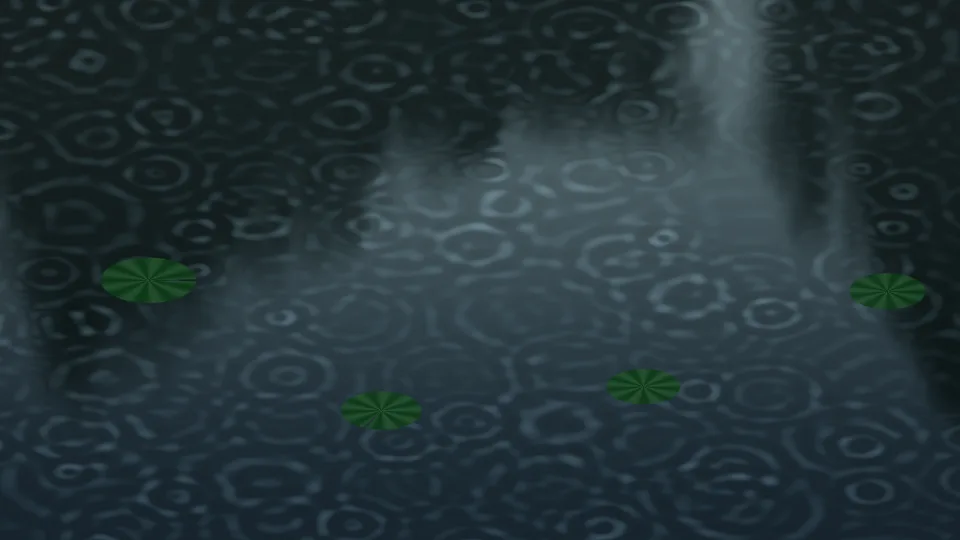
Rain on the Pond
Raindrops spreading rings across a dark pond.
 Stripes
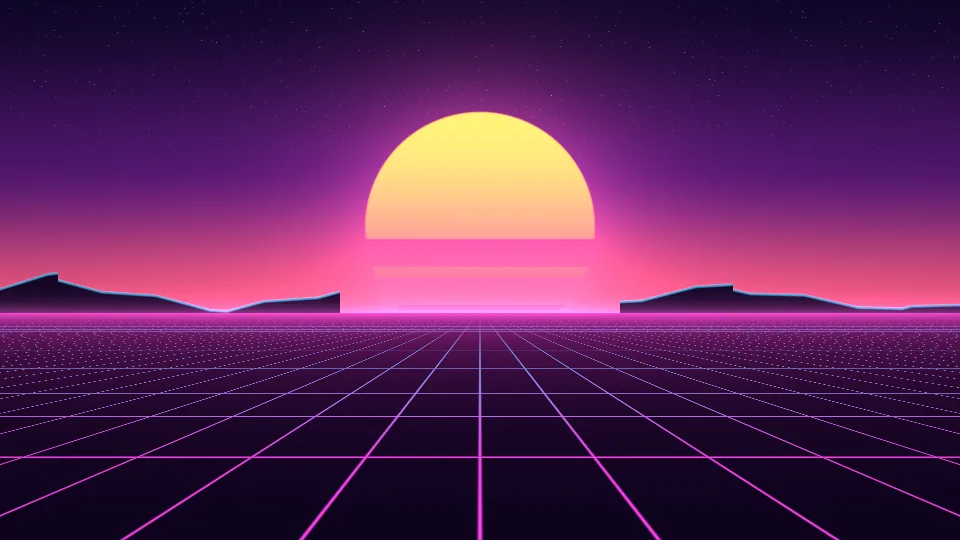
Synthwave Sunset
A striped sun, neon mountains, and a glowing grid.
 Dense dots
City Bokeh
Out-of-focus city lights in gold, pink, and blue.
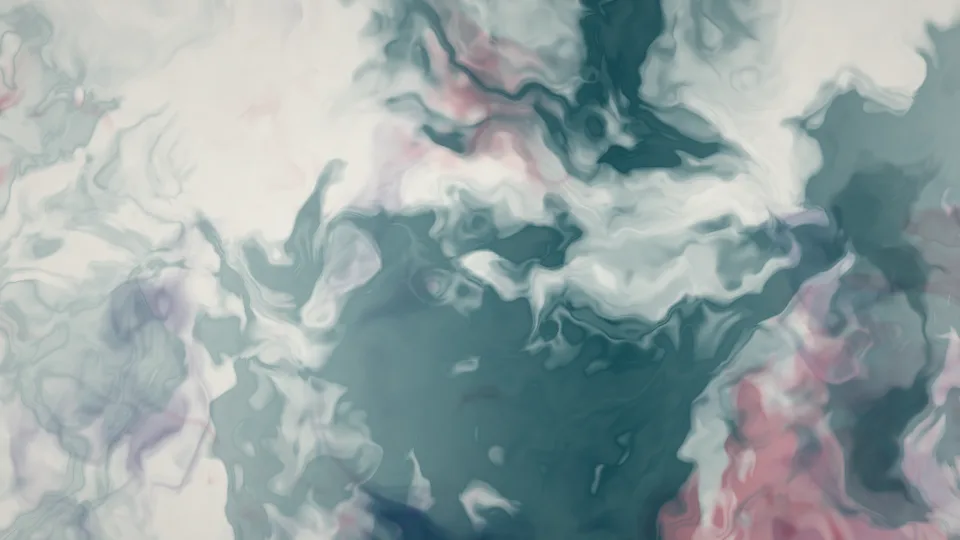
Ink in Water
Teal, indigo, and crimson ink unfurling in clear water.
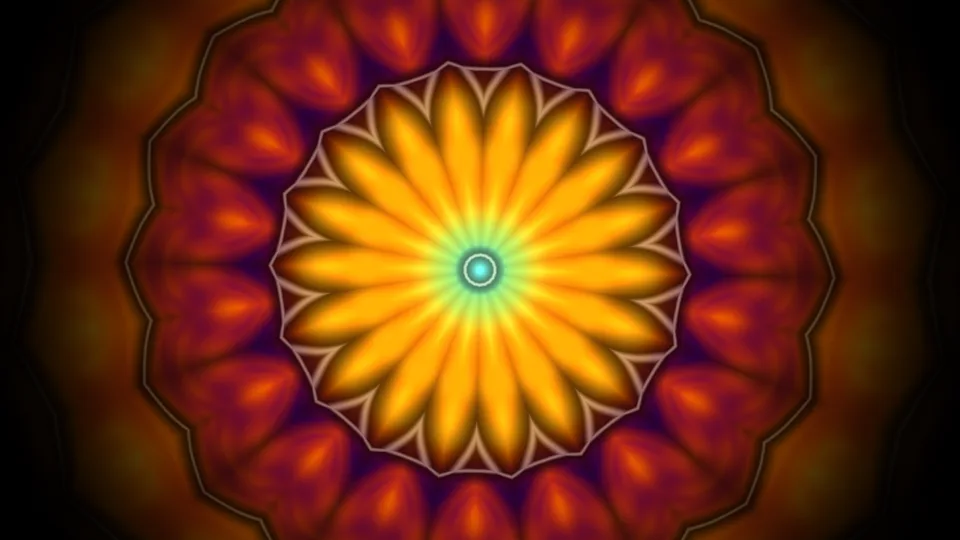
Kaleidoscope
A mirrored pattern of jewel colors, always rearranging.
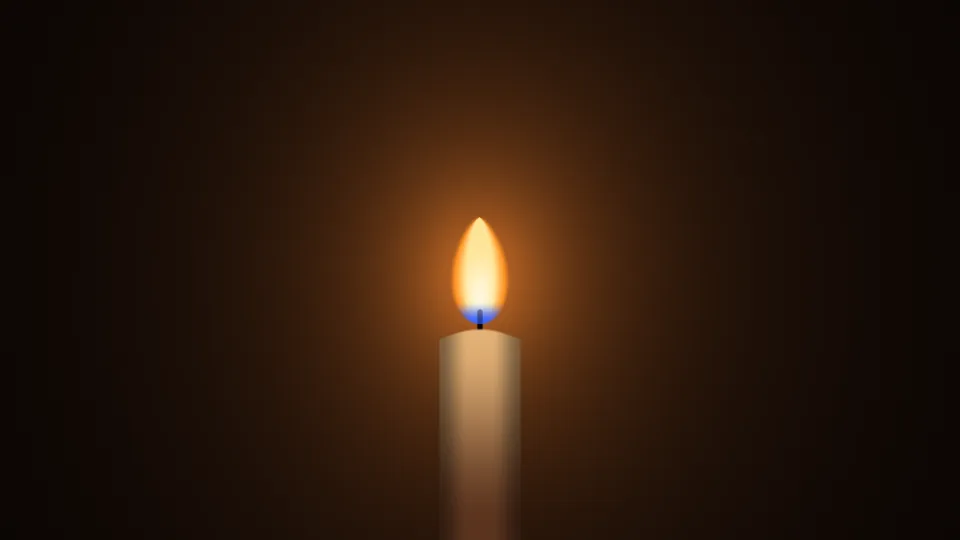
Candlelight
One candle flame, leaning and steadying in the dark.
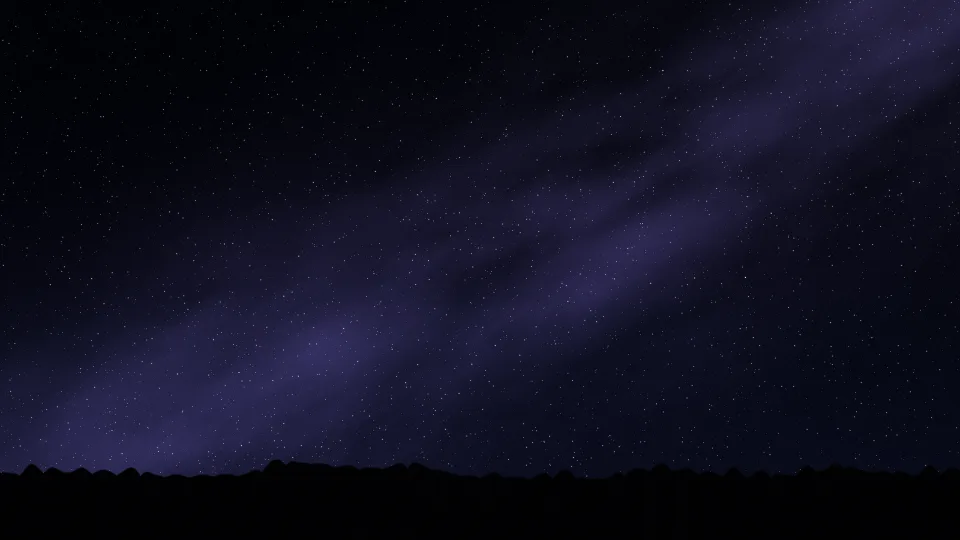
Meteor Shower
Shooting stars crossing a clear night sky.
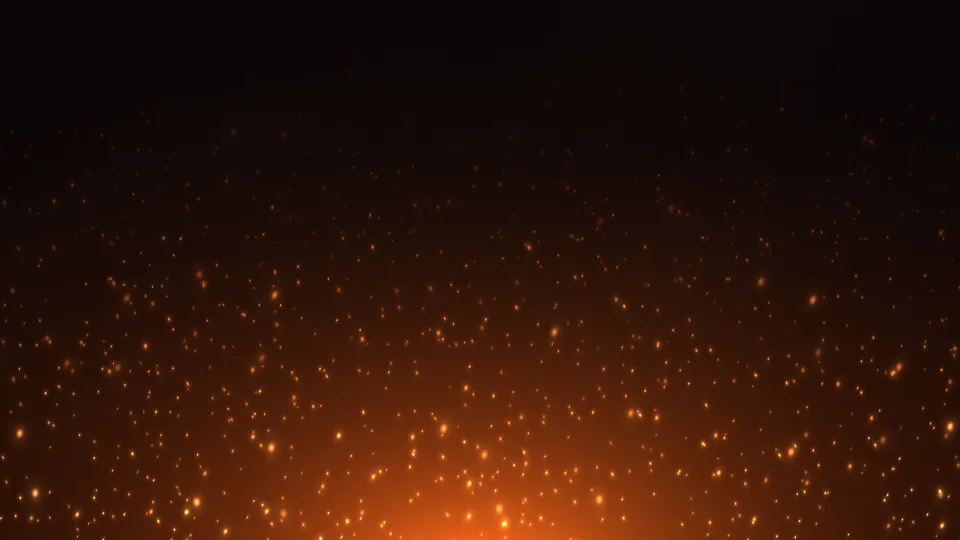
Campfire Embers
Orange sparks rising from a fire into the dark.
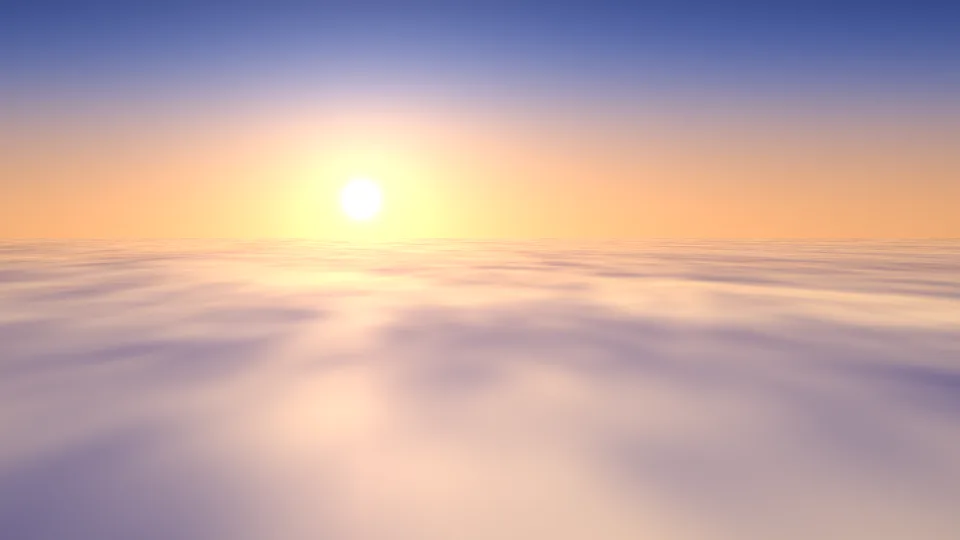
Sea of Clouds
Sunrise over a blanket of cloud, seen from above.
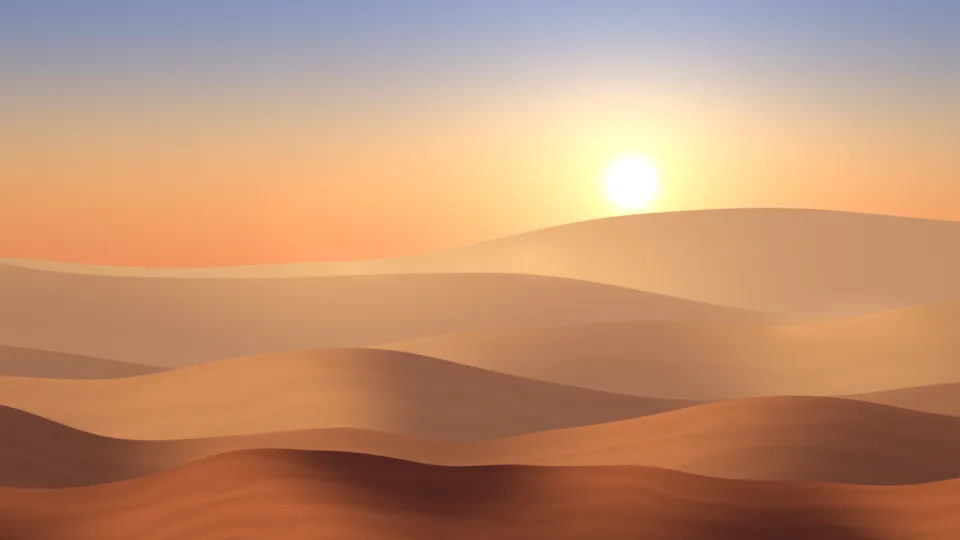
Desert Dunes
Layers of sand dunes under a hazy sun.
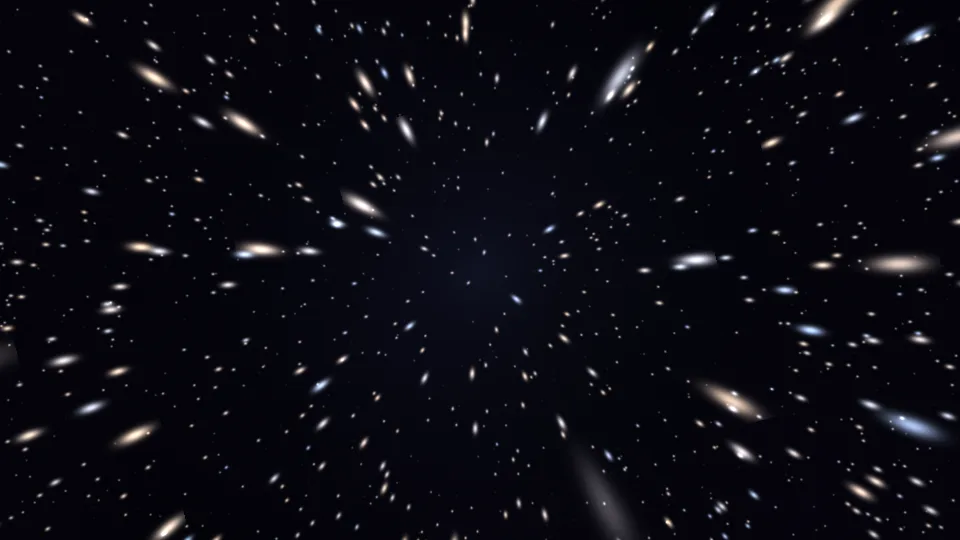 Fast motion
Starfield Warp
Stars streaming out from the center at an easy pace.

Light Leaks
Warm washes of orange and rose light with a little grain.
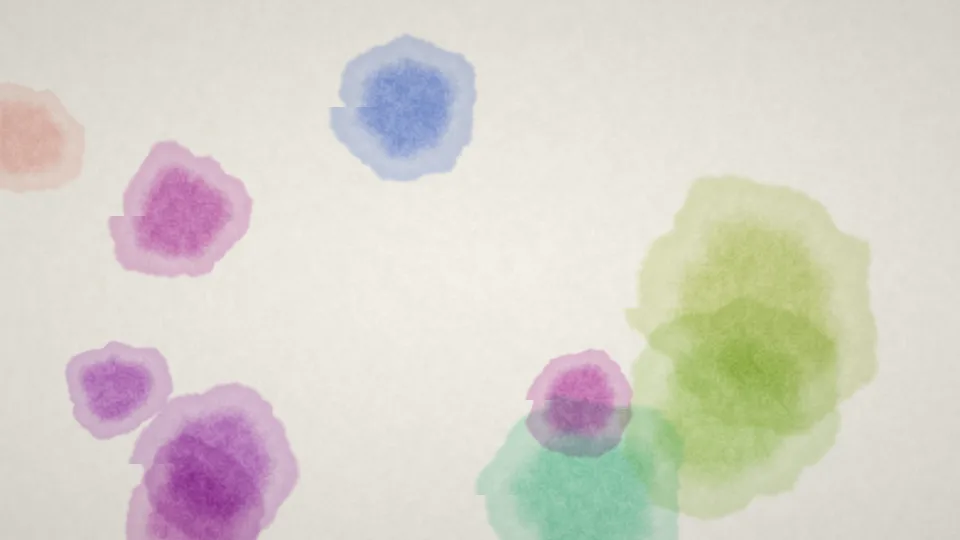
Watercolor Bloom
Blots of watercolor spreading on textured white paper.
 Dense dots
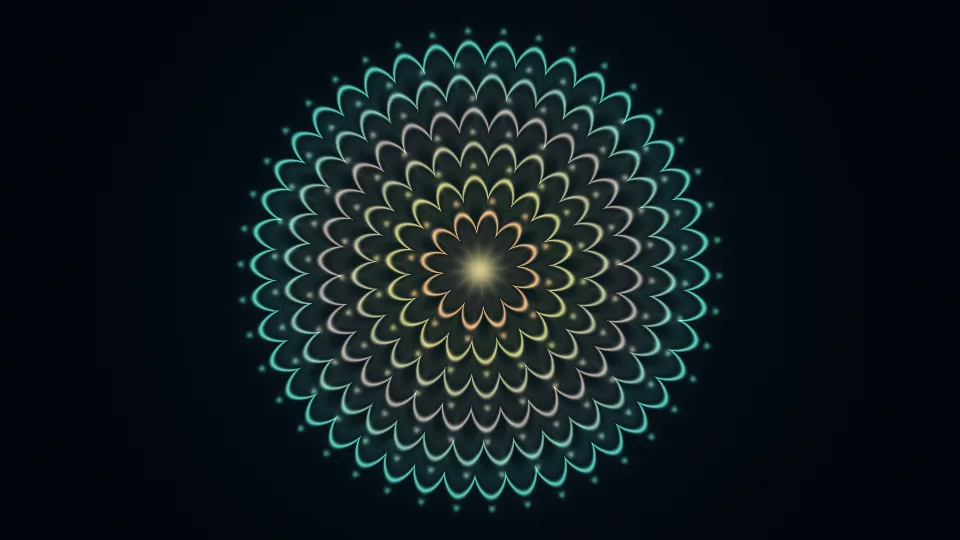
Mandala Breath
Gold and teal rings of petals, swelling and settling.
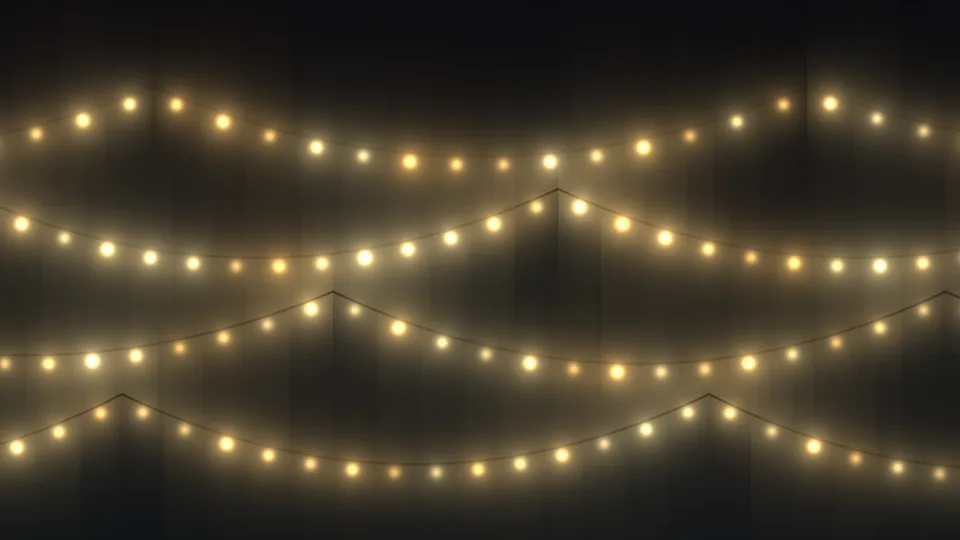
Fairy Lights
Strings of warm bulbs, gently brightening and dimming.
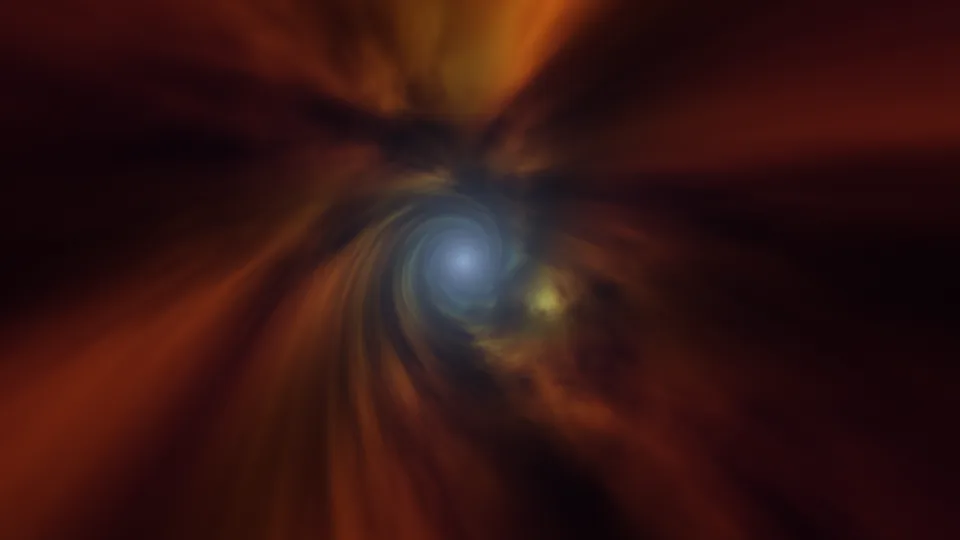
Wormhole
A slow flight down a swirling tunnel of colored gas.

Quiet Snowfall
Soft snow falling at dusk over snow-covered pines.
Cotton Candy Sky
Soft pink, peach, and lavender haze, slowly folding.
Kelp Forest
Tall kelp swaying in green-blue, sunlit water.
 Fast color change
Retro Plasma
Blocky blobs of saturated color from old computer demos.
Window Light
Afternoon sun through blinds, striped across a wall.
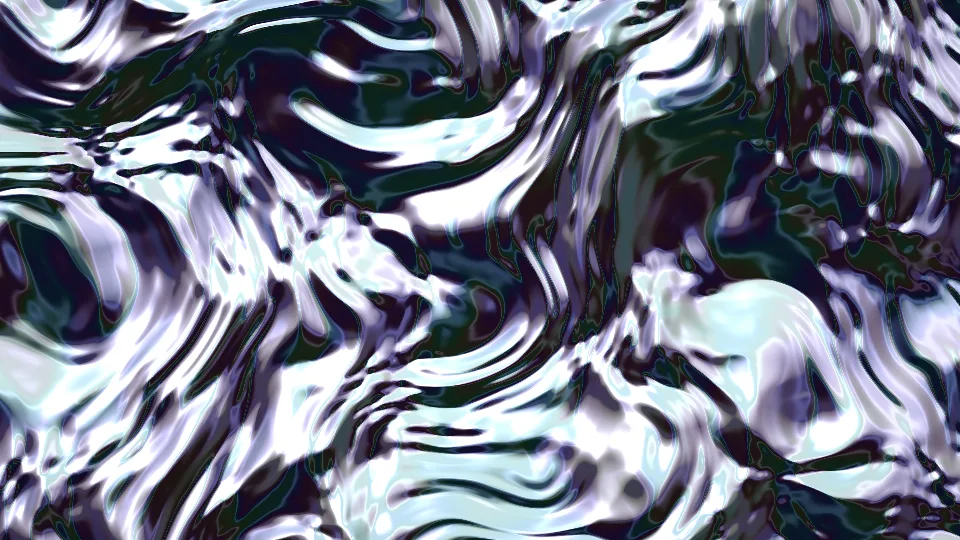
Liquid Chrome
Liquid metal rippling with bright white highlights.
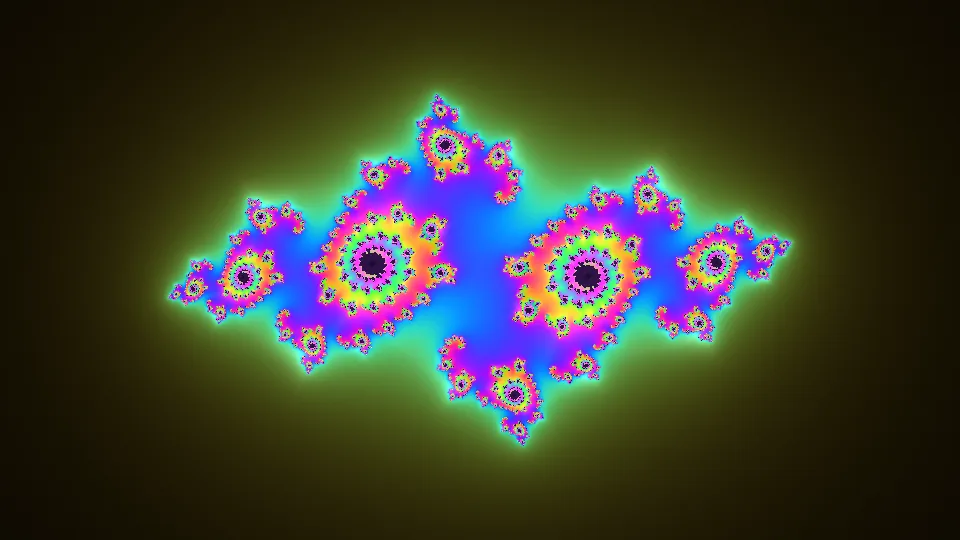
Julia Bloom
A Julia set fractal that keeps changing shape.
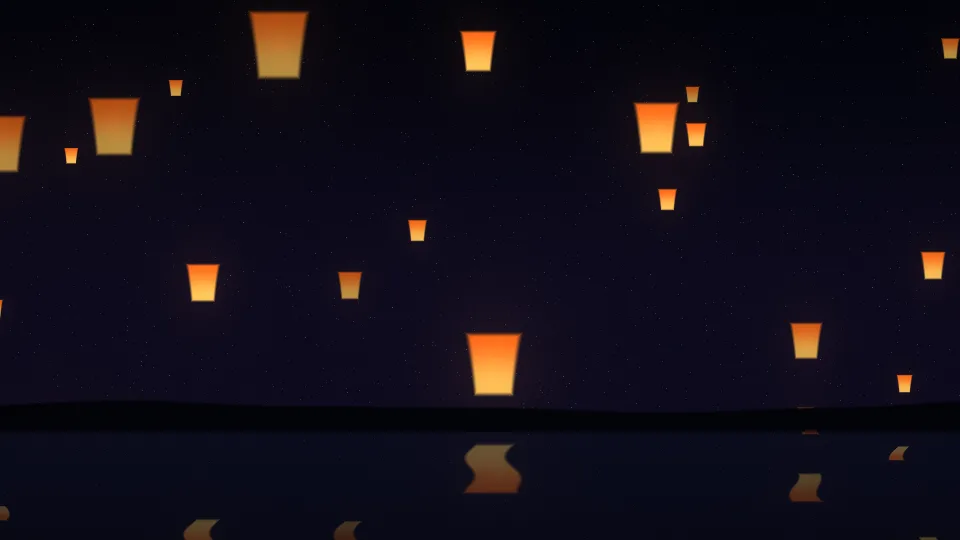
Lantern Festival
Paper lanterns rising into the night above still water.
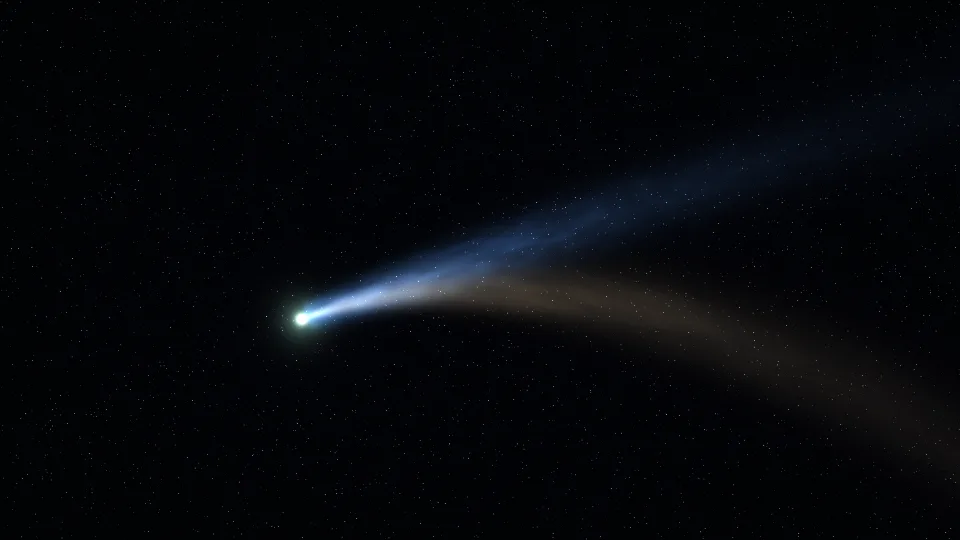
Comet
A bright comet with a blue ion tail and a golden dust tail.

Cherry Blossom Drift
Pink petals tumbling across a pale spring sky.
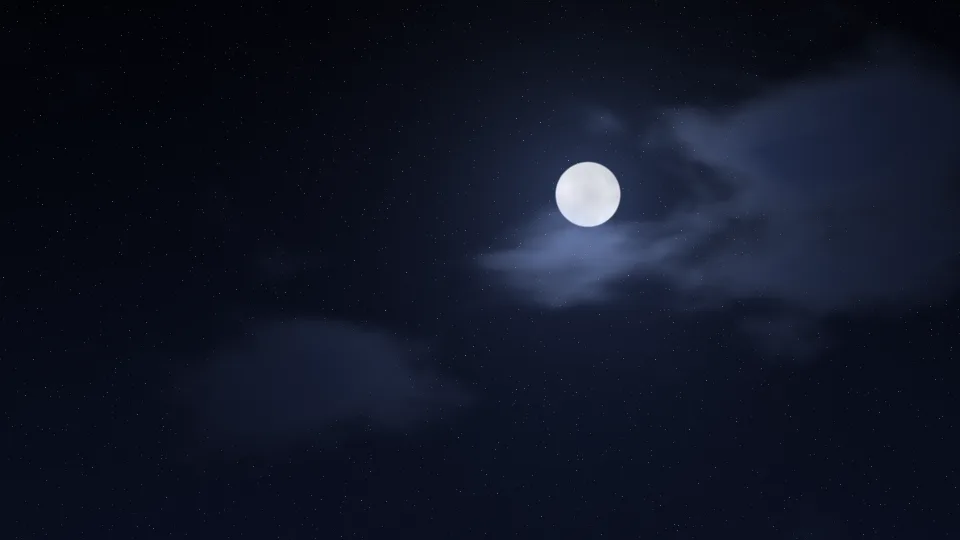
Moonlit Clouds
A full moon behind drifting, silver-edged clouds.
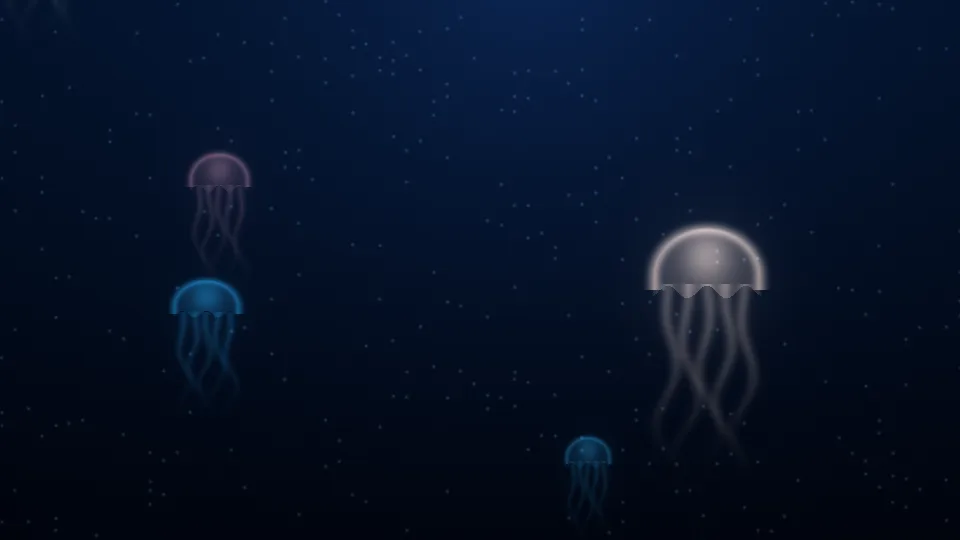
Jellyfish Drift
Glowing jellyfish pulsing upward through deep blue water.
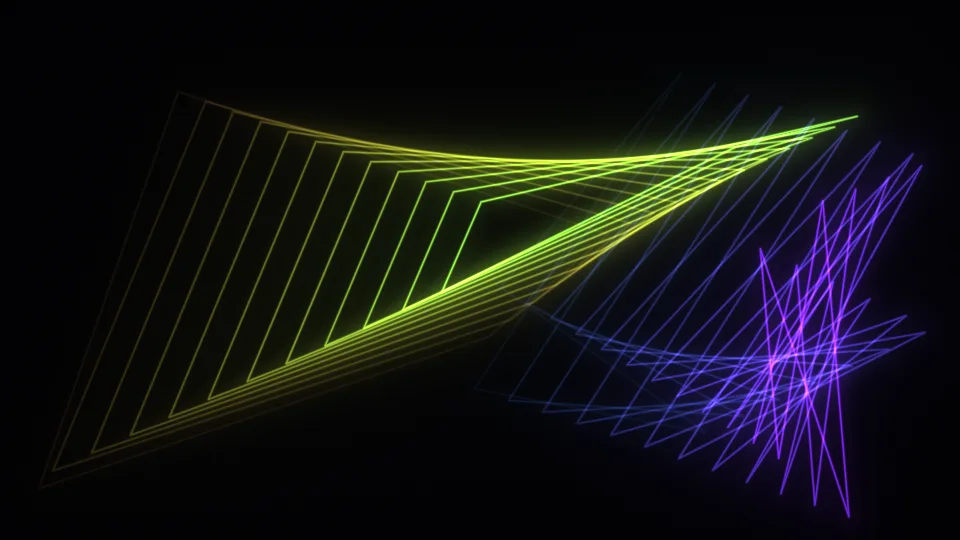
Mystify
Two glowing polygons bouncing and leaving fading trails.
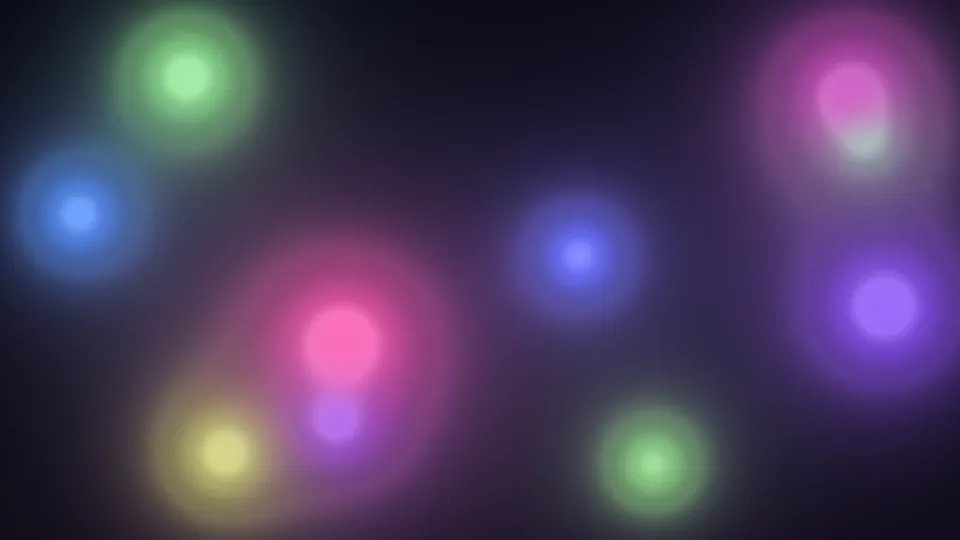
Soft Orbs
Balls of colored light drifting and merging in the dark.
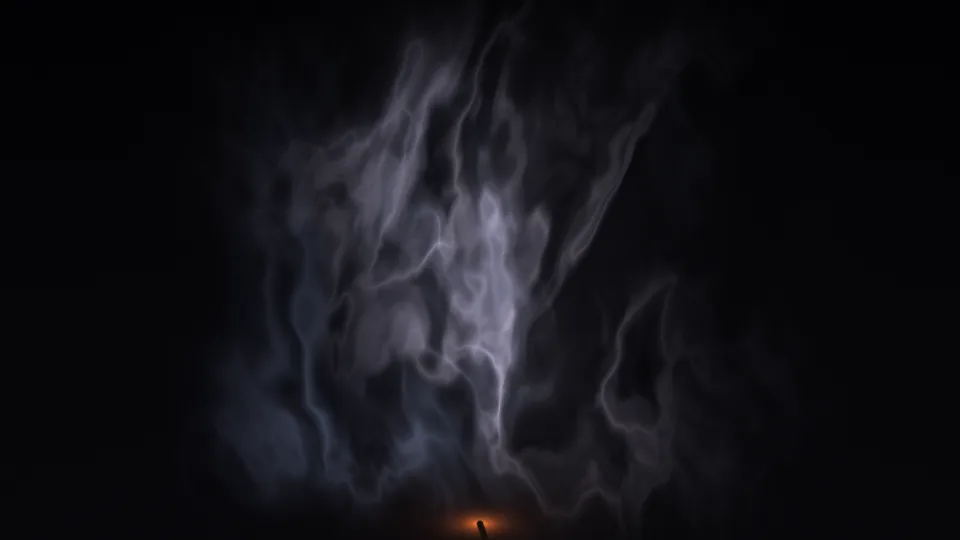
Smoke Wisps
Thin incense smoke curling into ribbons in the dark.
 Stripes
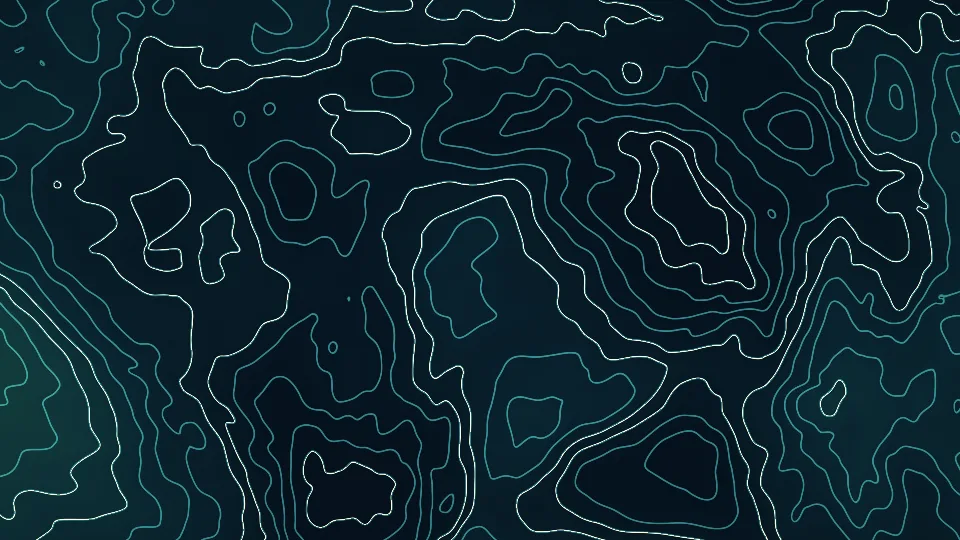
Contour Lines
A slowly changing map of fine teal contour lines.
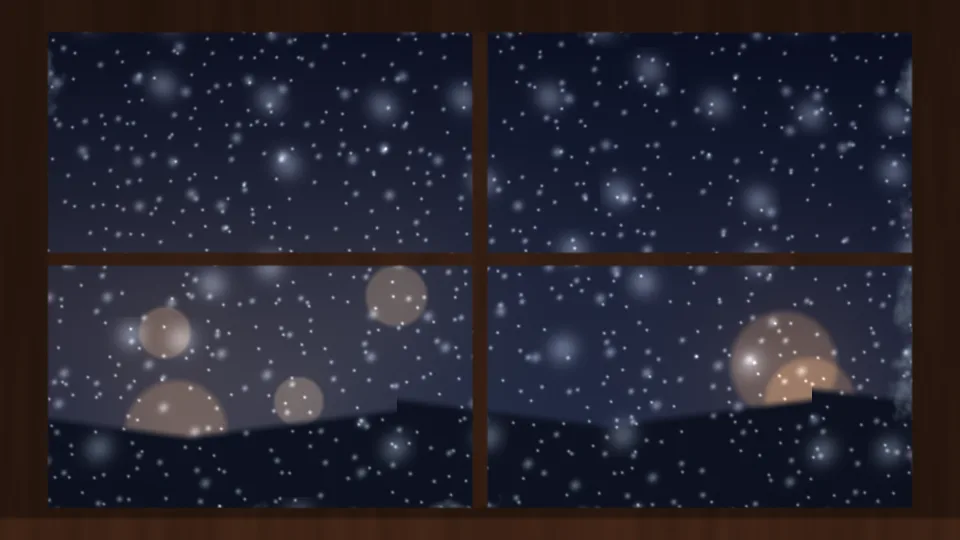
Snowy Window
Snow and warm street lights beyond a frosted window.
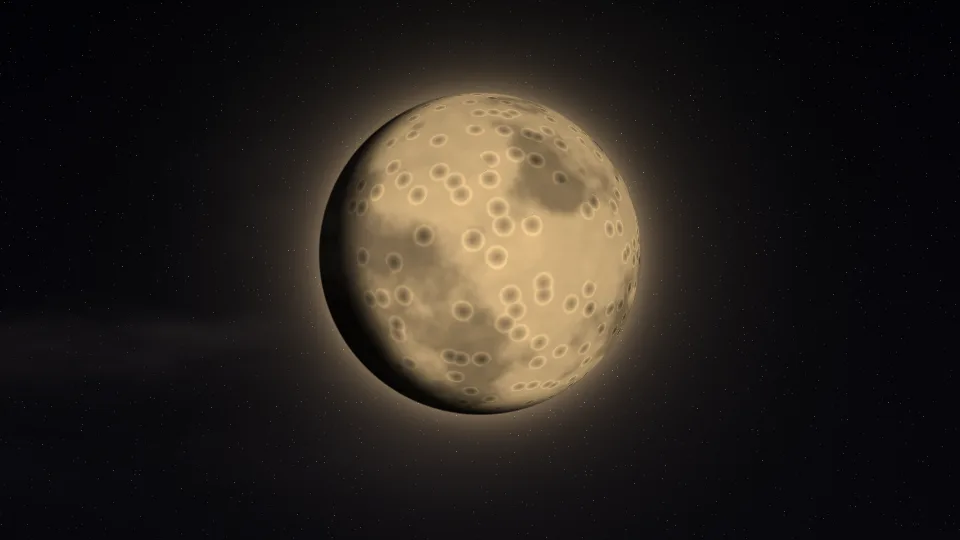
Harvest Moon
A large golden moon whose phase slowly changes.

Autumn Leaves
Red and gold leaves spinning down through amber light.
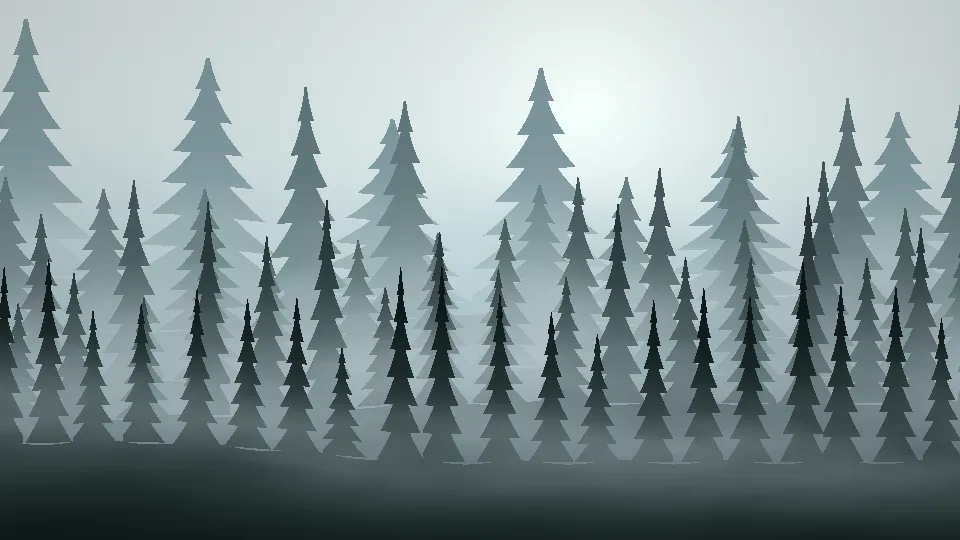
Pine Fog
Rows of pines fading into pale morning fog.
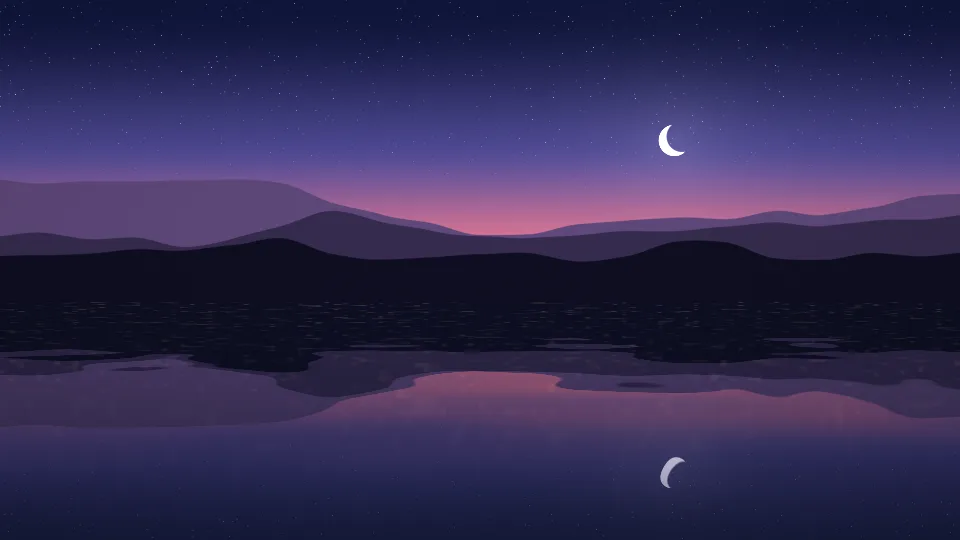
Lake at Dusk
Mountains and a crescent moon mirrored in a still lake.
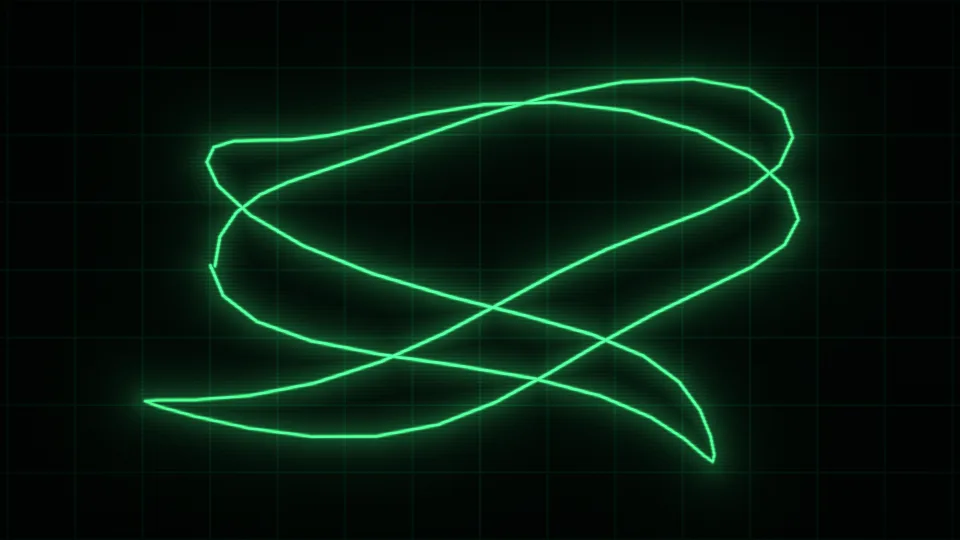
Oscilloscope
A green trace looping through Lissajous figures.
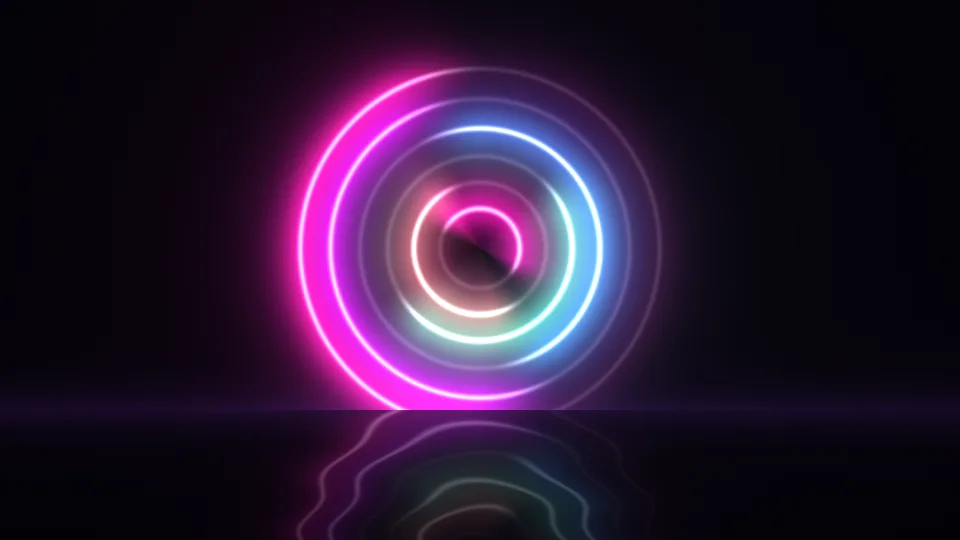
Neon Halo
Neon rings turning above a dark, glossy floor.
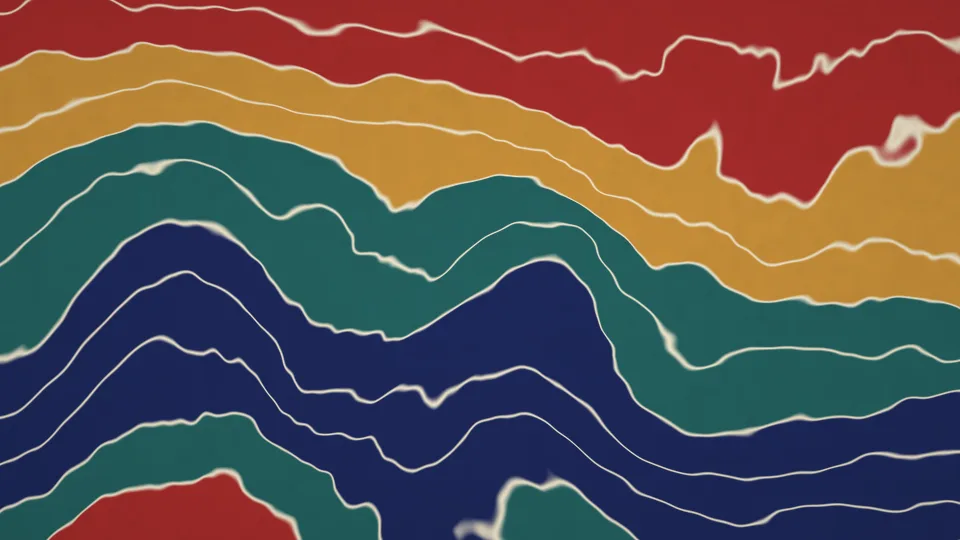
Paper Marbling
Bands of indigo, ochre, and crimson pulled into waves.
 Stripes
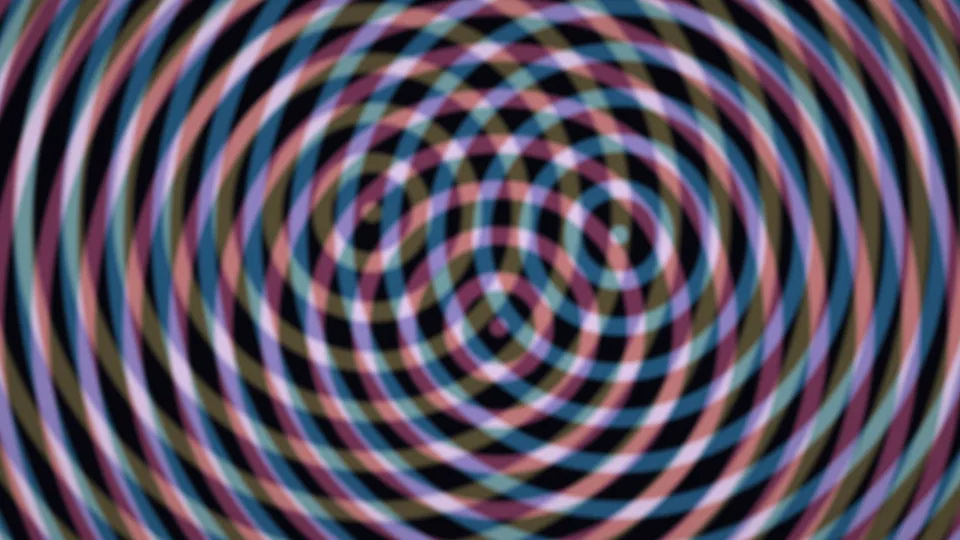
Moiré Rings
Three sets of rings sliding into moiré patterns.
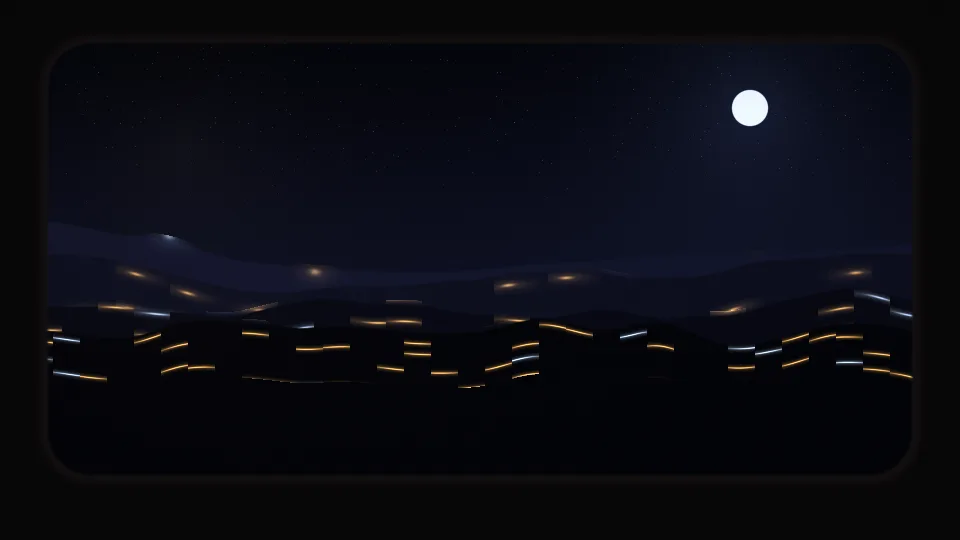
Night Train
Dark hills and distant lights passing a train window.
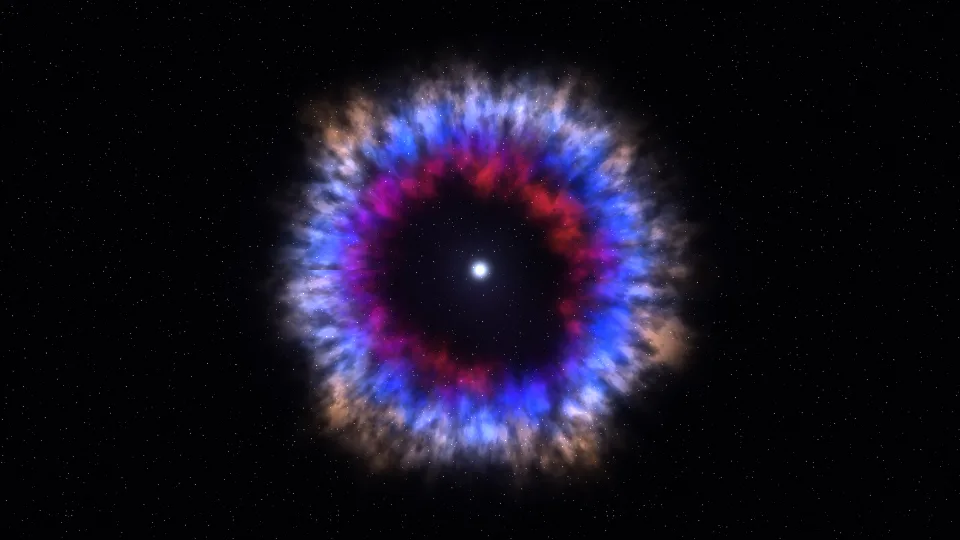
Supernova Remnant
Rings of blue, red, and gold gas around a small white star.
Sunbeam Dust
Dust motes glinting in a shaft of sunlight.
Balloon Dawn
Striped hot air balloons drifting across a dawn sky.
Summer Meadow
Golden grass swaying in a warm evening breeze.
Circuit Glow
Pulses of light running along circuit board tracks.
 Stripes
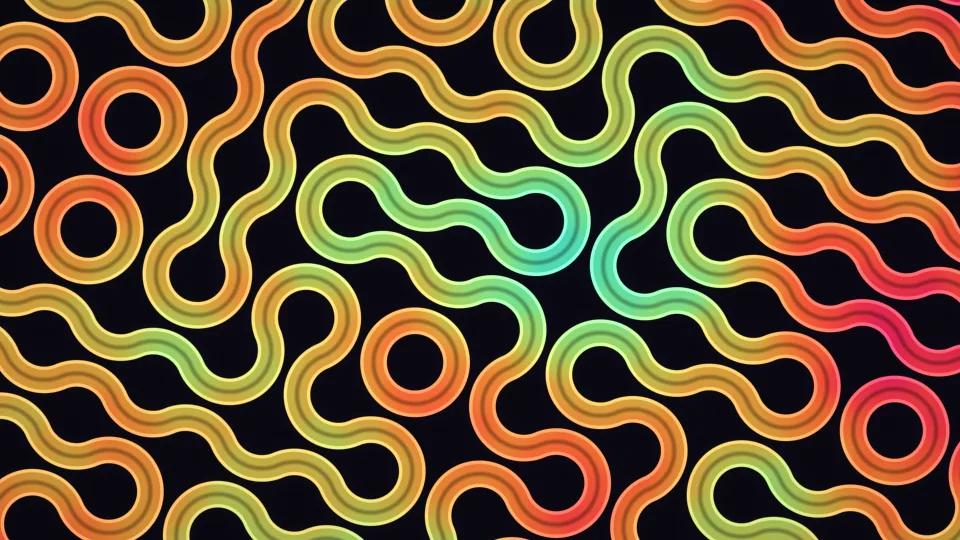
Truchet Weave
Rounded ribbons of color winding through loops and curves.
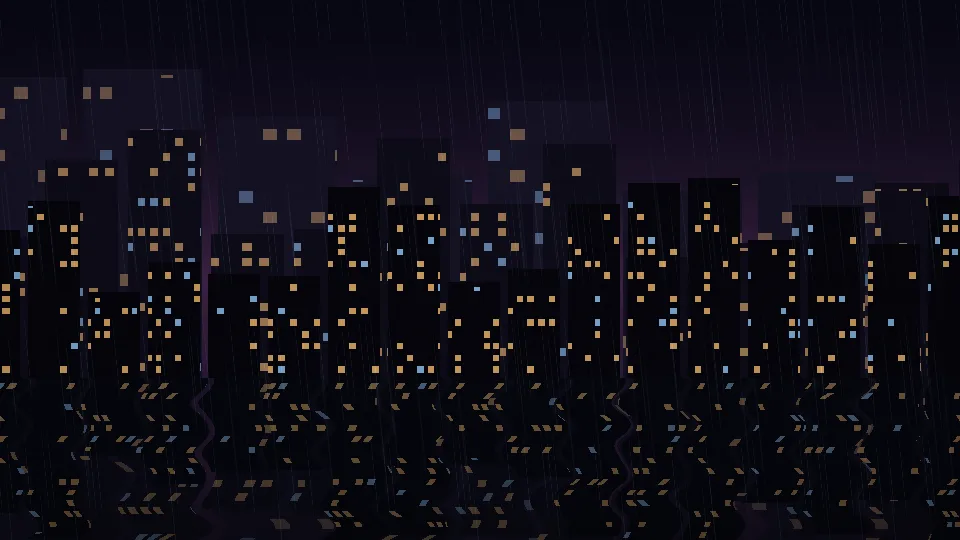
Rainy City Night
A lit skyline reflected in wet ground on a rainy night.
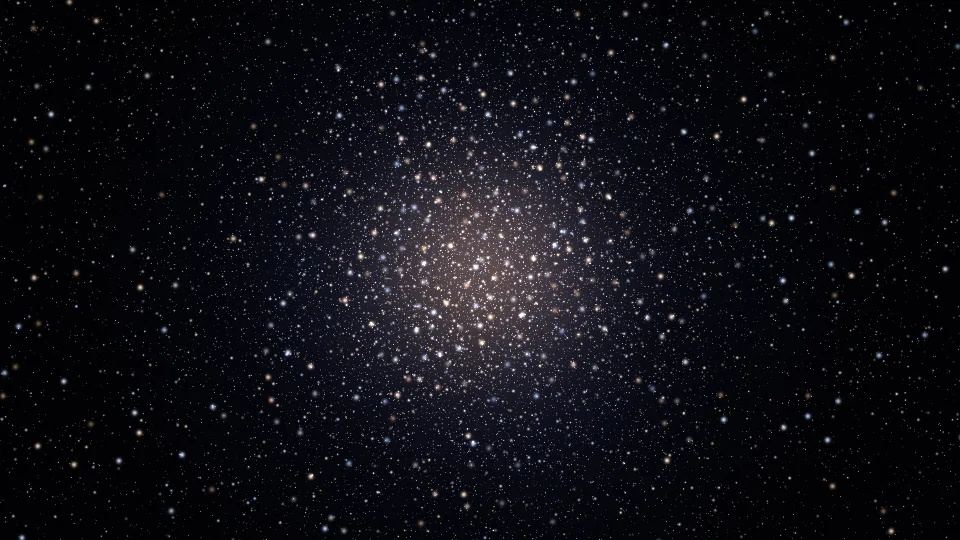
Star Cluster
Thousands of stars gathered around a bright center.
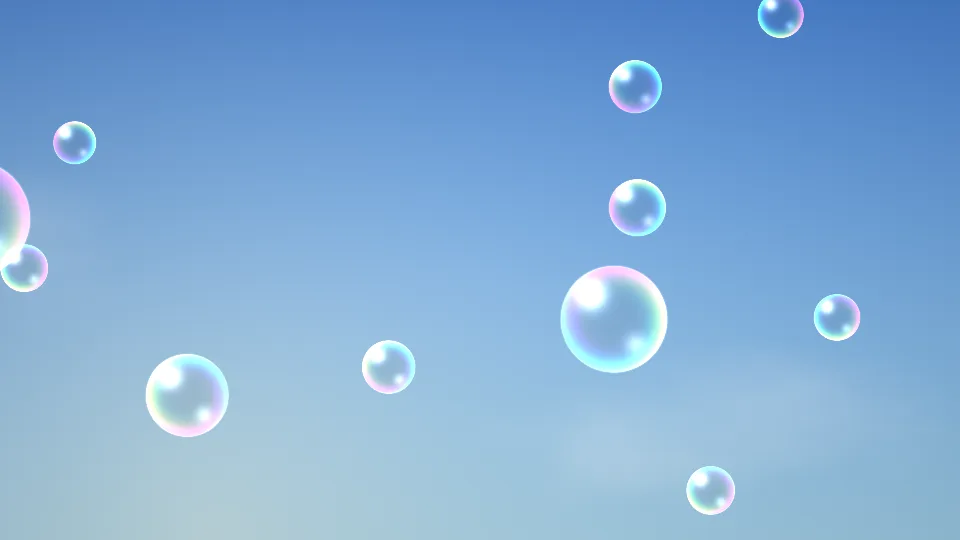
Soap Bubbles
Rainbow-rimmed bubbles rising against a blue sky.
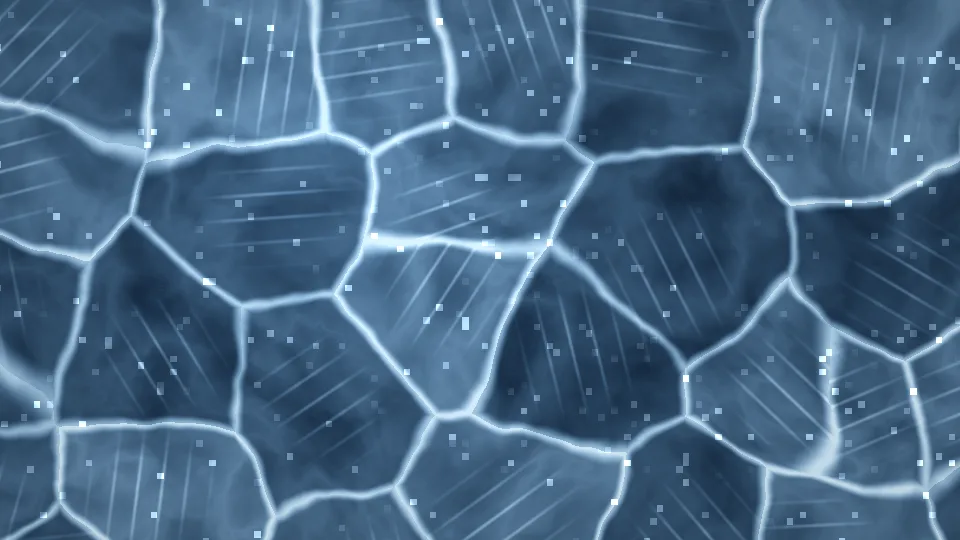
Frozen Lake
Thick blue ice, pale cracks, and glinting frost.
 Stripes
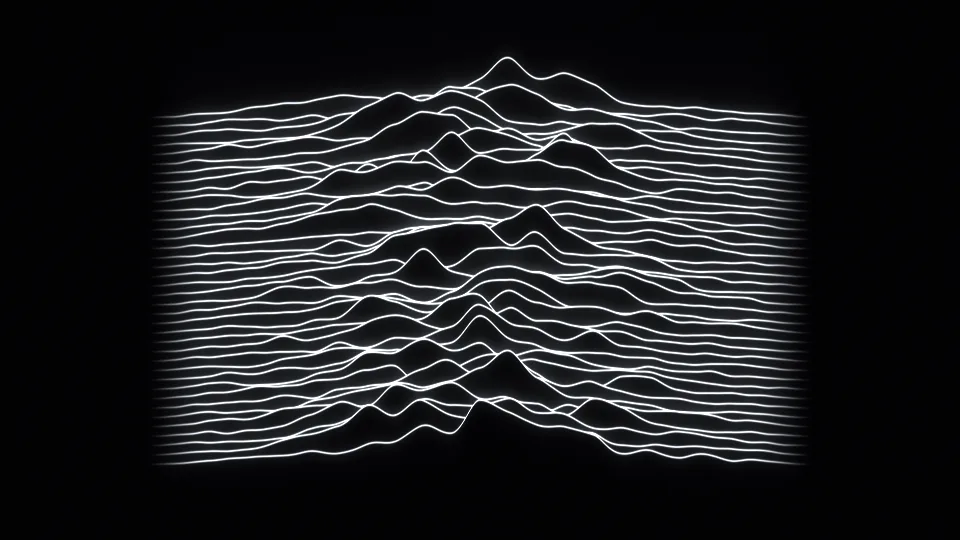
Radio Waves
Stacked white lines rising into peaks like a mountain range.
 Stripes
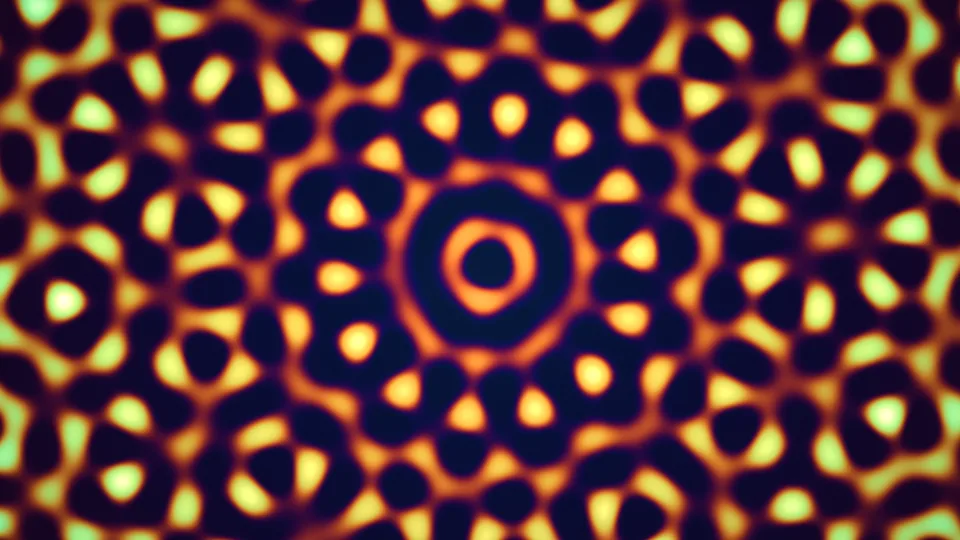
Quasicrystal
A glowing pattern with symmetry that never quite repeats.
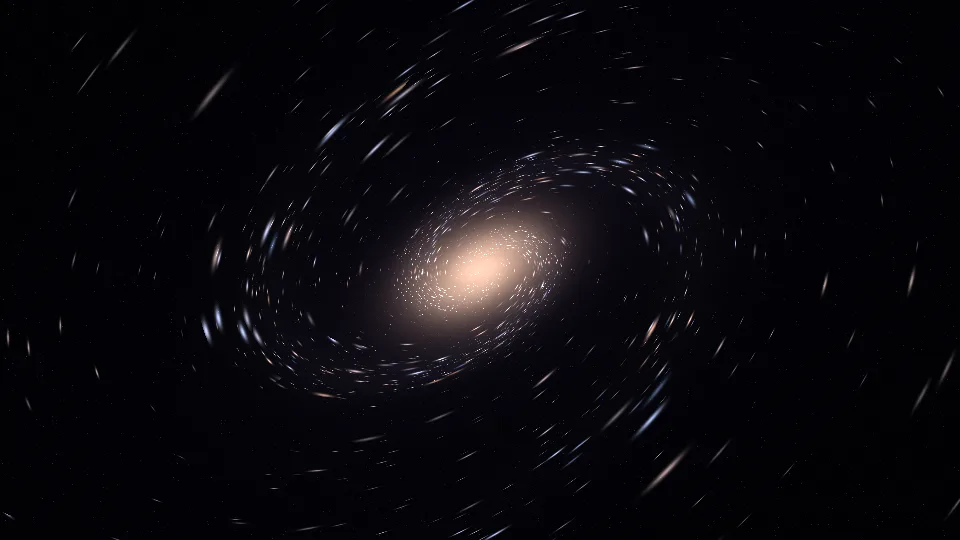
Stardust Spiral
A tilted spiral galaxy made of points of light.
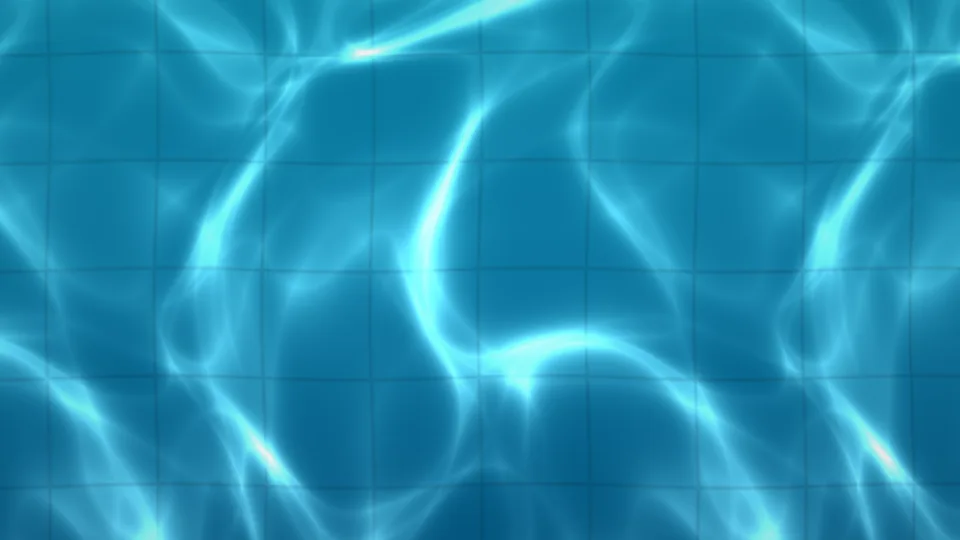
Pool Caustics
Nets of sunlight wobbling over turquoise pool tiles.
 Stripes
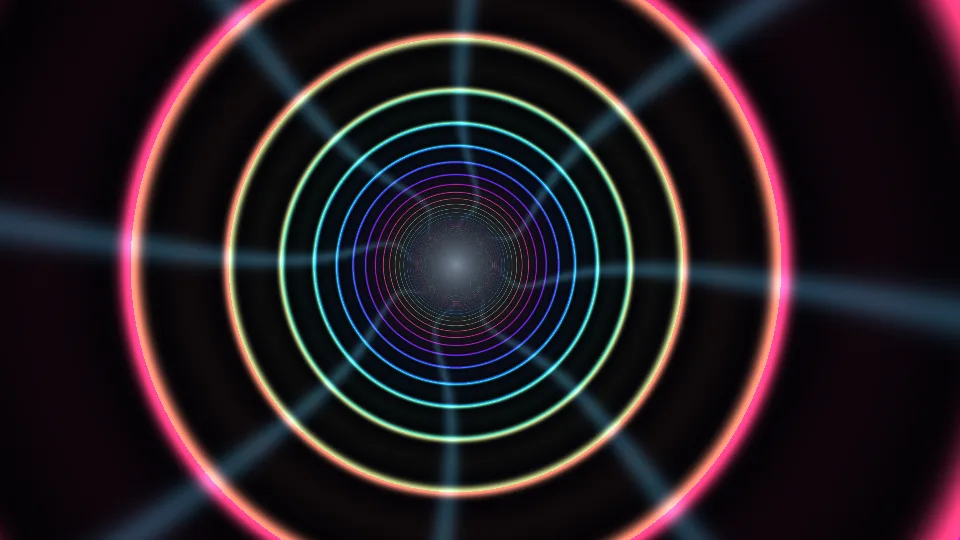
Light Tunnel
A glide down a tunnel of color-changing neon rings.
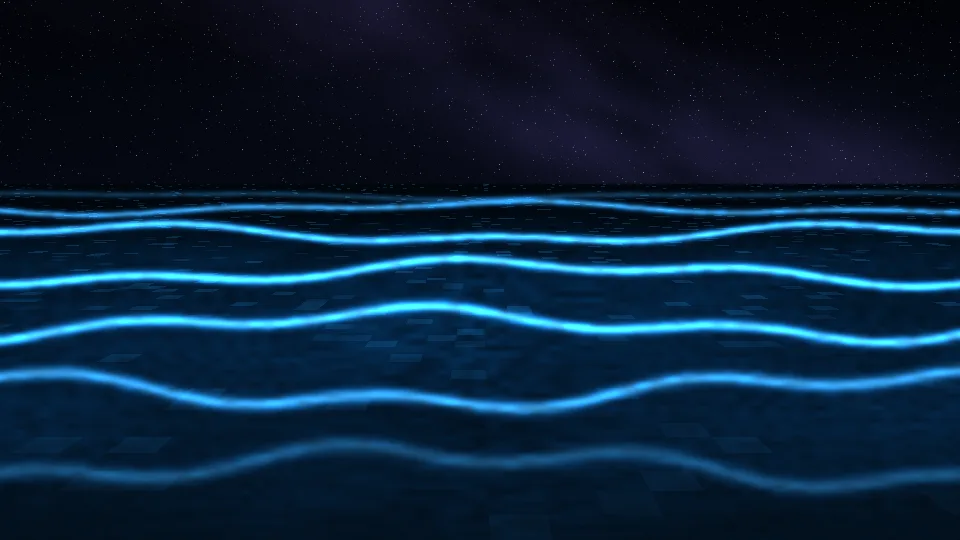
Glowing Tide
Small waves lighting up electric blue on a night beach.
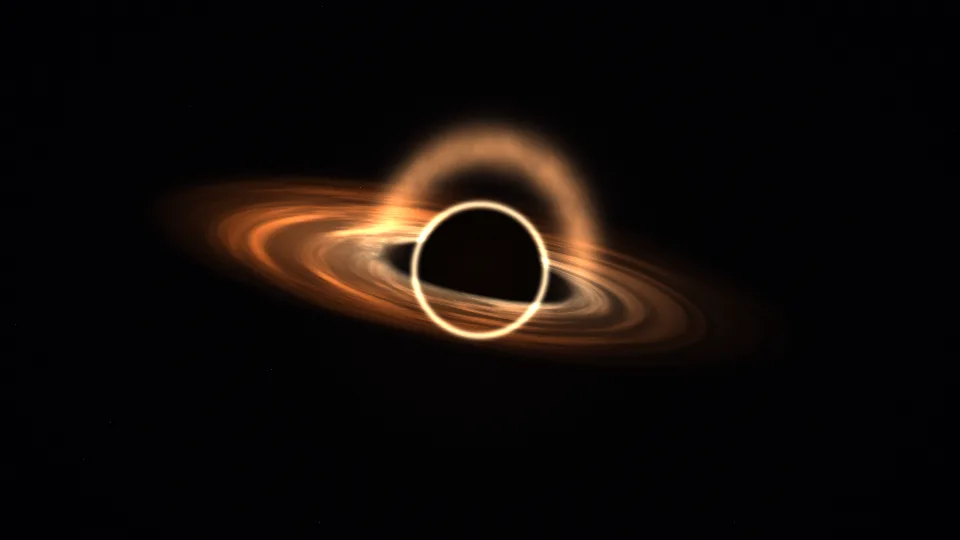
Event Horizon
A black hole bending the light of its own disk.
Misty Peaks
Mountain ridges fading into dawn mist.

Lava Lamp
Warm wax rising, merging, and drifting apart.
Stained Glass
Jewel-colored panes with light moving behind them.
Solar Corona
The Sun up close, wrapped in slow streamers.
Sunlit Deep
Shafts of sunlight reaching into blue water.
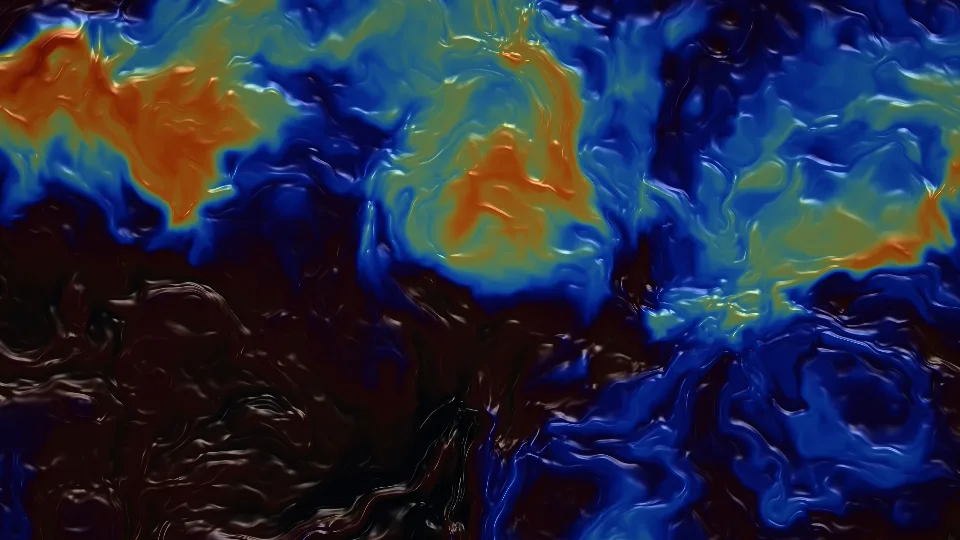
Oil & Water
An iridescent film curling across dark water.
 Dense dots
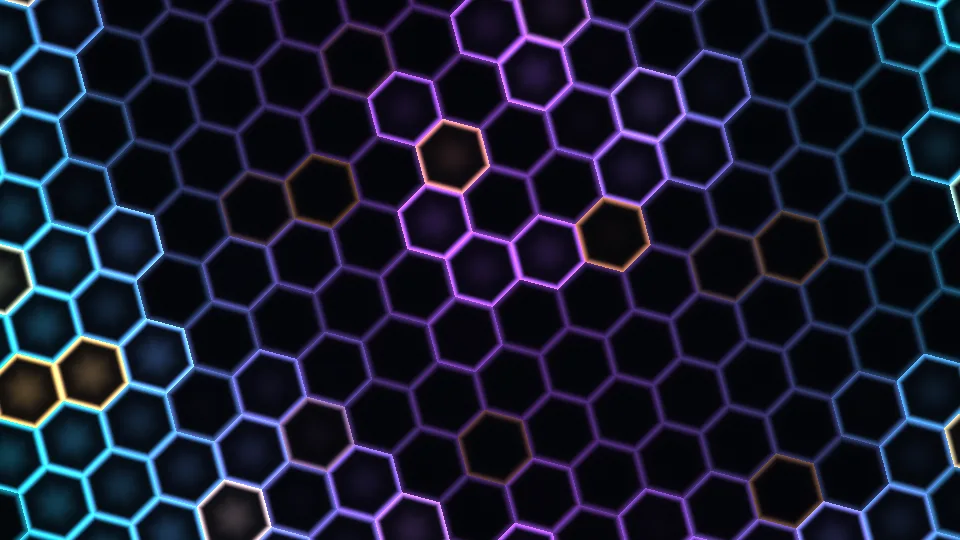
Honeycomb Pulse
Waves of light crossing a glowing comb.
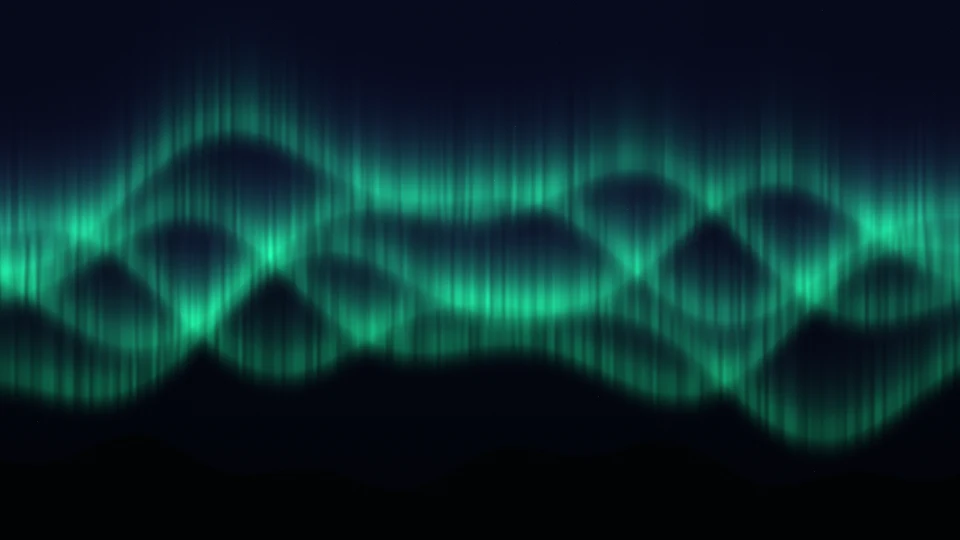
Northern Lights
Luminous curtains above a still horizon.
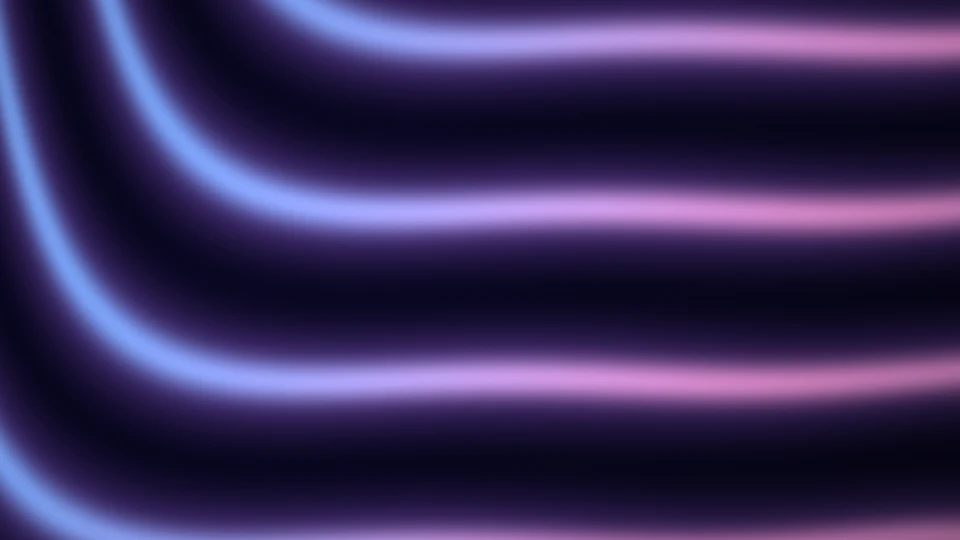
Silk Flow
Iridescent fabric, caught in a gentle current.
Velvet Nebula
Rose and indigo clouds drifting among stars.
Prism Bloom
Petals of light unfolding in perfect symmetry.
Star Nest
A slow journey through a field of stars.
Moonlit Sea
Moonlight reflected on a quiet sea.
Open Ocean
Rolling blue waves beneath a low sun.
Distant Galaxy
A spiral of starlight in the deep dark.
 Fast color change
Color Melt
Pools of vivid color, endlessly folding.
Marble Drift
Blue marbling with an unhurried rhythm.
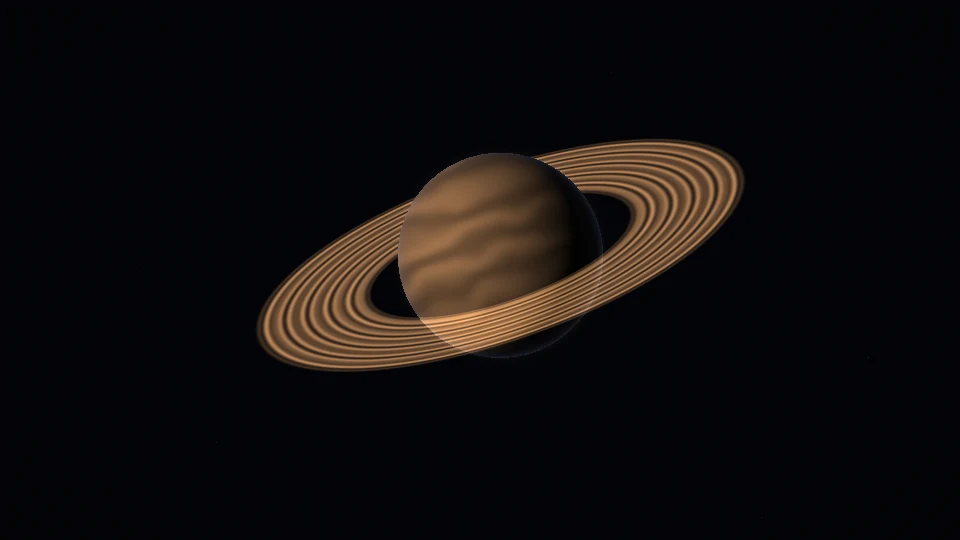
Saturn Orbit
A ringed world, suspended in soft light.
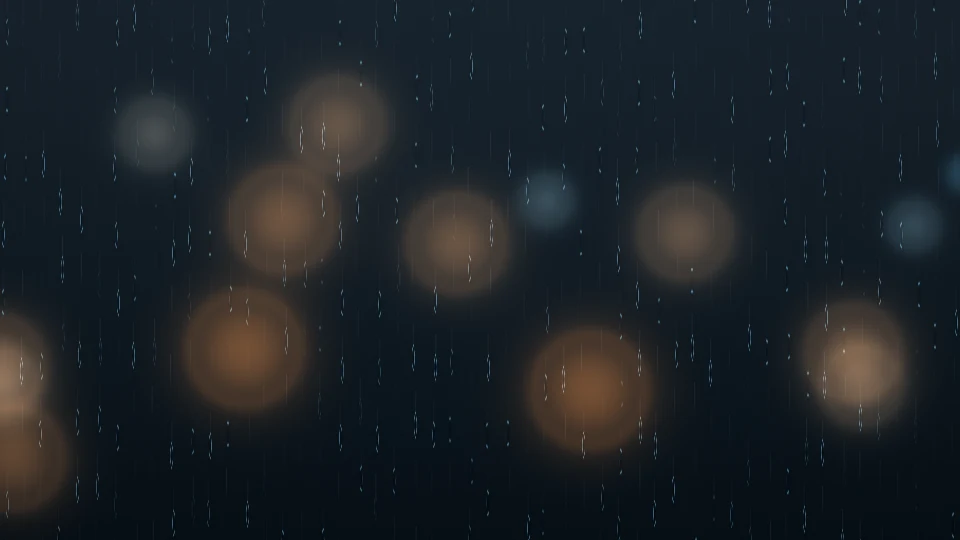
Rain on Glass
Cool raindrops and warm, distant city lights.
Liquid Gold
Warm metallic ripples with an amber glow.
Opal Rings
Pearlescent circles, gently breathing.
Ribbon Waves
Fine threads of light moving as one.
 Stripes
Luminous Lattice
A delicate grid with softly wandering light.
Aizawa Bloom
A sphere with a tube through its middle, wound by one steady equation.
Thomas Labyrinth
Three identical equations, one per axis, wandering a maze of loops.
Halvorsen Triad
Three lobes that turn the same way whichever axis you look down.
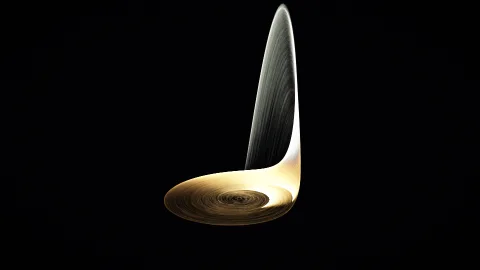
Rössler Band
A flat spiral that lifts into a fold and drops back in, again and again.
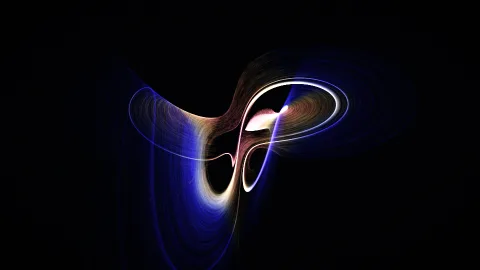
Dadras Scroll
Two scrolls trading a thread of light between them.
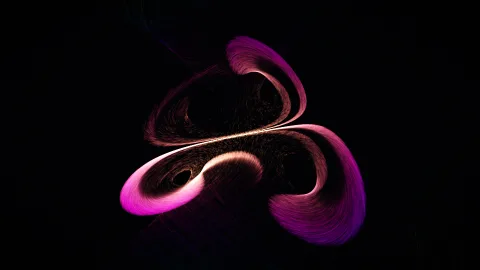
Four Wings
Four wings around one center, beating in no regular order.
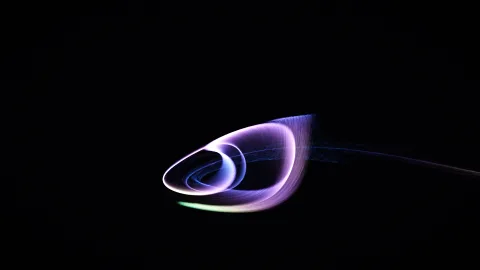
Rabinovich Shell
A curled shell from a model of waves in a plasma.
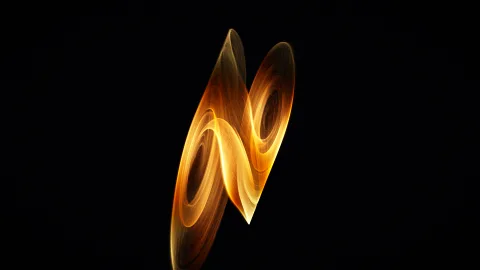
Chua Double Scroll
The double scroll of Chua’s circuit: a few cheap parts that behave chaotically.

Nosé–Hoover Tori
Nested shells from a model of heat, each point held to its own.
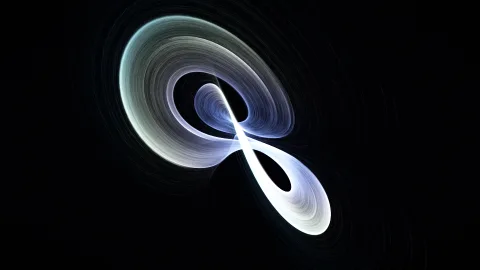
Burke–Shaw Ribbon
A twisted ribbon that loops around itself and never closes.
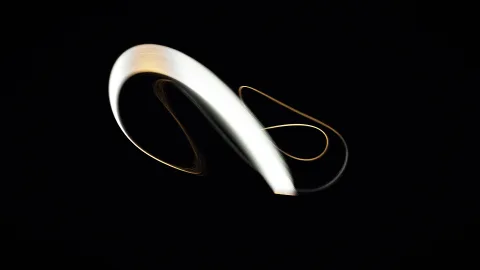
Arneodo Shell
A spiral that grows, folds over, and starts again from the inside.
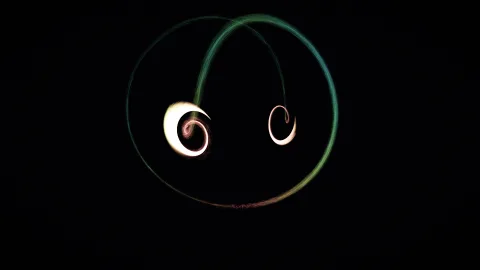
Shimizu–Morioka Wings
Two small wings joined by one long outer loop.
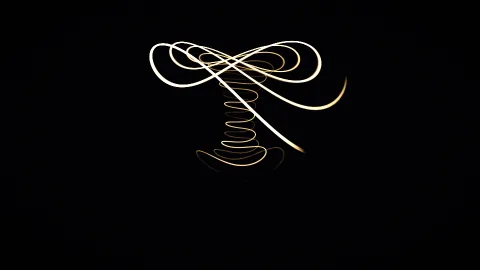
Dequan Li Spring
A coiled spring with a pair of wide wings on top.
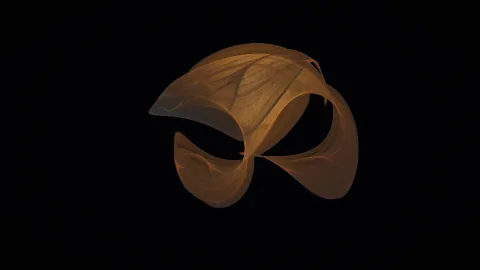
Clifford Silk
A two-line formula, repeated millions of times a second, folding into silk.
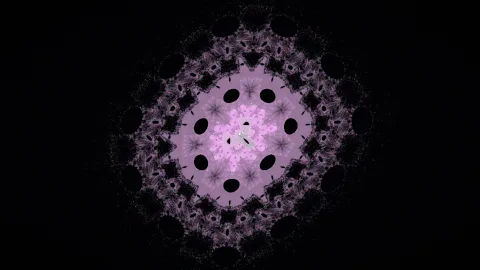
Hopalong Quilt
Barry Martin’s hopping map, stitching a quilt as it goes.
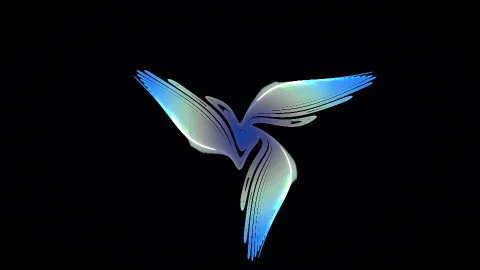
Gumowski–Mira Bloom
A map from particle-accelerator research that grows birds and flowers.
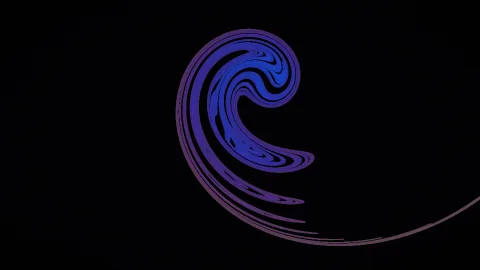
Ikeda Spiral
Light circling inside a laser cavity, as a map. It curls like a wave.
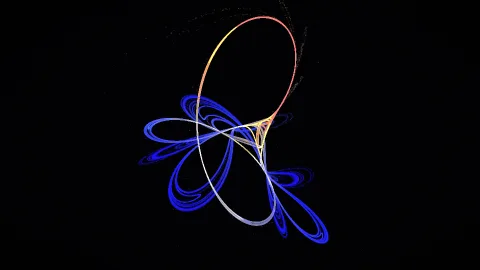
Tinkerbell Orbit
A quadratic map whose points never settle and never leave.
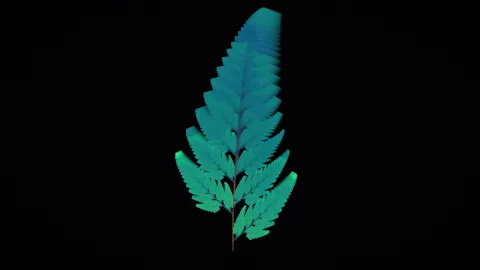
Chaos Fern
Four simple rules picked at random, and a fern appears. It sways if you let it.
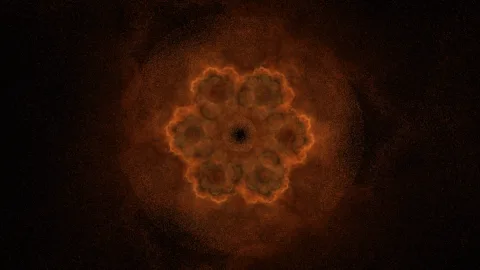
Fractal Flame
Three bent copies of the plane, chosen at random, glowing where they agree.
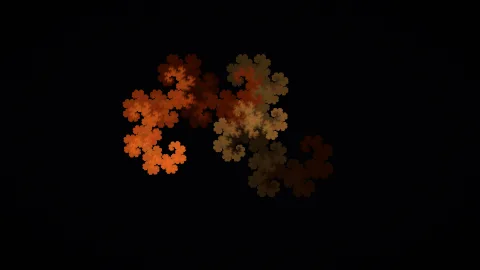
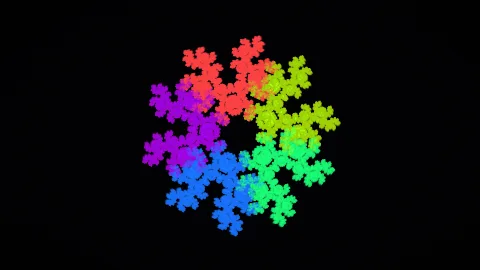
Dragon Curve
The paper-folding dragon, built from two rules picked at random.
 Dense dots
Chaos Game
Jump part of the way to a random corner, never the same one twice, and a pattern appears.

Duffing Section
A forced, damped spring, photographed once per swing.
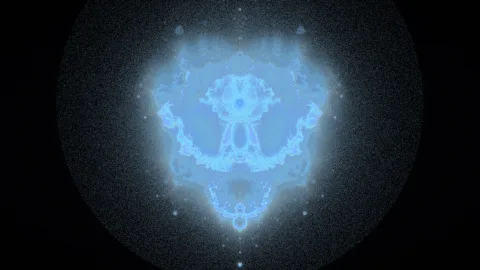
Mandelbrot Nebula
Every orbit that escapes the Mandelbrot set, drawn as it flies.
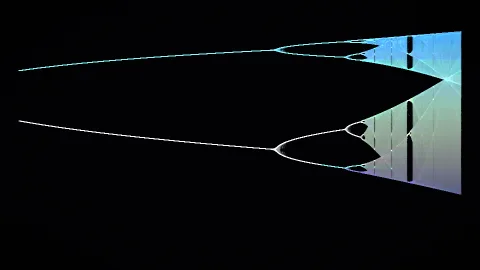
Bifurcation Tree
One simple equation: order splits in two, again and again, then turns to chaos.
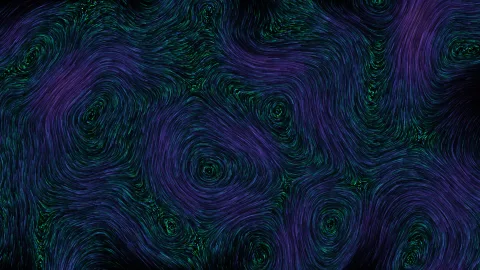
Curl Currents
Threads of silk on a slowly turning current, a few bright among many dim.
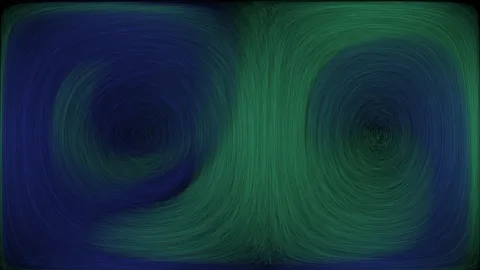
Ocean Gyres
Two ocean gyres breathing back and forth, stirring their waters together.
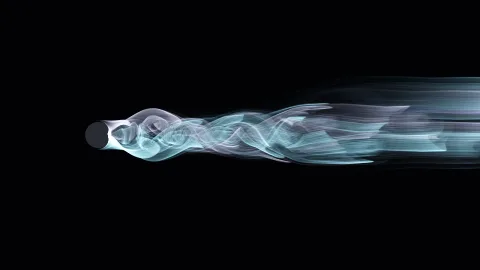
Vortex Street
A stream flows past a post and sheds whirlpools: left, right, left.
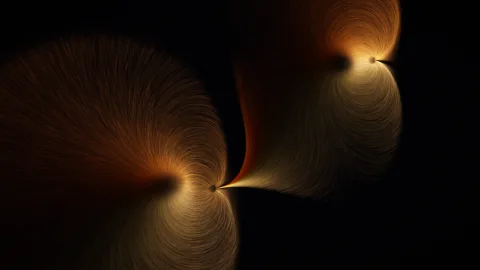
Magnet Lines
Field lines running from north poles to south as the magnets drift.
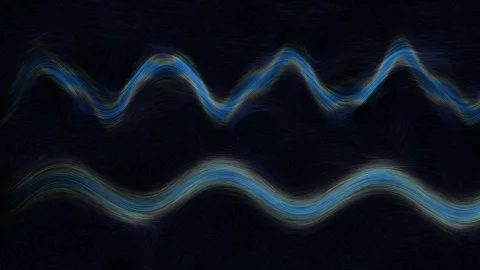
Jet Streams
Two jet streams snaking around the globe, dragging eddies along.
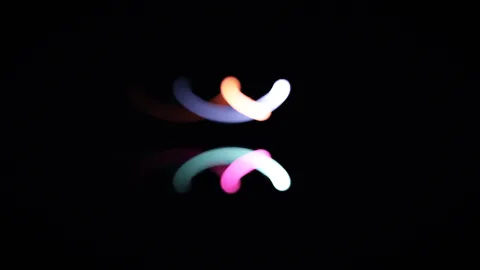
Leapfrog Vortices
Two smoke rings, seen edge-on, taking turns to pass through each other.

Combed Fur
Short strokes laid along a swirling field, like fur brushed one way.
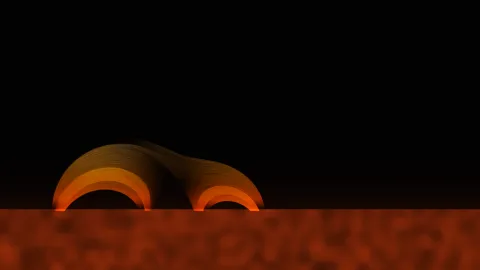
Solar Loops
Glowing plasma climbs magnetic loops above the sun’s surface and falls back.
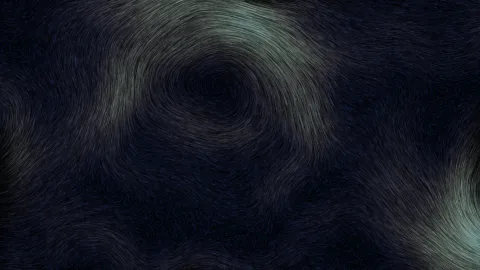
Wind Map
Weather systems turn and drift; the wind leaves its paths as streaks.
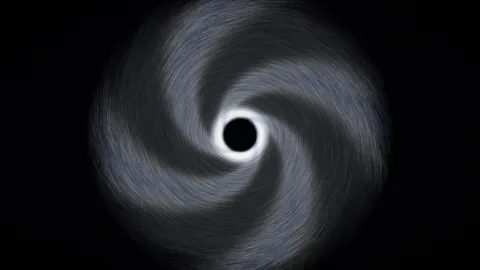
Hurricane Eye
Rain bands spiraling in toward a calm eye.
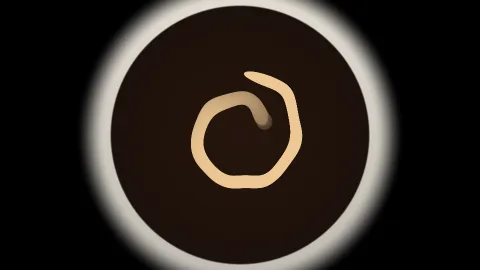
Cream in Coffee
Cream poured in, stirred once, and left to curl.
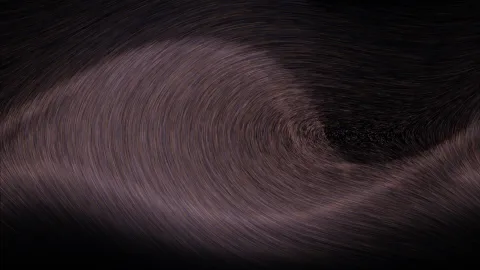
Pendulum Phase
Every way a driven pendulum can swing, all flowing at once.
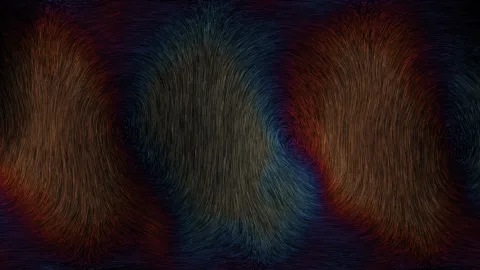
Convection Cells
Heated from below: warm fluid rises and cool sinks, in rolls that wander.
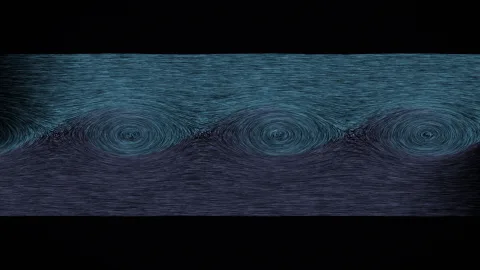
Shear Billows
Two layers of air slide past each other and roll up like waves.
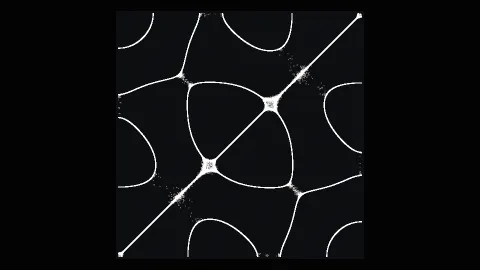
Chladni Plate
Sand on a vibrating plate, gathering on the lines that stay still.
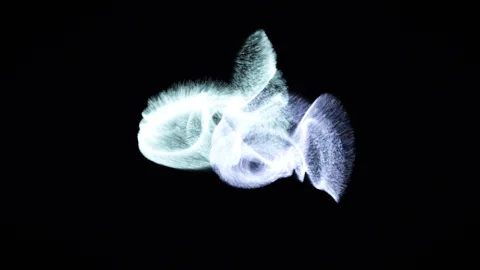
Galaxy Collision
Two spiral galaxies pass close and pull long tails out of each other.
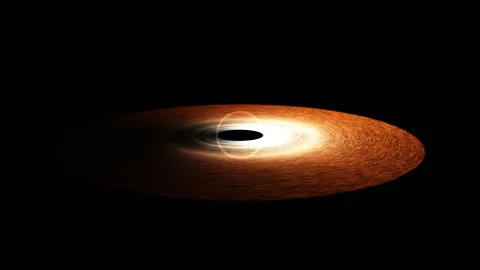
Accretion Disk
Matter spirals into a black hole, brighter on the side coming toward you.
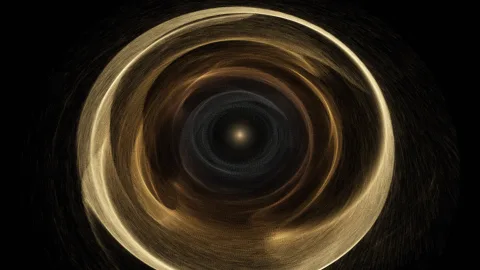
Planet Nursery
Young planets clearing lanes in the dusty disk they formed in.
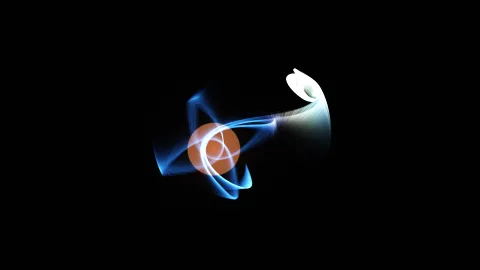
Binary Stream
Gas spills from a swollen star into a disk around its small companion.
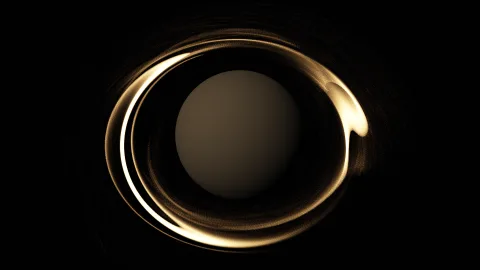
Ring Shepherds
Two small moons herding a narrow ring and leaving kinks in it.
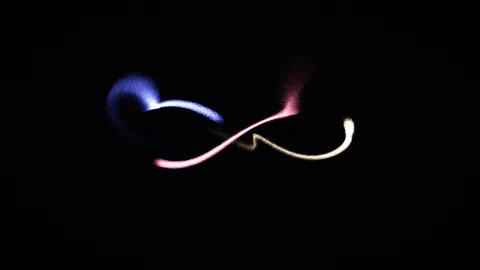
Three-Body Dance
Three equal stars chasing each other around one figure eight.
Trojan Swarm
Asteroids leading and trailing a giant planet, seen turning with it.
Radiation Belts
Charged particles spiral along a planet’s magnetic field, bouncing between the poles.
Dyson Swarm
Thousands of collectors circling a star in rings tilted every way.
Precession Rose
An orbit that turns a little every time around, drawing a rosette.
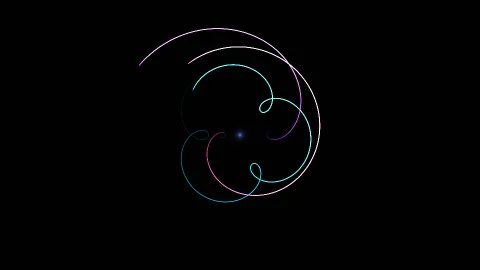
Retrograde Loops
The planets as seen from Earth, looping back on themselves.
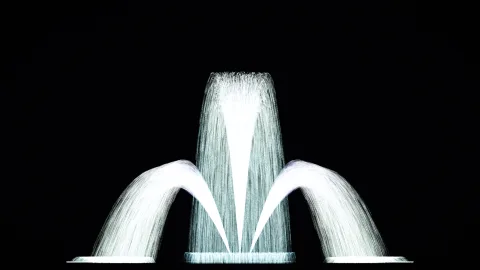
Light Fountain
Three jets of light, arcing up and splashing down.
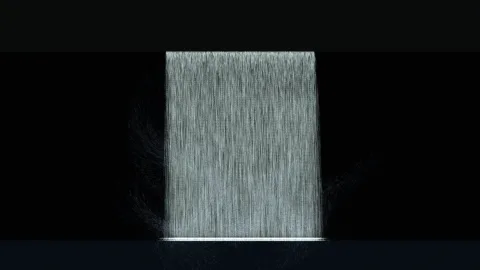
Waterfall
Water pours off a ledge while mist drifts up from the pool.
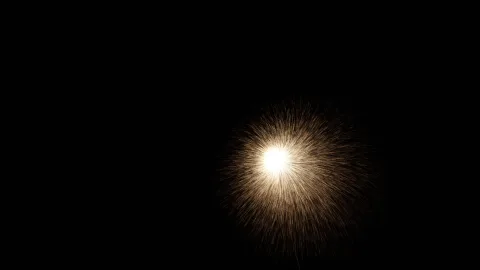
Sparkler
A sparkler waved through the dark, its sparks cooling as they fall.
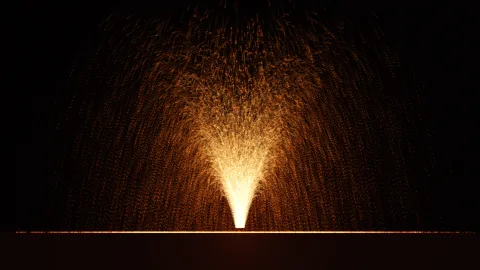
Lava Fountain
Molten rock thrown high, cooling from gold to dull red before it lands.
Geyser
A pool that builds, erupts and settles, with steam drifting downwind.
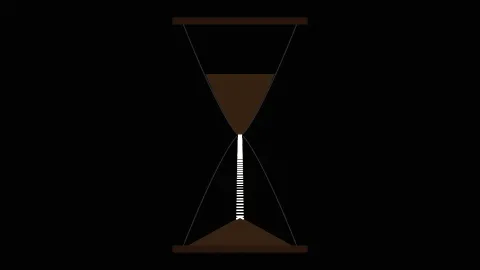
Hourglass
Sand runs through the neck and piles up below, then the glass turns over.

Maple Seeds
Winged seeds spinning down on the breeze.
Drifting Feathers
Feathers rocking side to side as they sink.
 Fast motion
Sandstorm
Gusts driving sand across the frame in waves.
Tornado
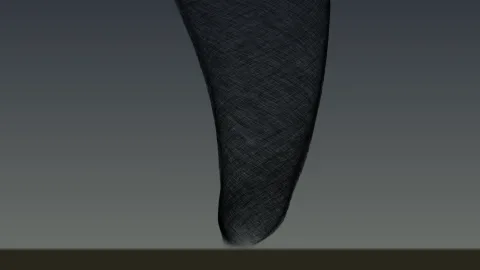
Debris spiraling up a funnel that leans with the wind.
Light Painting
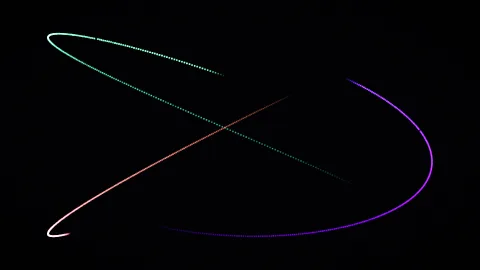
Three lights drawing in the dark, like a long-exposure photo.

Paper Planes
Paper planes gliding past, rising and dipping as they go.
Impact Ejecta
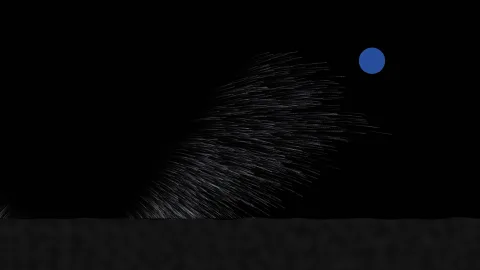
Small impacts on an airless moon throw up dust that falls back slowly.
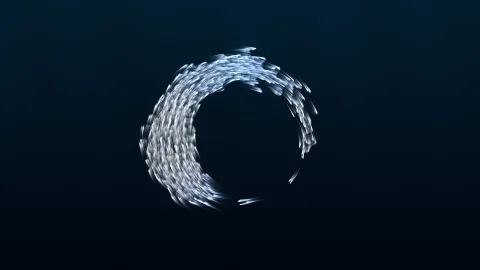
Bait Ball
A school of fish wheeling as one, opening for the shark.

Bee Swarm
Bees looping around their queen as she moves.
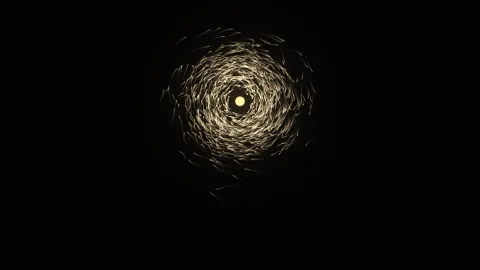
Moths and Lamp
Moths keep the light at a fixed angle, and so they spiral around it.
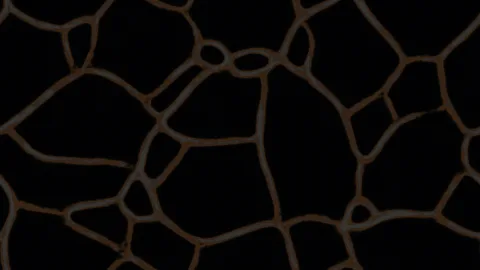
Slime Mold
Simple cells that lay down scent and follow it, building a network.
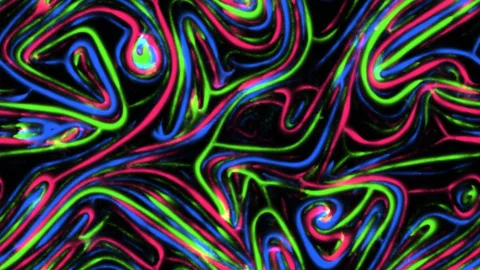
Rival Colonies
Three colonies following their own trails and avoiding each other’s.
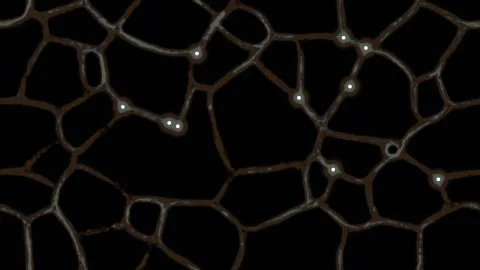
Rail Network
Slime mold growing between food sources, the way it once redrew a rail map.
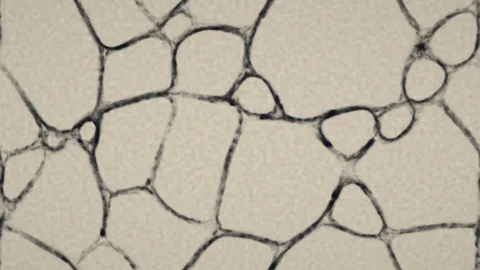
Ink Veins
The same network, drawn as ink soaking into paper.
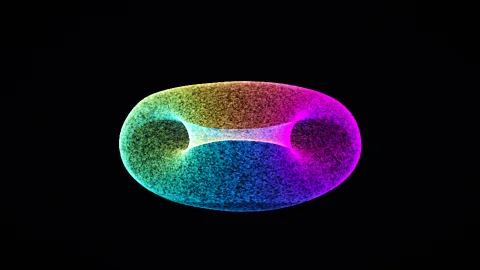
Shape Shifter
One cloud of points flowing from sphere to ring to cube and on.
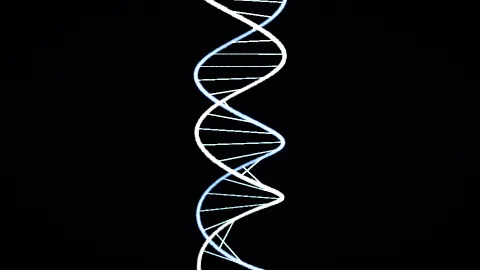
Double Helix
Two strands and their rungs, turning as they slide along.
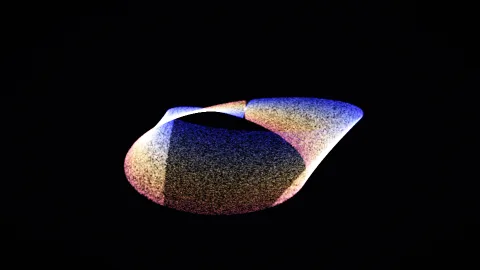
Möbius Flow
Points flowing along a strip that has only one side.
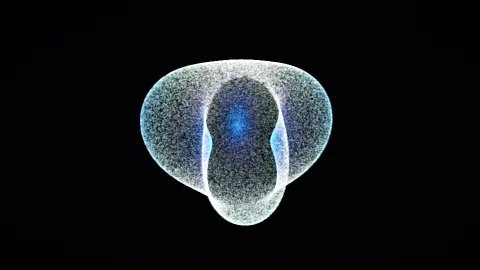
Spherical Harmonics
A sphere breathing in the shapes that describe vibrating drums and atoms.
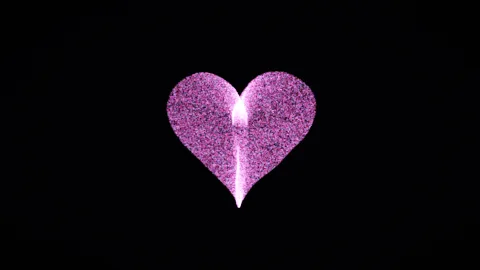
Beating Heart
A heart of particles, beating at whatever pace you set.
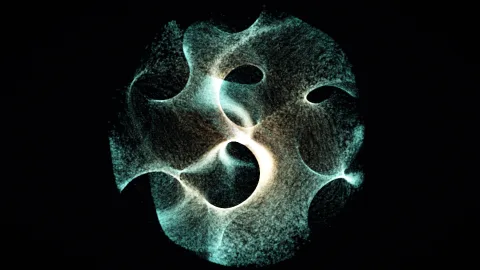
Gyroid
Points crawling over a surface that splits space into two tangled halves.
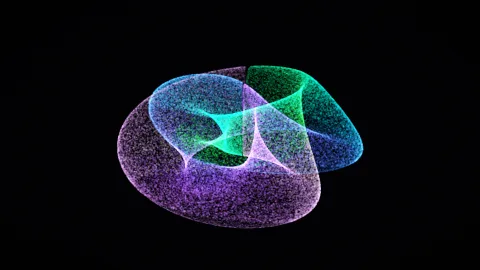
Klein Bottle
A closed surface with no inside, shown in its figure-eight form.
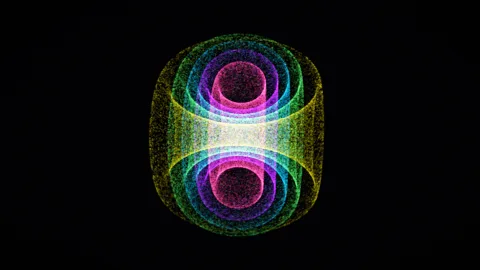
Hopf Fibration
Circles on a four-dimensional sphere, projected into nested, linked rings.
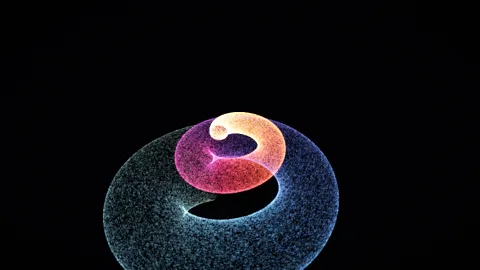
Seashell
A spiral tube that widens with every turn, the way a snail’s shell grows.
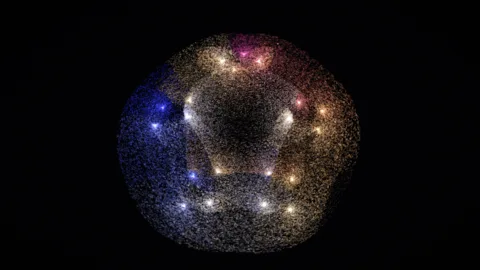
Calabi–Yau
A cross-section of the shapes string theory uses for its hidden dimensions.
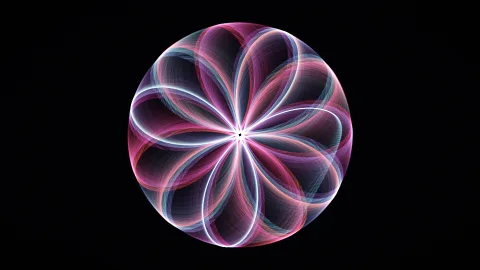
Rose Curves
Polar roses that open and close as their petal ratio drifts.
Electron Orbitals
Where a hydrogen atom’s electron is likely to be, sampled point by point.
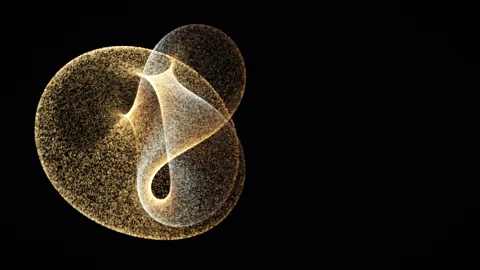
Boy’s Surface
A one-sided surface that closes on itself, found by Werner Boy in 1901.
 New
NewNebula Drift
A million-point nebula advected through curl-noise flow.
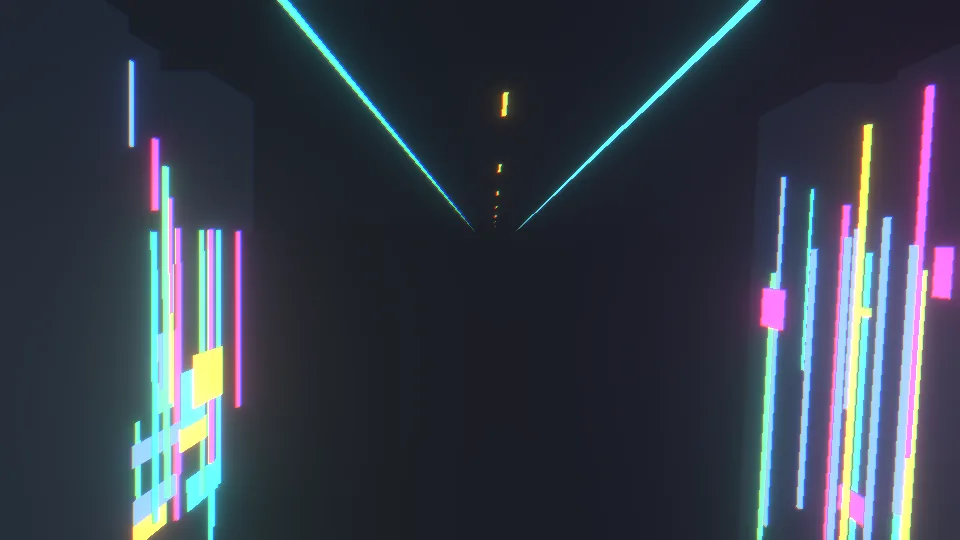 NewFast motion
Neon Metropolis
An instanced emissive city flythrough.
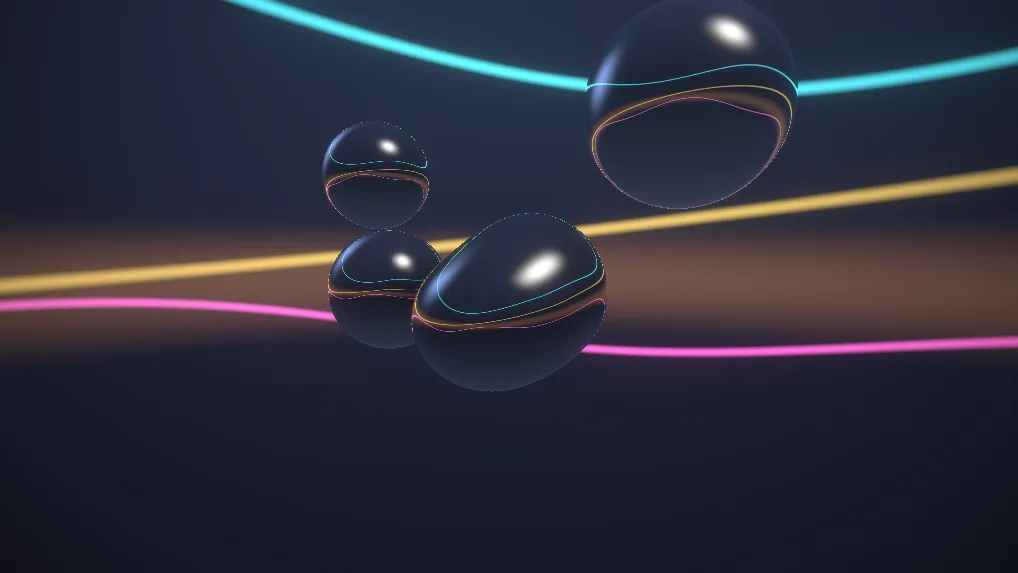 New
NewLiquid Chrome (Screen Test)
Raymarched metaball fluid with mirror shading.
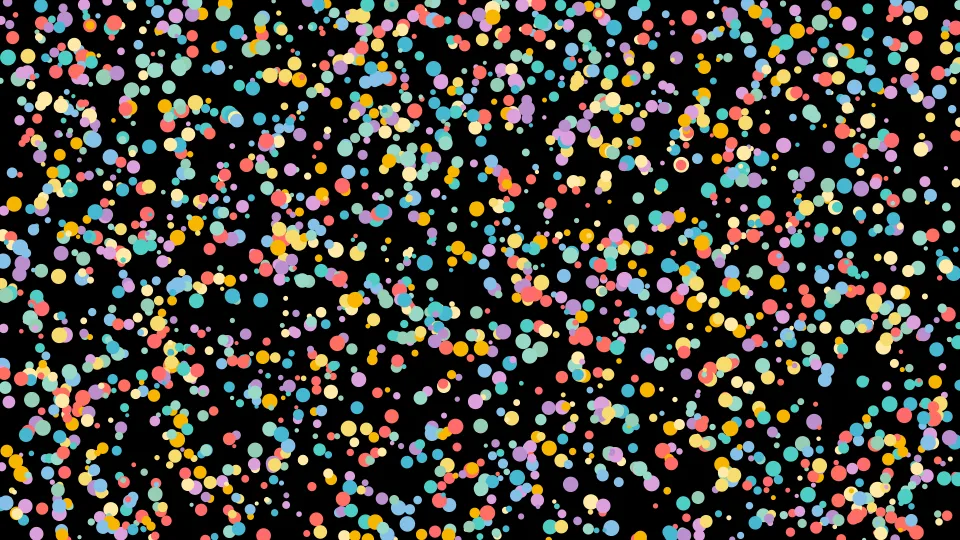 NewDense dots
Canvas 2D Basic Circles
Simple bouncing circles with smooth animations
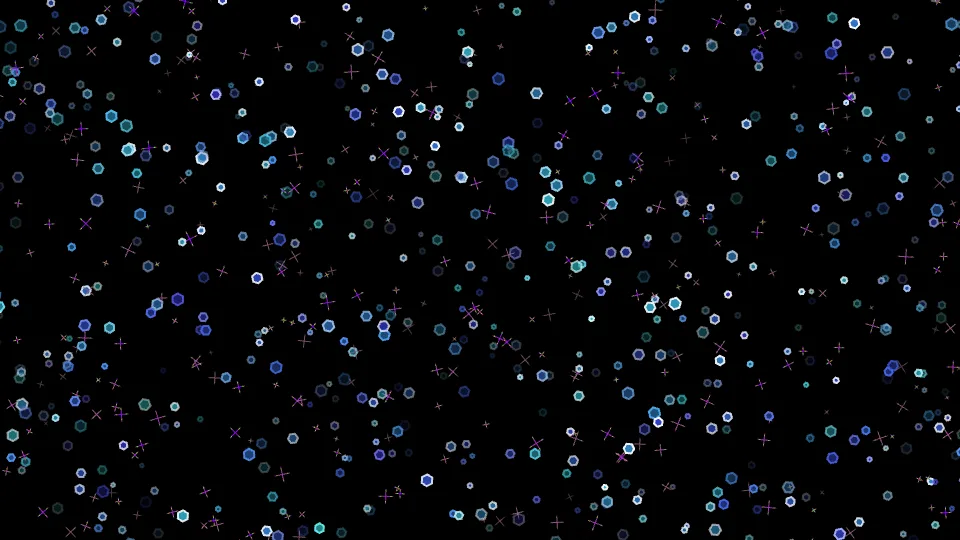 New
NewCrystal Blizzard
Sparkling ice crystals with prismatic light effects
 New
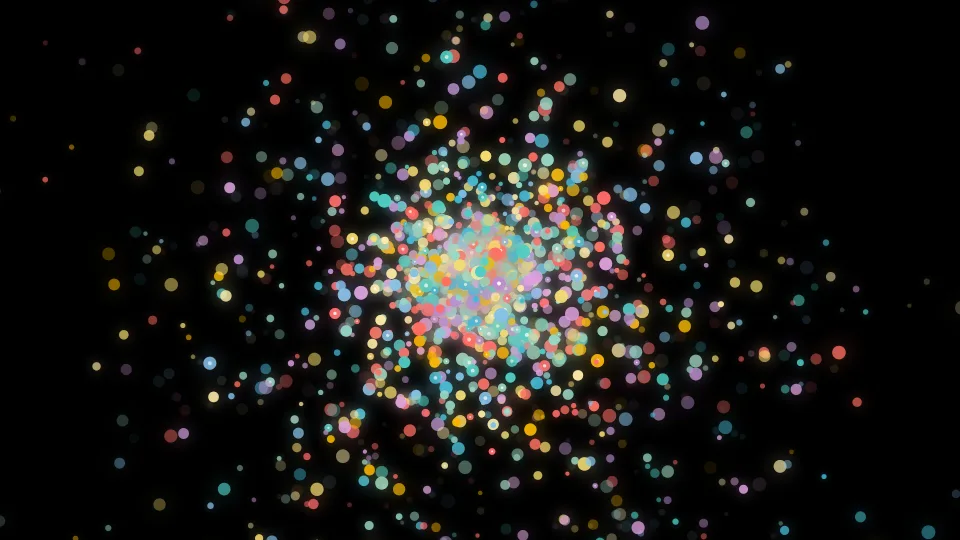
NewCosmic Vortex
Swirling cosmic energy vortex
 New
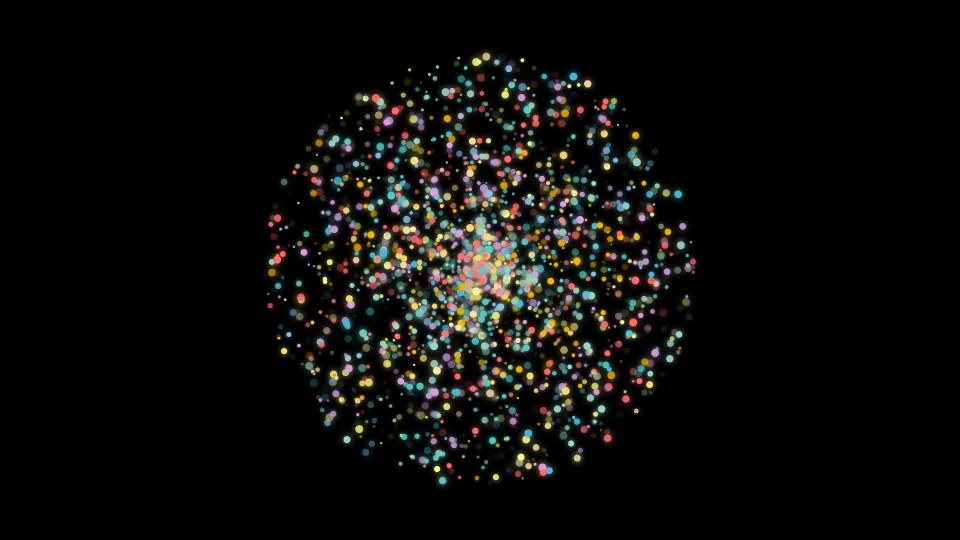
NewParticle Explosion
Dynamic particle explosion with shockwaves
 New
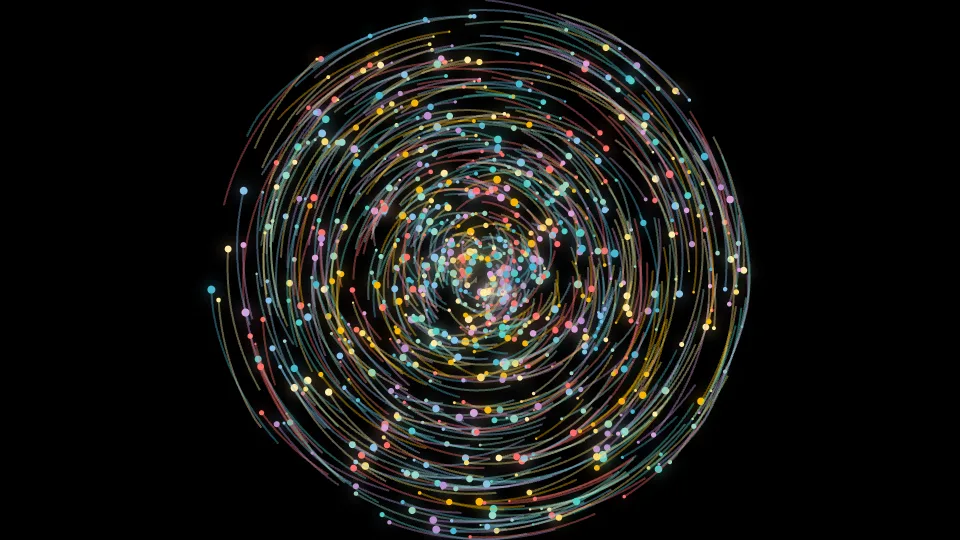
NewGalaxy Spiral
Spiral galaxy with rotating arms
 New
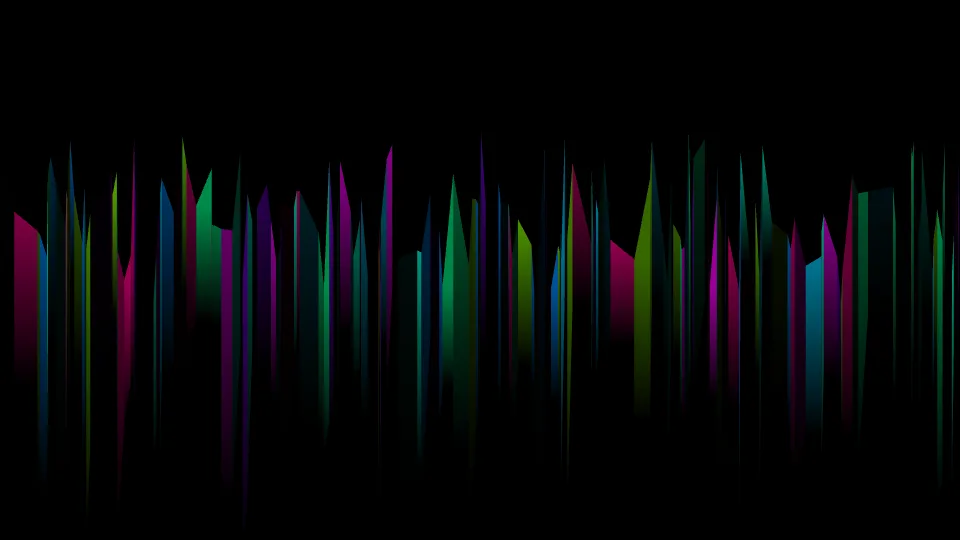
NewAurora Borealis
Northern lights with flowing colors
 New
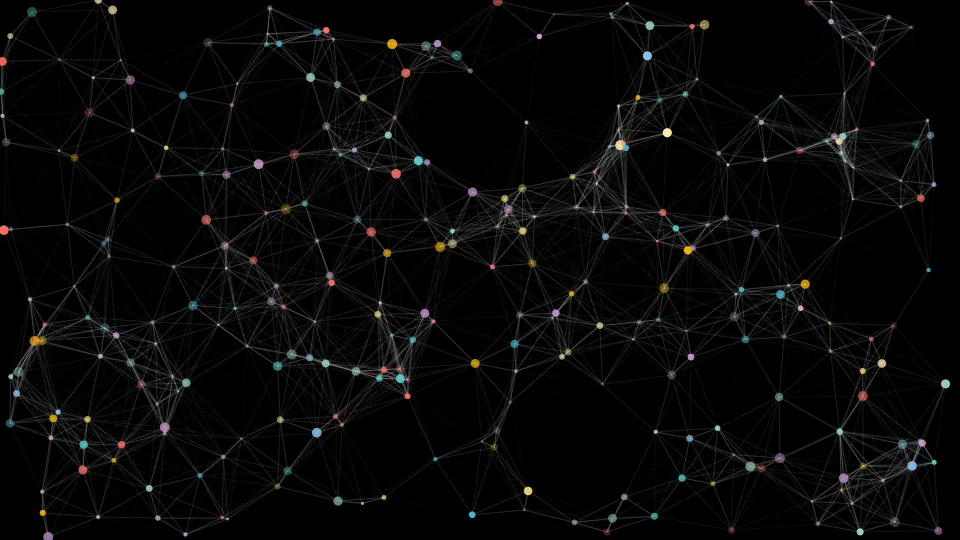
NewParticle Connections
Network particles with connection dynamics
 NewMoving static
Static Field
Per-pixel noise, fresh every frame — a worst case for any panel.
 New
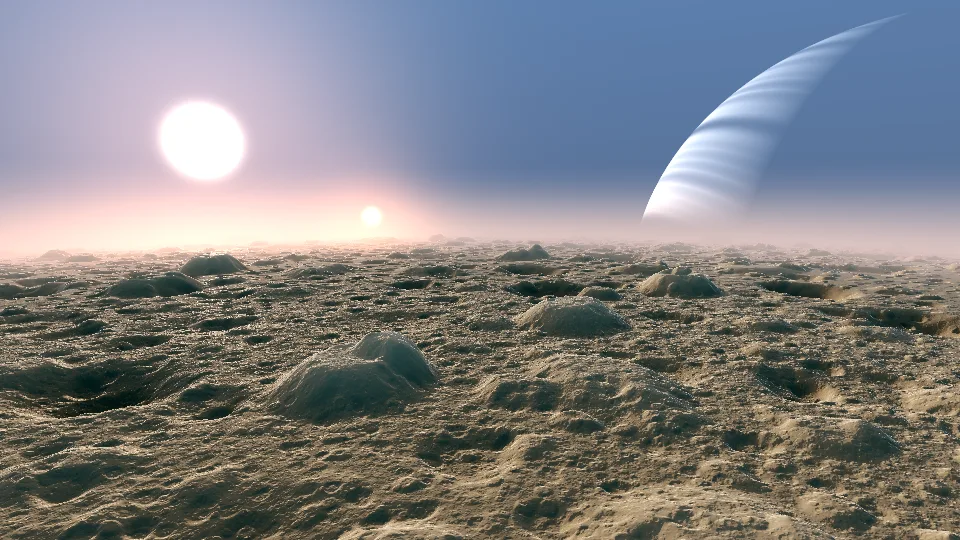
NewAlien Planet
Cratered ground under a hazy sun and a ringed giant.
 New
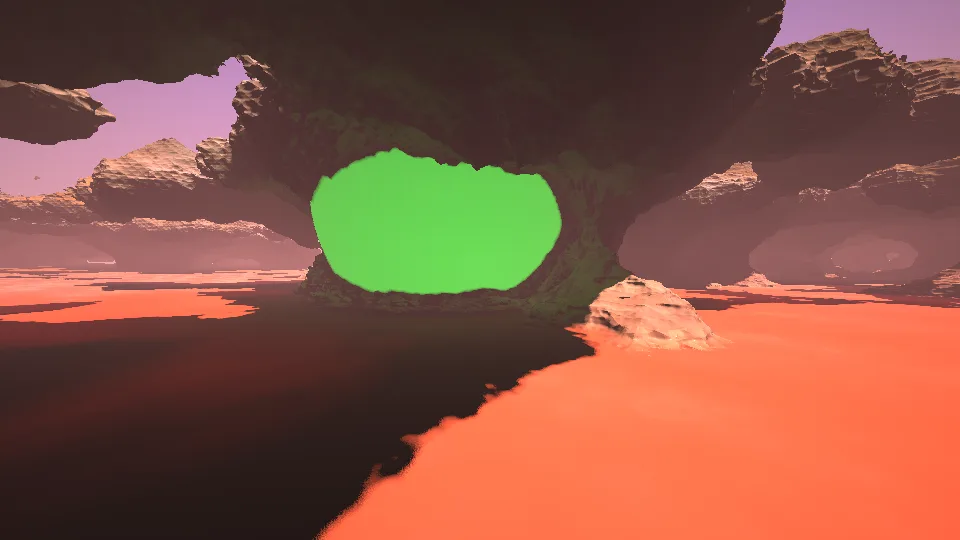
NewAlien Beacon
A pink canyon under a hazy alien sky.
 New
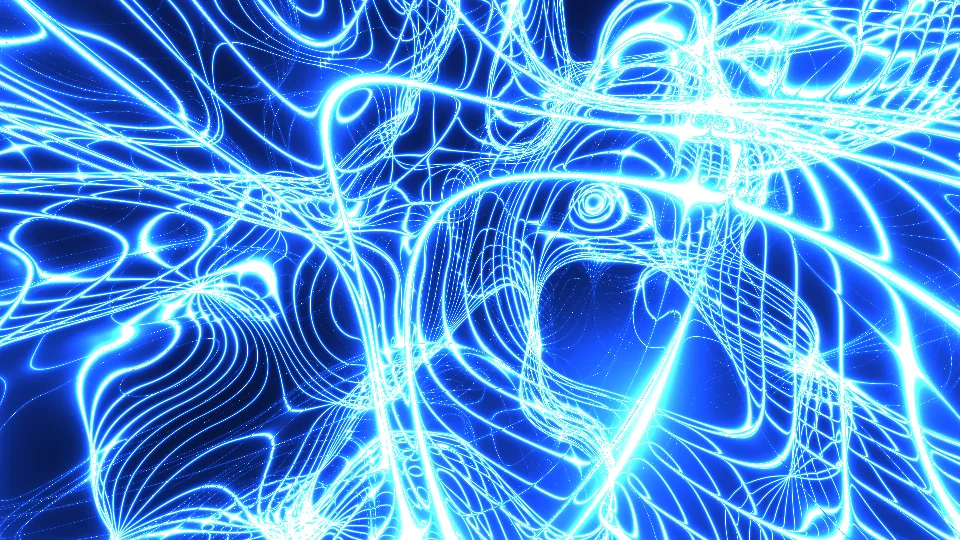
NewTopologica
Electric-blue filaments threading through a noise field.
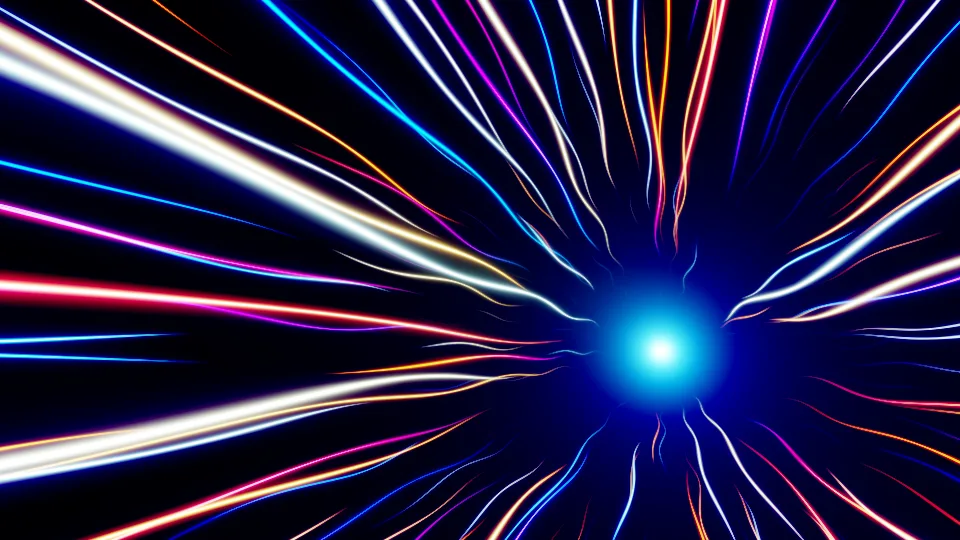 NewFast motion
Warp Speed
Streaks of light pouring toward a bright core.
 New
NewDigital Maelstrom
Green code rain spiraling around a knot.
 New
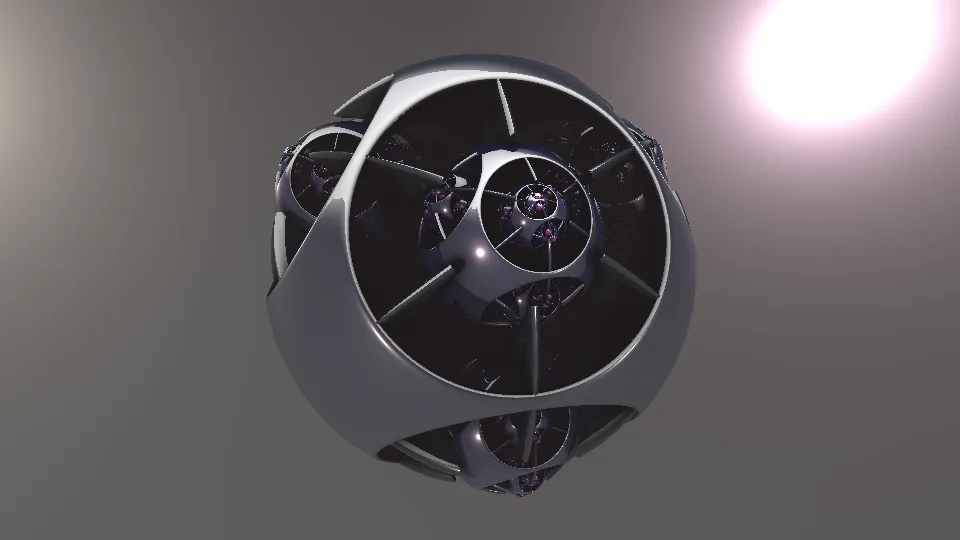
NewProtophore
A chrome fractal sphere under a studio softbox.
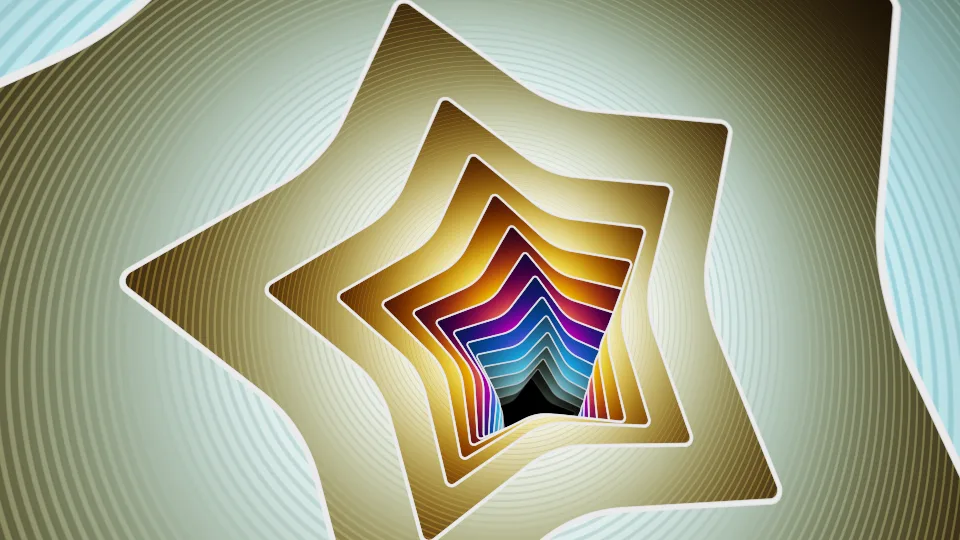 NewStripes
Star Planes
Nested stars stacked into the distance.
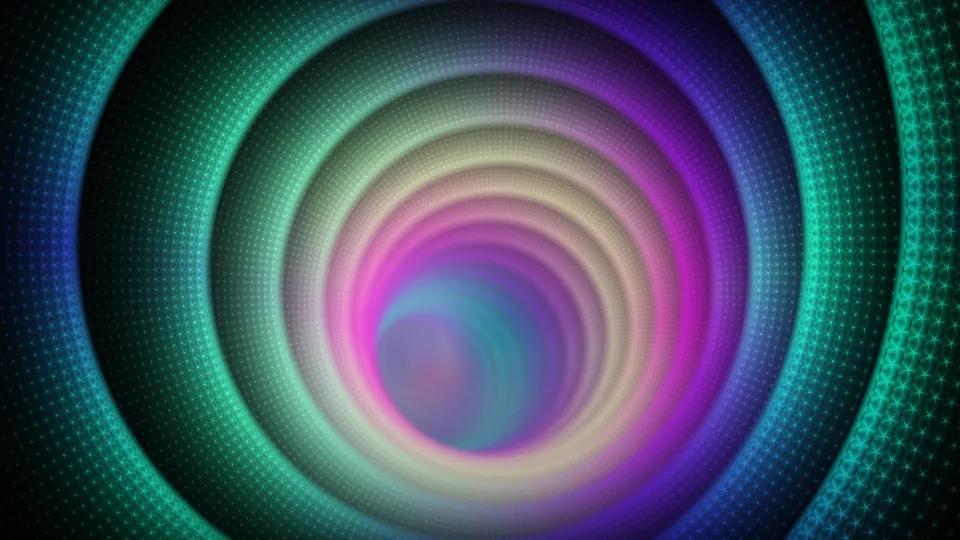 NewStripes
Disco Tunnel
Neon rings pulled toward a vanishing point.
 NewStripes
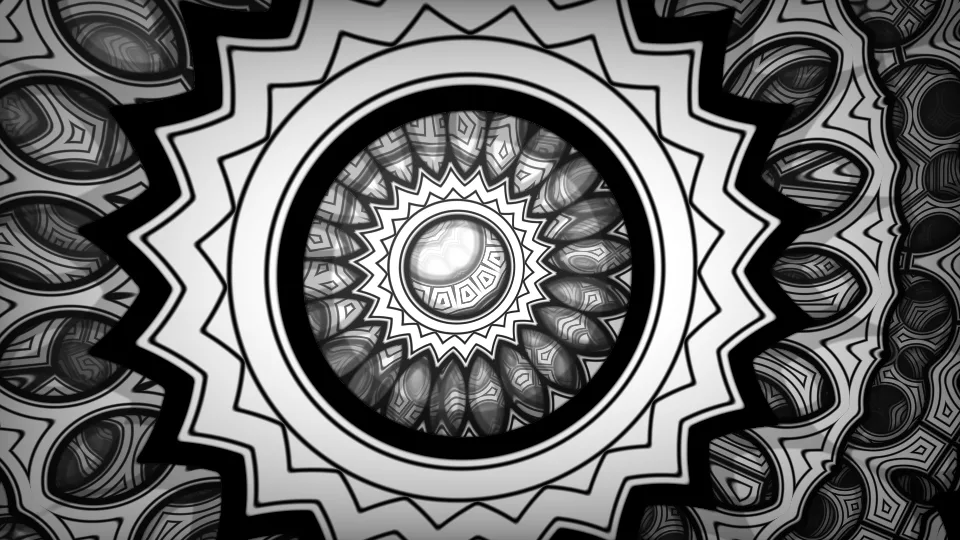
Kaleidoscope (Screen Test)
A black-and-white Truchet pattern folded through mirrors.
 New
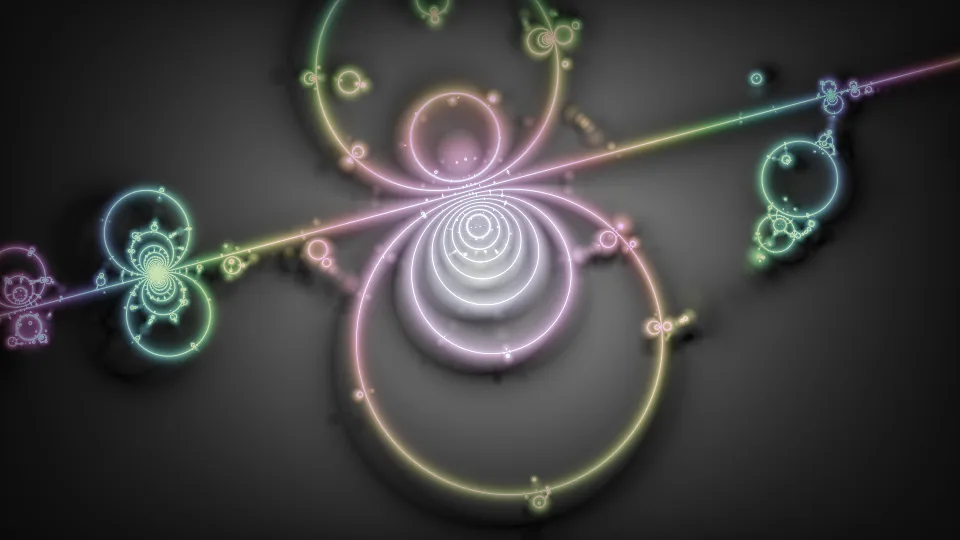
NewApollonian Twist
Circles within circles on a slowly turning fractal.
Every scene is drawn live in your browser.
Screensaver videos with music →Looking for the classic DVD bounce? →Screen Test & Utility Tools
DVD Screensaver: The Bouncing Logo, Reborn
The most hypnotic screensaver ever made, running in your browser. Press Preview and the DVD logo drifts across a black fullscreen, ricocheting off the edges and changing color with every bounce - while you wait for the one moment everyone watches for: the perfect corner hit.
Will It Hit the Corner?
The bouncing DVD logo became a cultural moment (thank you, The Office) because a flush corner hit is genuinely rare. The logo has to reach a corner exactly as both its horizontal and vertical travel run out. Our corner counter keeps score for you, so the wait is now a game: leave it running during a party or stream and let the room erupt when it finally connects.
Make It Yours
- Speed: from a lazy drift to a frantic ricochet
- Logo size: small logos hit corners less often - crank the size for more action
- Color modes: classic pink, rainbow bounce colors, or a neon glow
- Randomize start: reshuffle the starting position and direction any time
Save your setup and it will be waiting next time you open the page.
A Free Screensaver for Any Screen
Open this page on a TV, projector, or spare monitor and go fullscreen: instant retro ambiance for offices, dorm rooms, waiting rooms, bars, and stream intermissions. Because it is just a webpage, it works on any device with a browser - no download, no install, no smart-TV app needed.
The Nostalgia Is the Point
If you grew up watching the DVD player idle screen, you know the feeling. The bouncing logo is the original ambient entertainment - useless, mesmerizing, and quietly competitive. Now it lives in a tab.
Frequently Asked Questions
Does the DVD logo ever actually hit the corner?
Yes - given time, the logo lines up a perfect corner hit. How often depends on screen shape, logo size, and speed. Our counter tracks every corner hit so you never miss one.
Can I use this as a real screensaver?
Practically, yes: open the page fullscreen on any monitor, TV, or projector and it behaves exactly like the classic DVD idle screen. Enable your system's keep-awake setting or our Keep Awake option so the display does not sleep.
Why did the DVD logo bounce in the first place?
DVD players displayed the moving logo to prevent burn-in on CRT and plasma TVs - a static logo could permanently mark the screen. The bouncing was a practical fix that became iconic.
Can I change the DVD logo color?
Yes. Choose classic pink, bounce mode (color changes on every wall hit), or a neon glow mode, and adjust size and speed to taste.