Green Screen
Watch the 1-hour green screen video
Prank and Fake Screens
Screensavers
100 live scenes in 9 collections, each with its own music.
 New
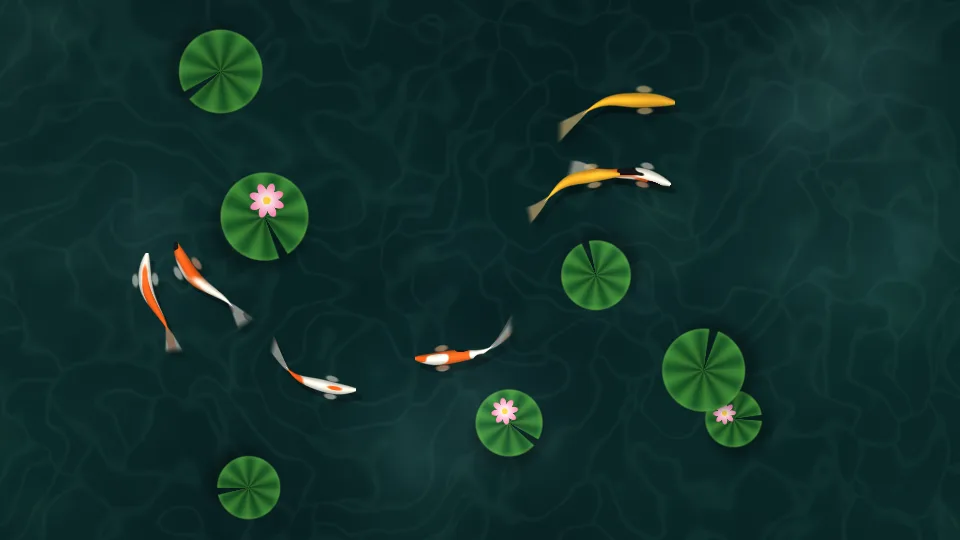
NewKoi Pond
Koi glide under lily pads in a clear green pond.
 New
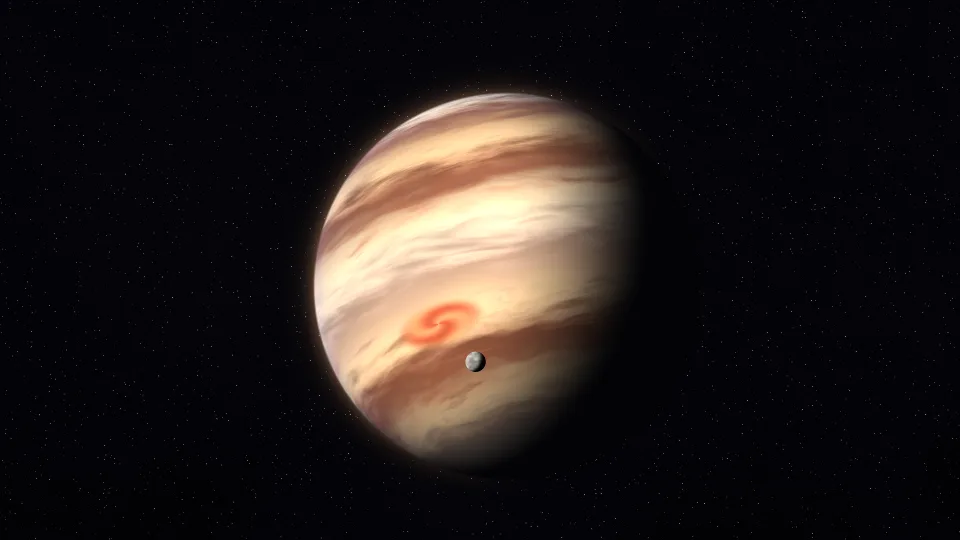
NewGas Giant
A banded giant planet turning slowly, with a small moon in orbit.
 New
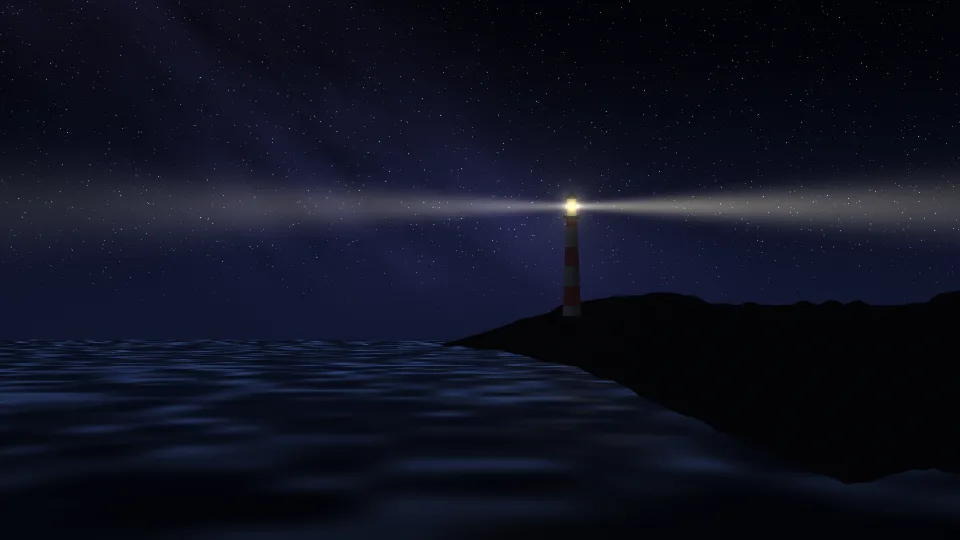
NewLighthouse
A lighthouse sweeps its beam over a dark sea under the Milky Way.
 New
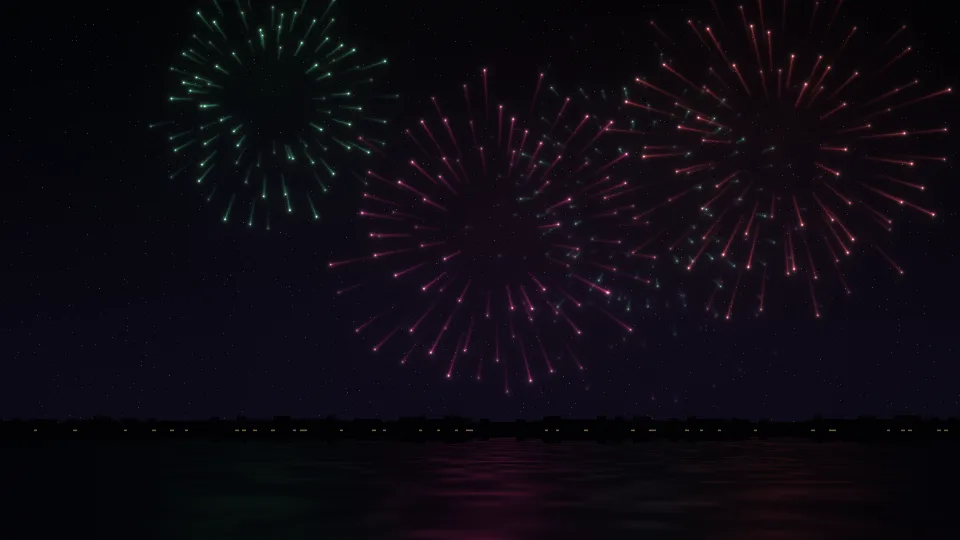
NewSlow Fireworks
Fireworks open in slow motion over dark water.
 New
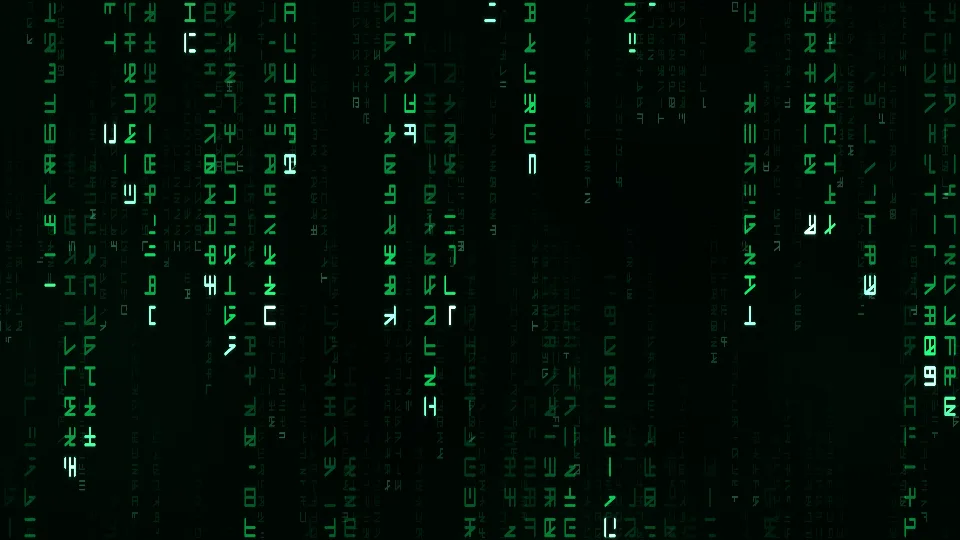
NewDigital Rain
Columns of glowing green symbols fall down a black screen.
 New
NewDream Gradient
Soft pastel colors melt into one another.
 New
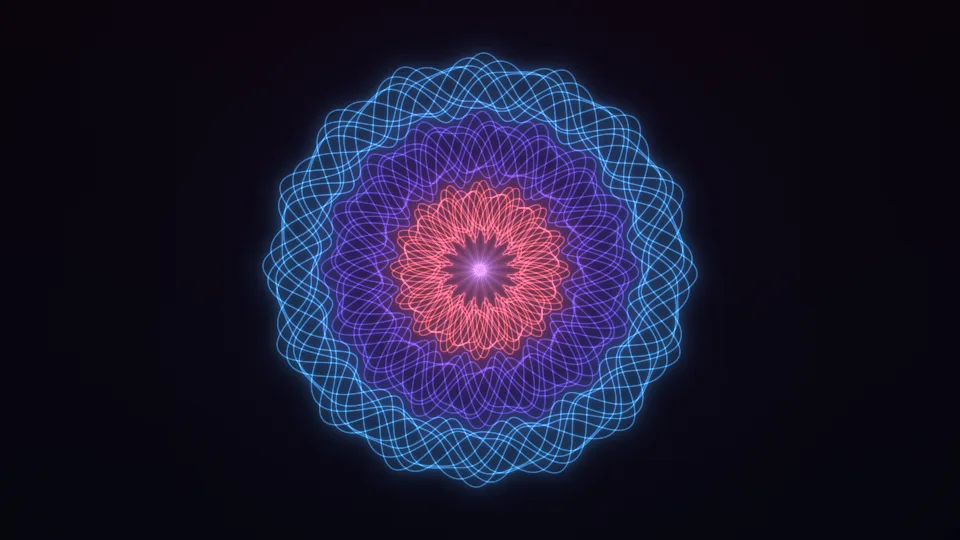
NewWoven Rosette
Fine glowing lines weave a slowly turning rosette.
 New
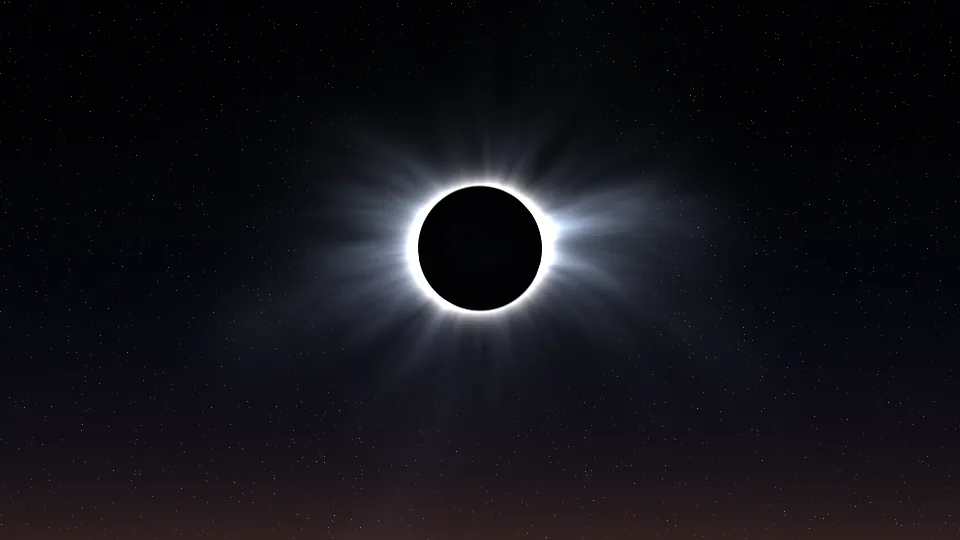
NewTotal Eclipse
The Sun's corona streams around a black Moon.
 New
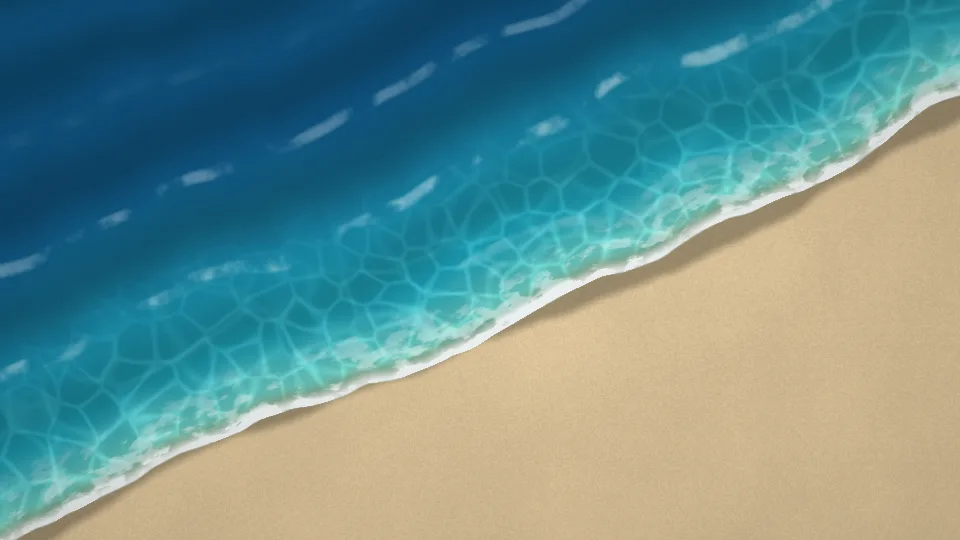
NewTide Line
Turquoise waves wash up a sandy beach, seen from above.
 New
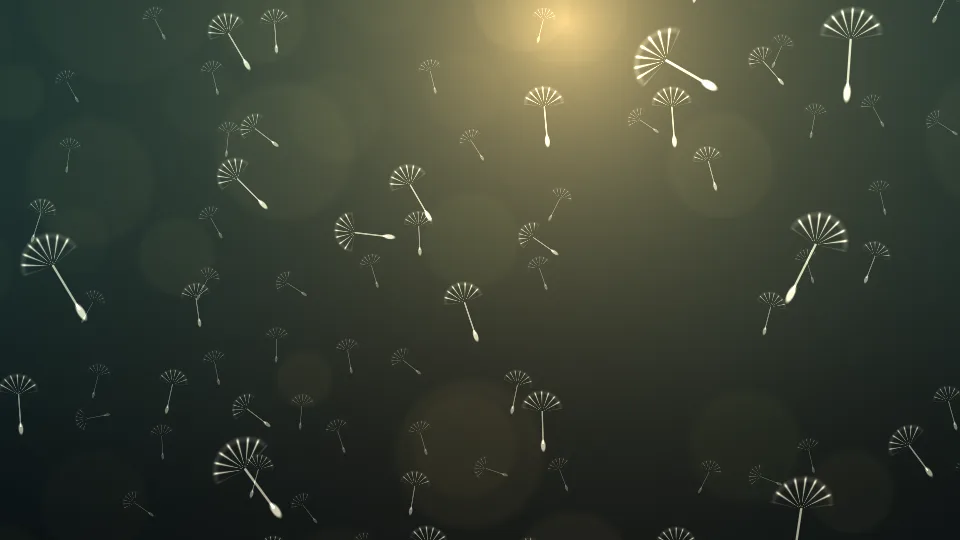
NewDandelion Seeds
Dandelion seeds float past in low evening light.
 New
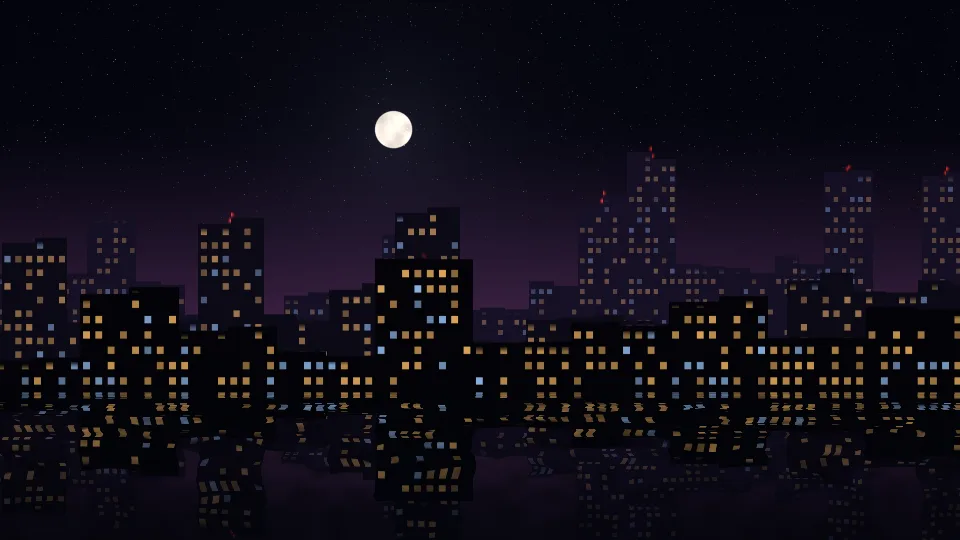
NewMidnight Skyline
A city skyline at night, its lit windows mirrored in the water.
 New
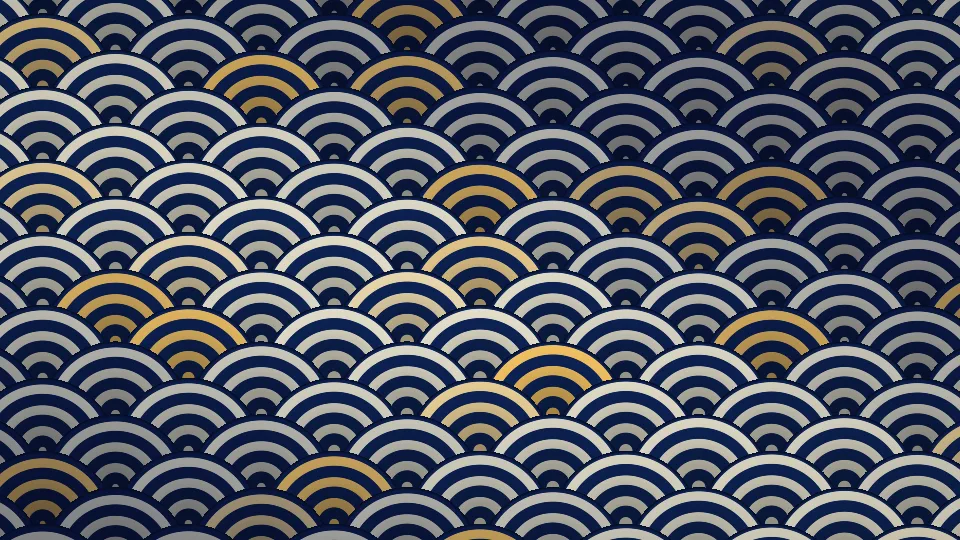
NewSeigaiha Waves
The Japanese wave pattern in indigo, cream, and gold.
 New
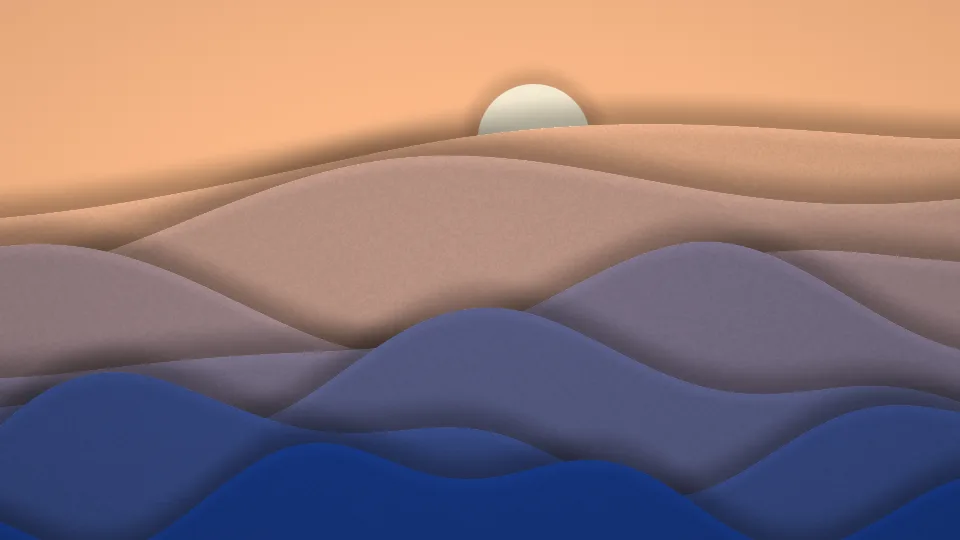
NewPaper Cut Hills
Layers of cut paper form rolling hills under a paper sun.
 New
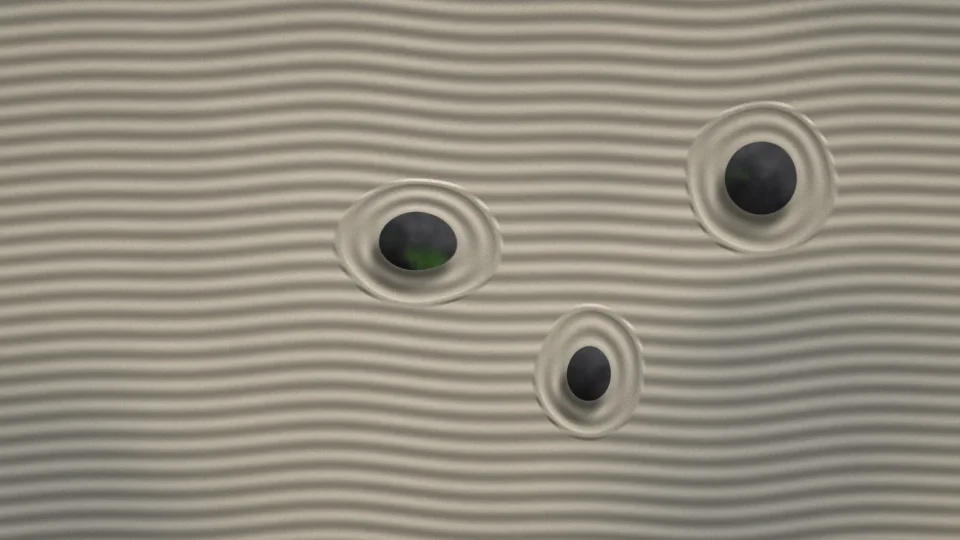
NewZen Garden
Raked sand circles three stones as the light slowly moves.
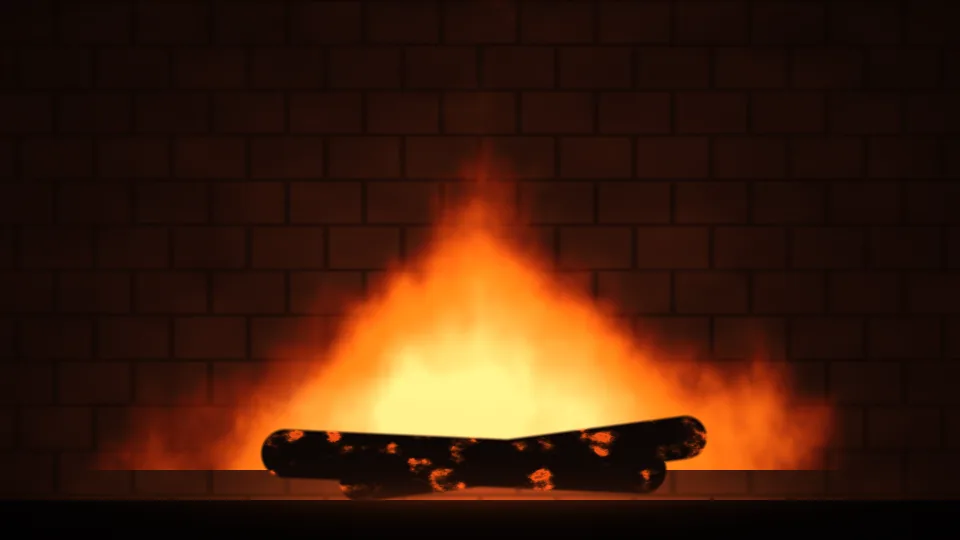
Fireplace
A log fire burning in a brick fireplace.
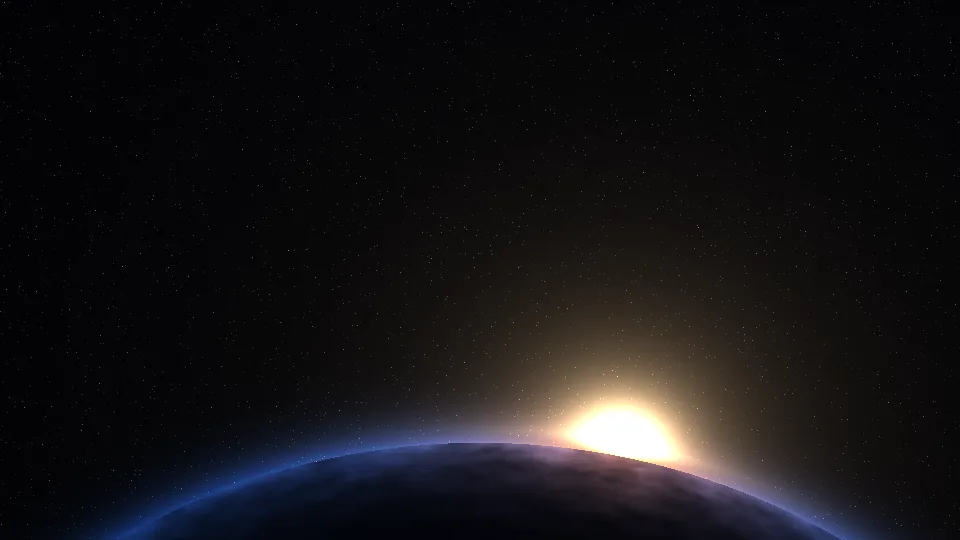
Planet Rise
Sunrise over the curved edge of a planet, seen from orbit.
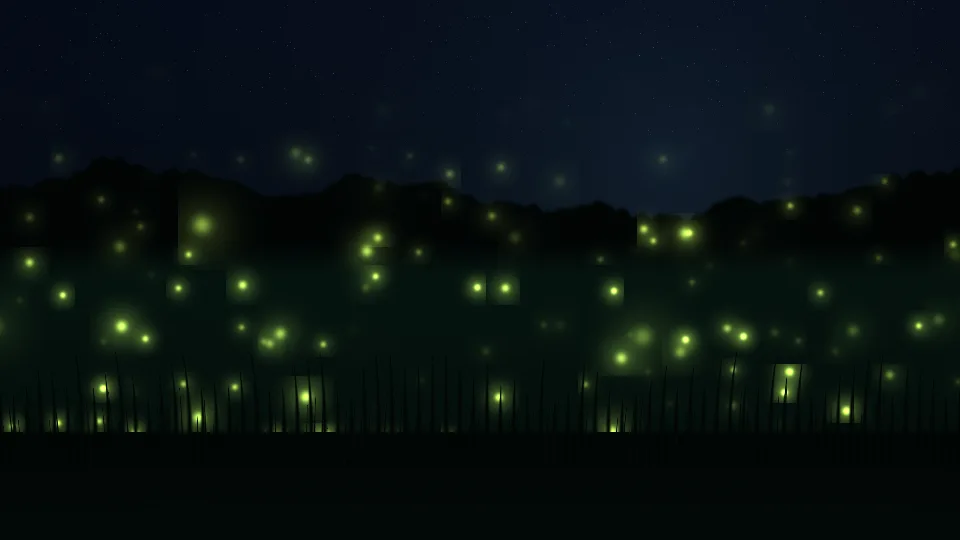
Firefly Meadow
Fireflies glowing and dimming over a night meadow.
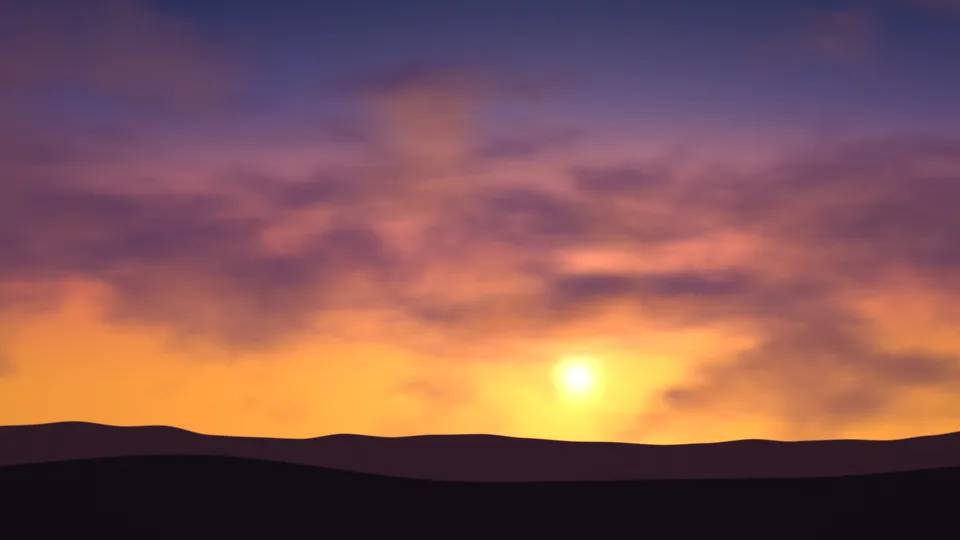
Golden Hour
A low sun and orange light under drifting purple clouds.
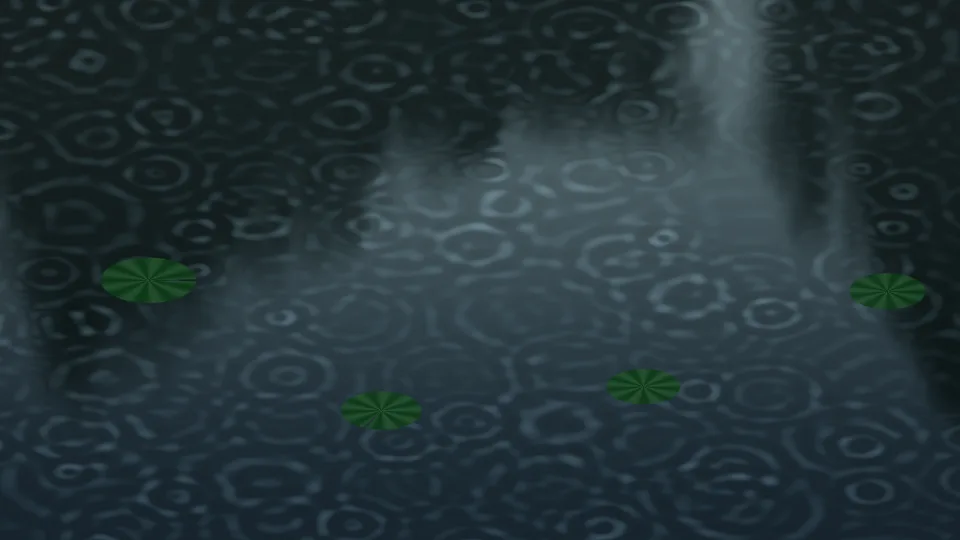
Rain on the Pond
Raindrops spreading rings across a dark pond.
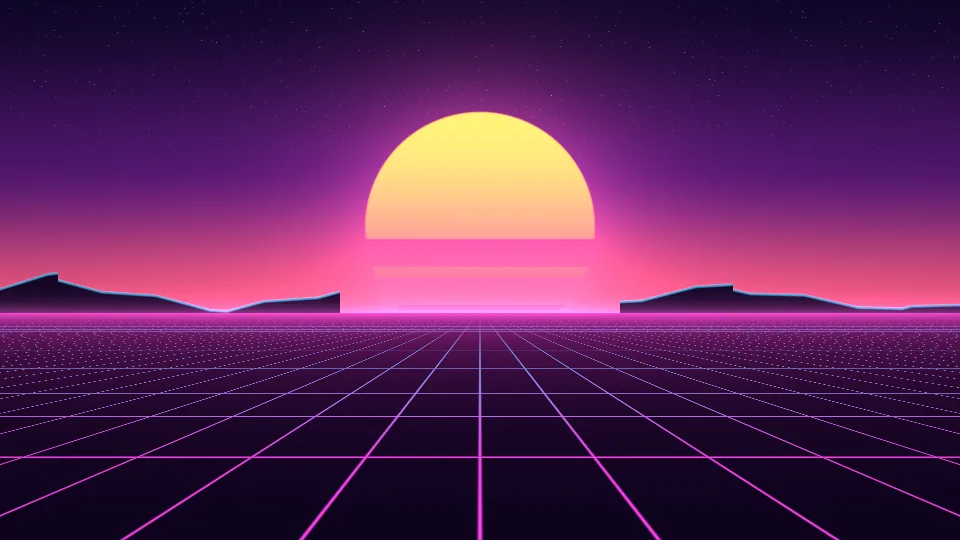
Synthwave Sunset
A striped sun, neon mountains, and a glowing grid.
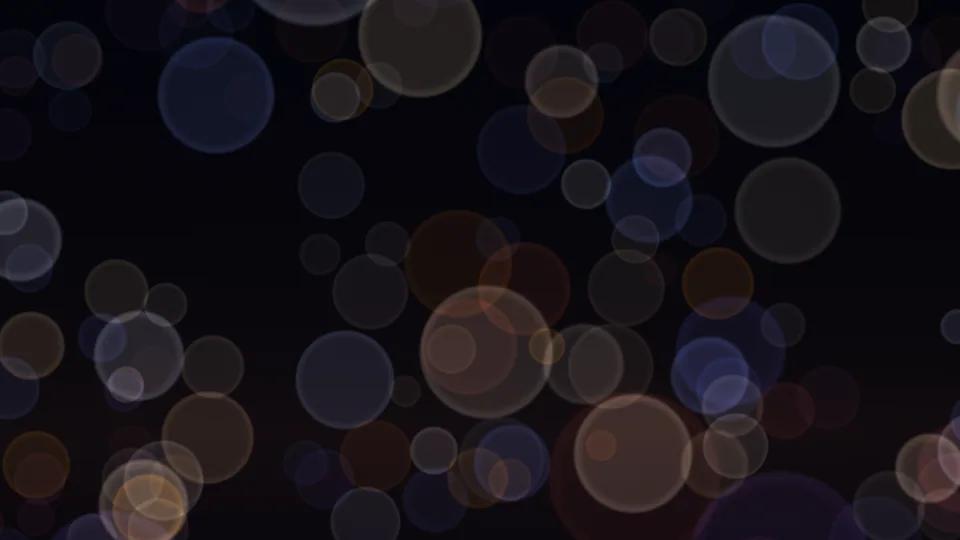
City Bokeh
Out-of-focus city lights in gold, pink, and blue.
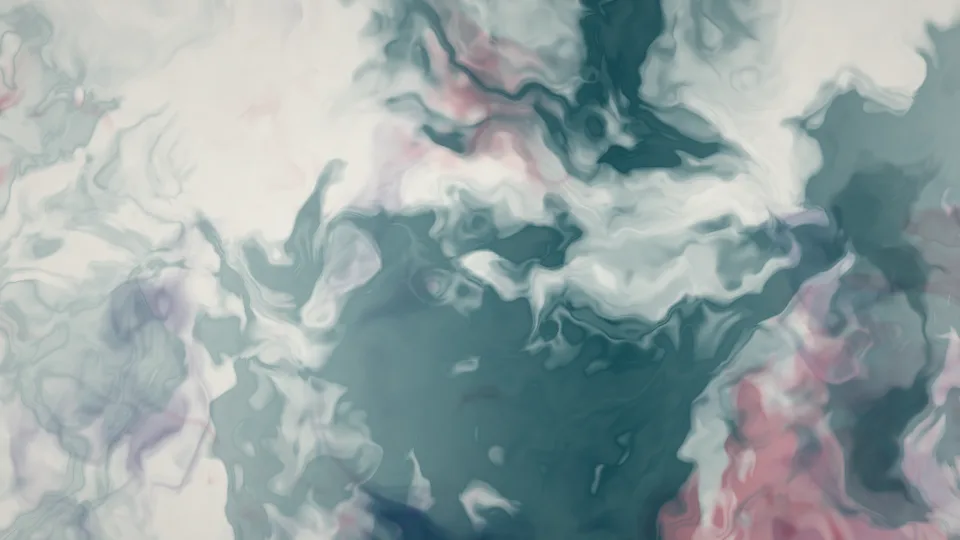
Ink in Water
Teal, indigo, and crimson ink unfurling in clear water.
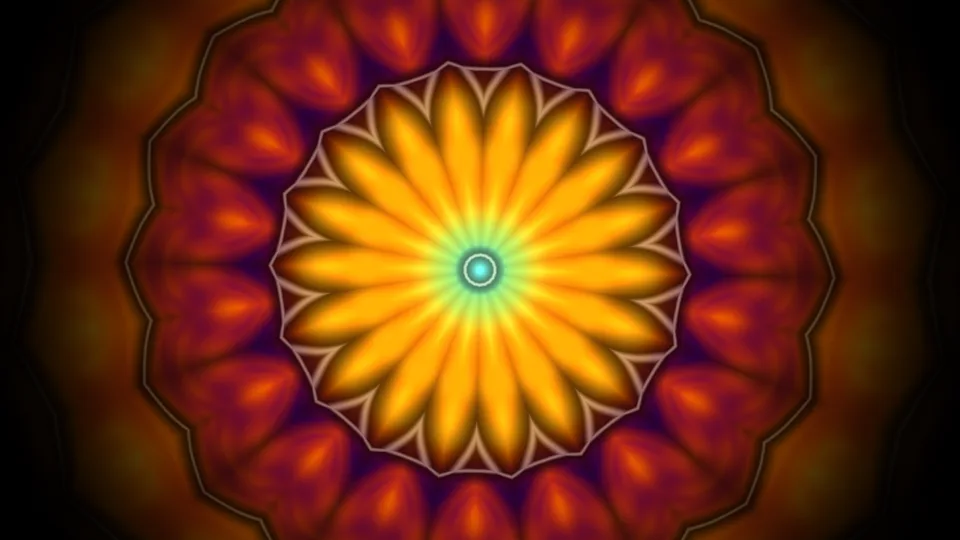
Kaleidoscope
A mirrored pattern of jewel colors, always rearranging.
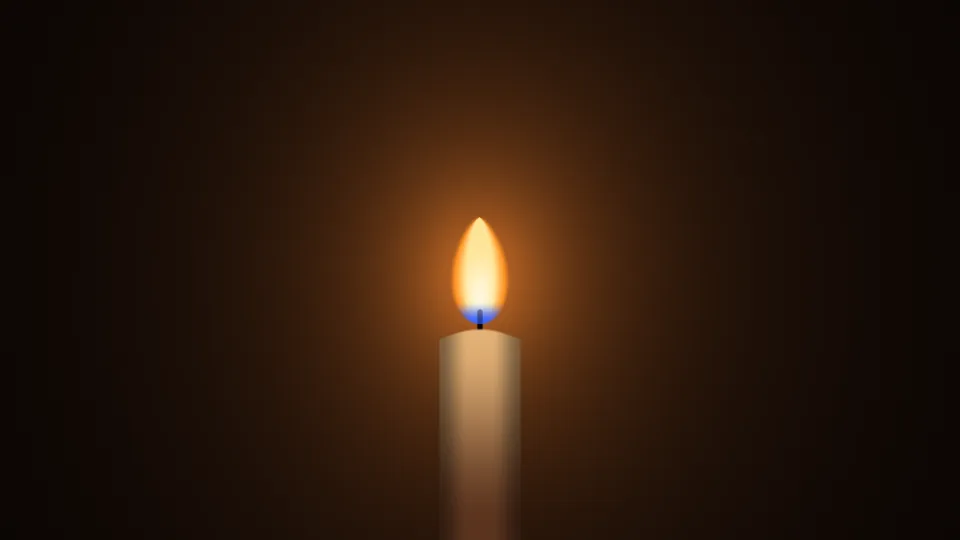
Candlelight
One candle flame, leaning and steadying in the dark.
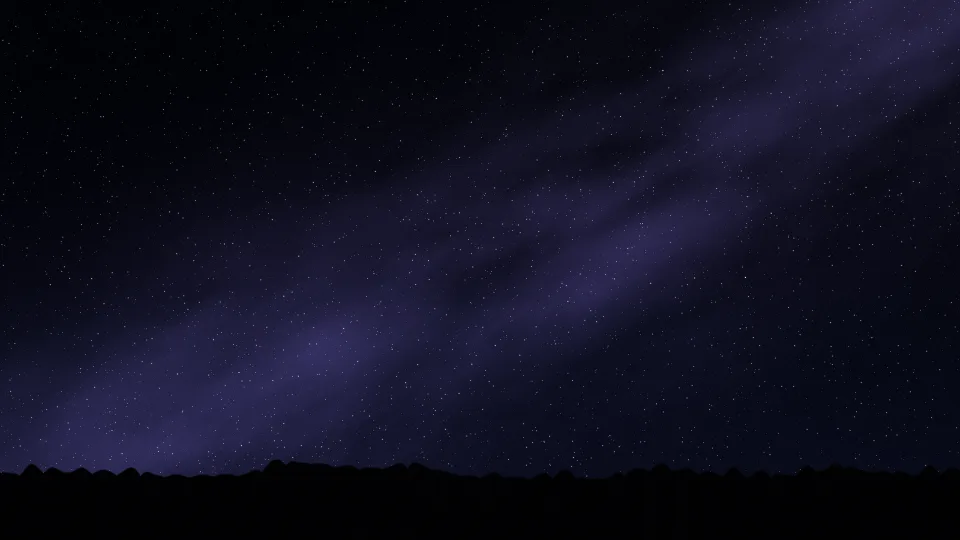
Meteor Shower
Shooting stars crossing a clear night sky.
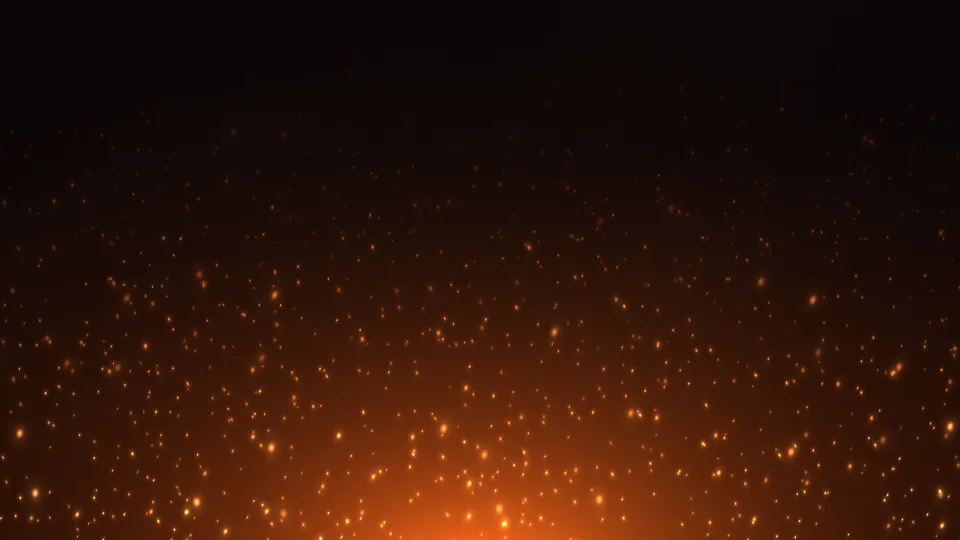
Campfire Embers
Orange sparks rising from a fire into the dark.
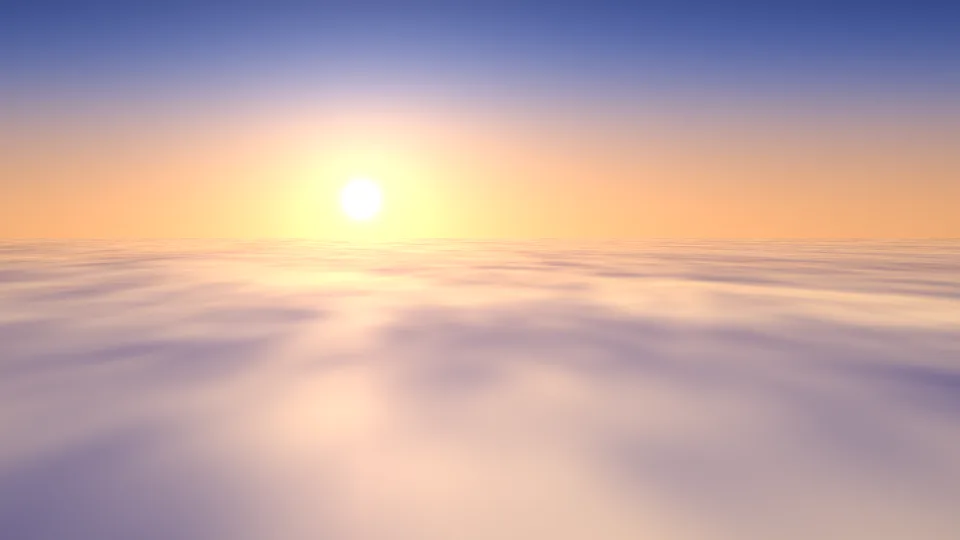
Sea of Clouds
Sunrise over a blanket of cloud, seen from above.
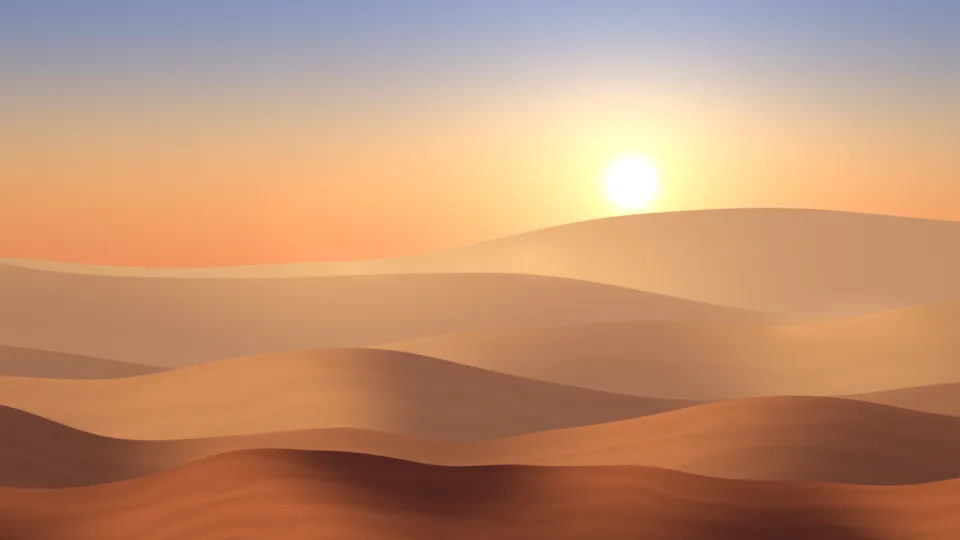
Desert Dunes
Layers of sand dunes under a hazy sun.
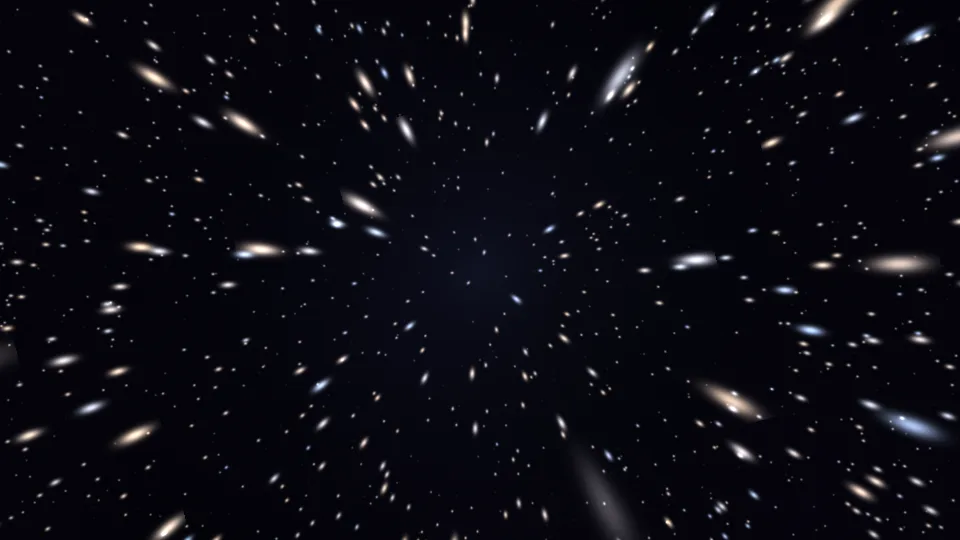
Starfield Warp
Stars streaming out from the center at an easy pace.
Light Leaks
Warm washes of orange and rose light with a little grain.
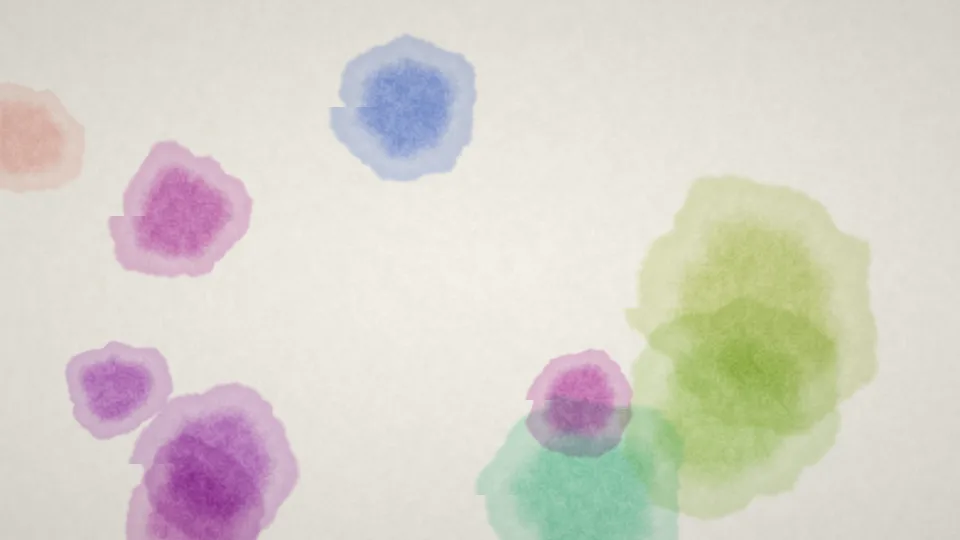
Watercolor Bloom
Blots of watercolor spreading on textured white paper.
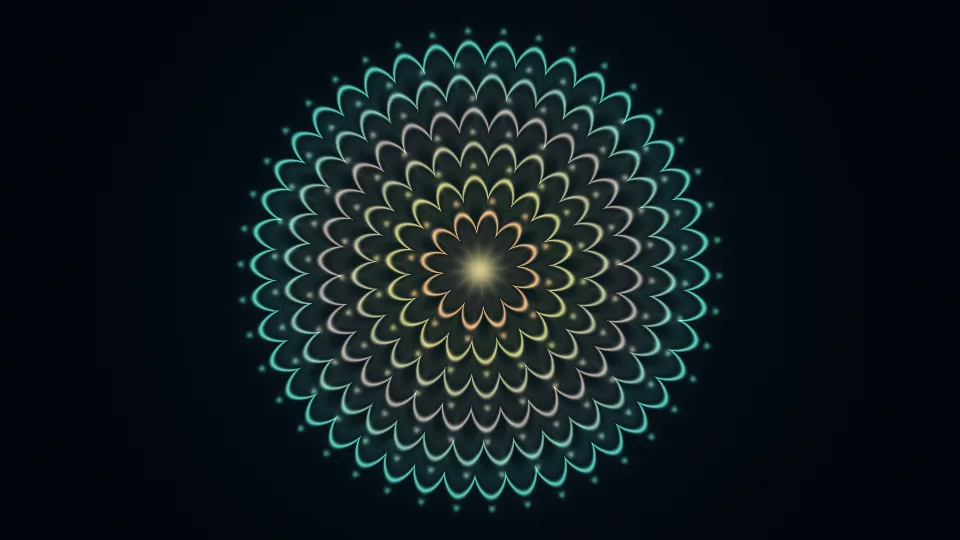
Mandala Breath
Gold and teal rings of petals, swelling and settling.
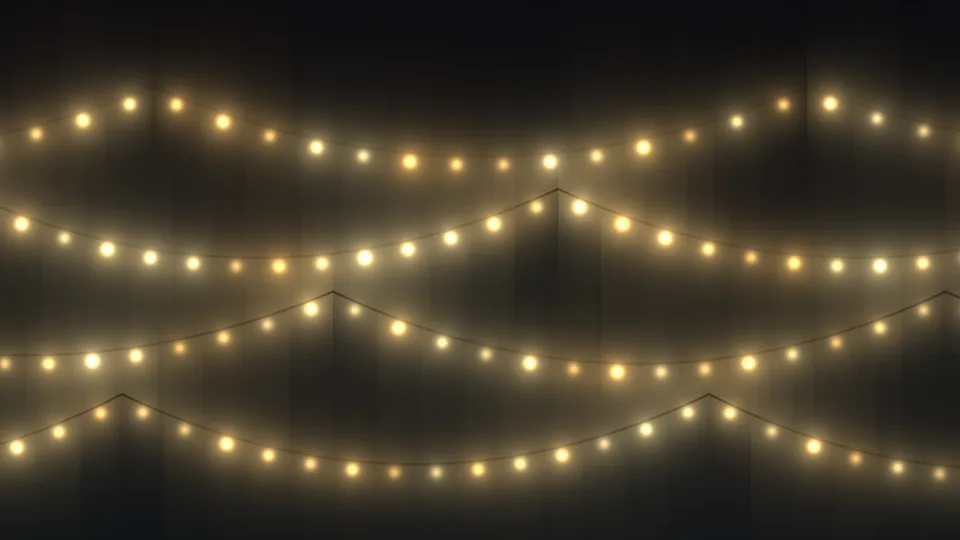
Fairy Lights
Strings of warm bulbs, gently brightening and dimming.
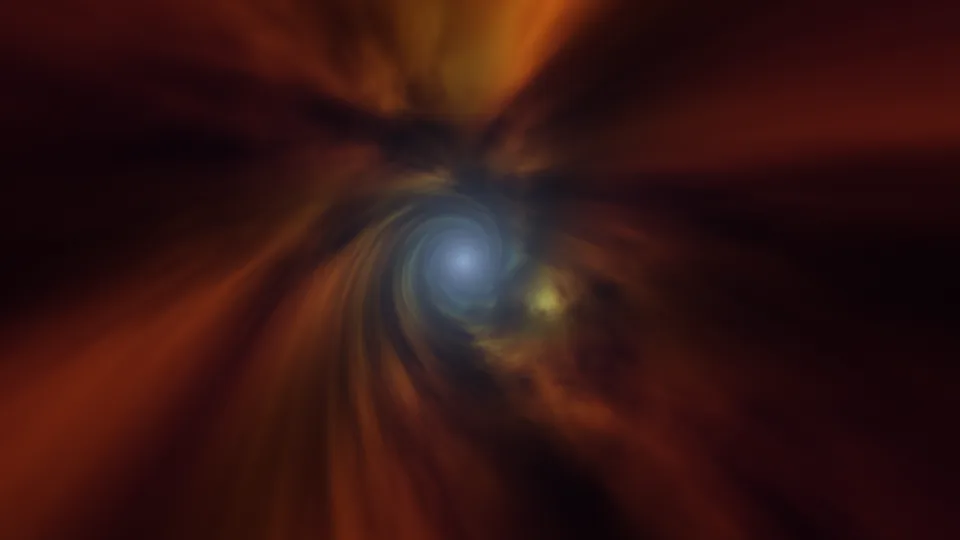
Wormhole
A slow flight down a swirling tunnel of colored gas.
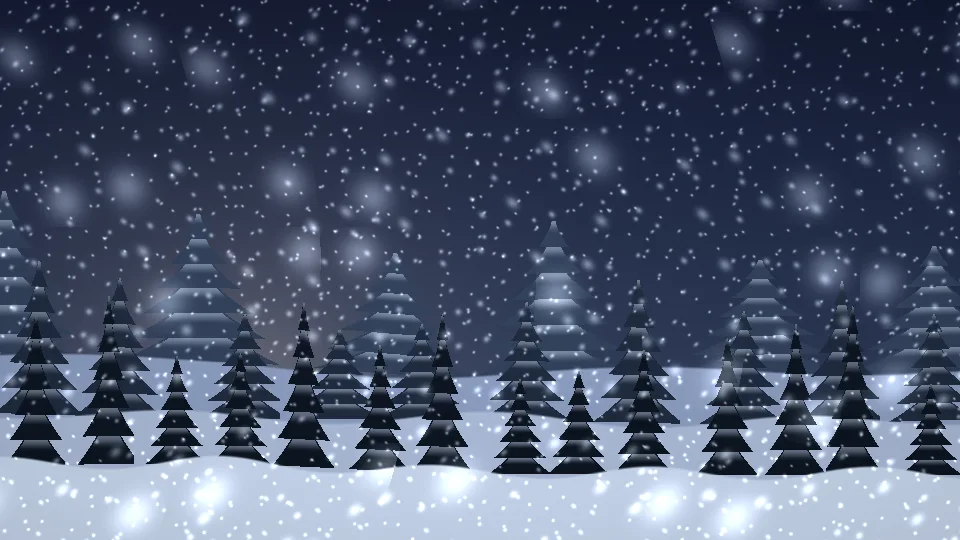
Quiet Snowfall
Soft snow falling at dusk over snow-covered pines.
Cotton Candy Sky
Soft pink, peach, and lavender haze, slowly folding.
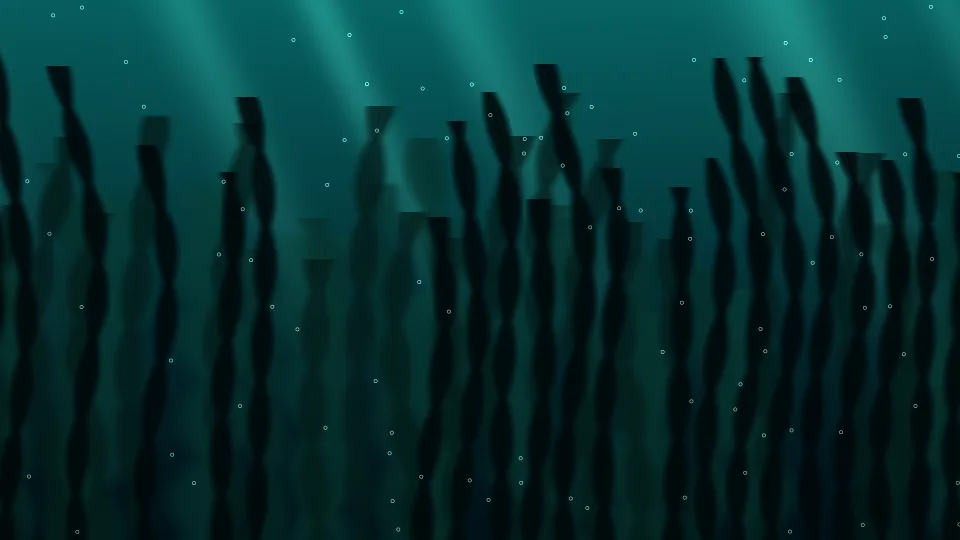
Kelp Forest
Tall kelp swaying in green-blue, sunlit water.
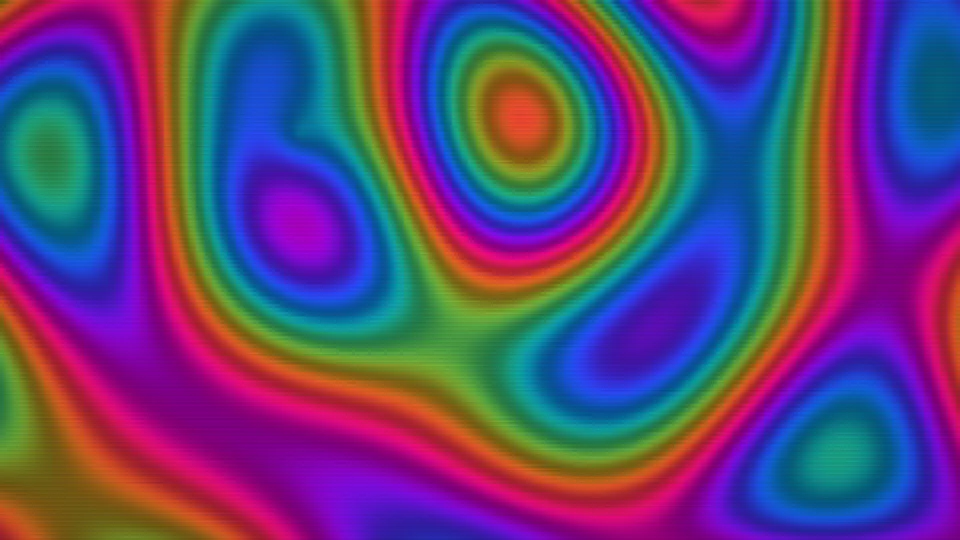
Retro Plasma
Blocky blobs of saturated color from old computer demos.
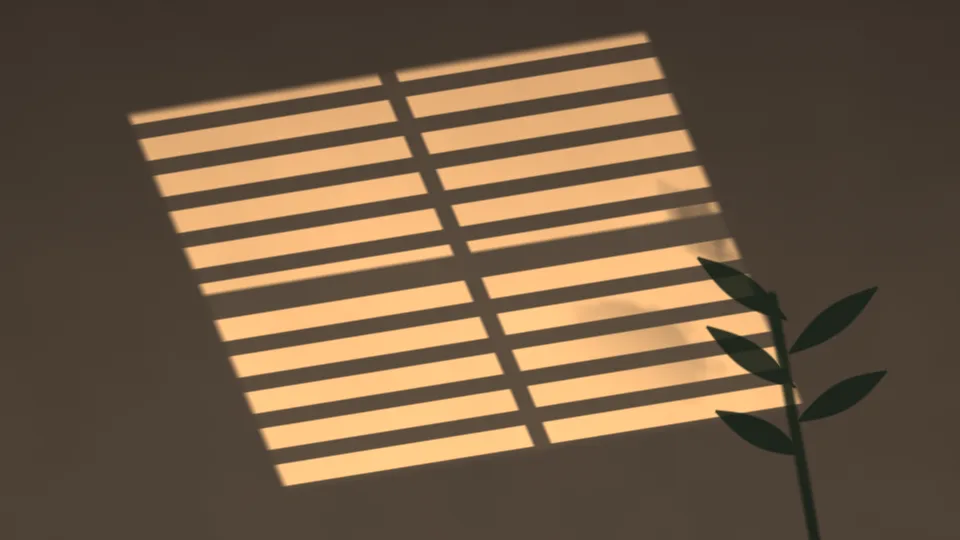
Window Light
Afternoon sun through blinds, striped across a wall.
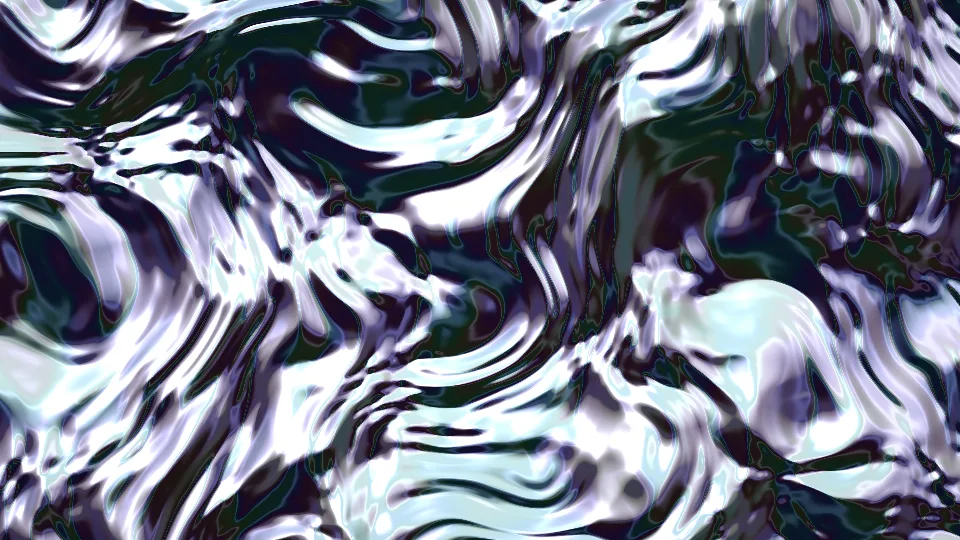
Liquid Chrome
Liquid metal rippling with bright white highlights.
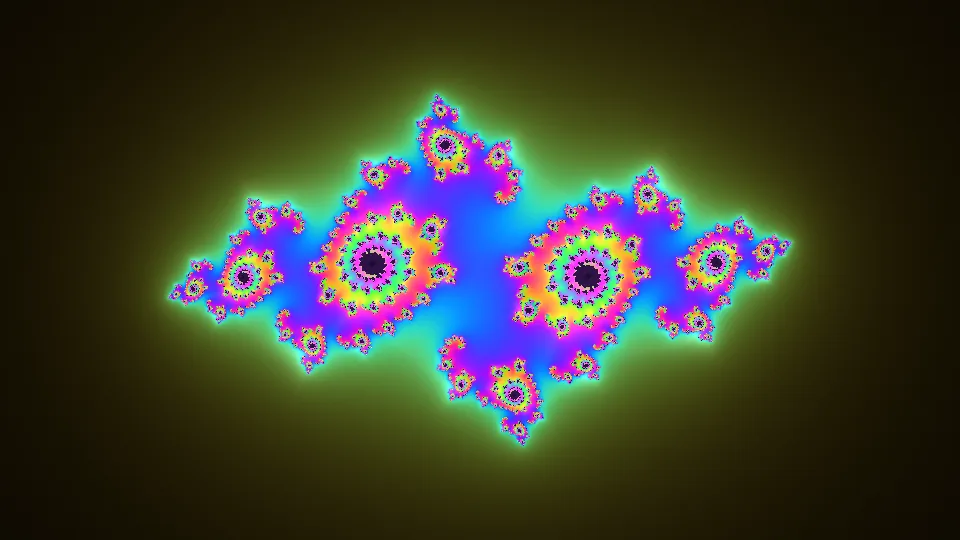
Julia Bloom
A Julia set fractal that keeps changing shape.
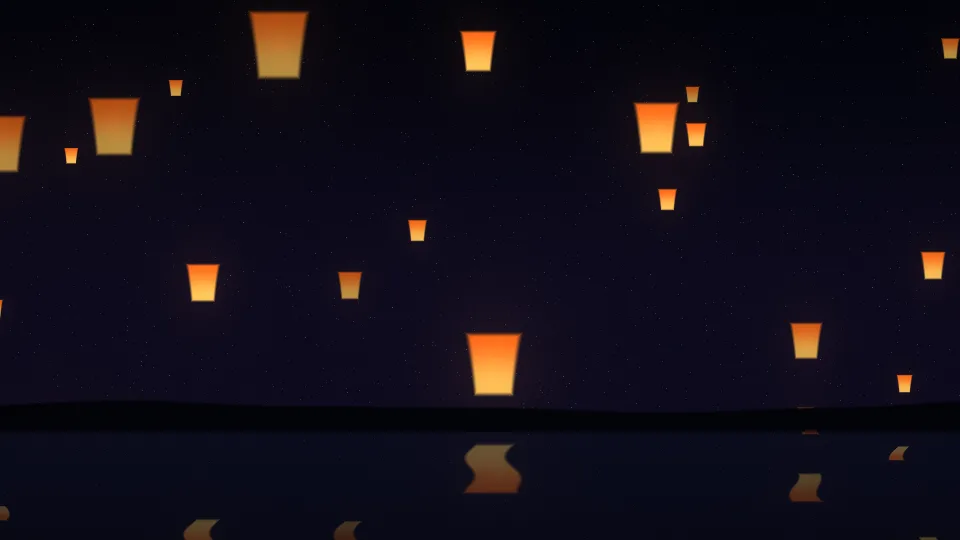
Lantern Festival
Paper lanterns rising into the night above still water.
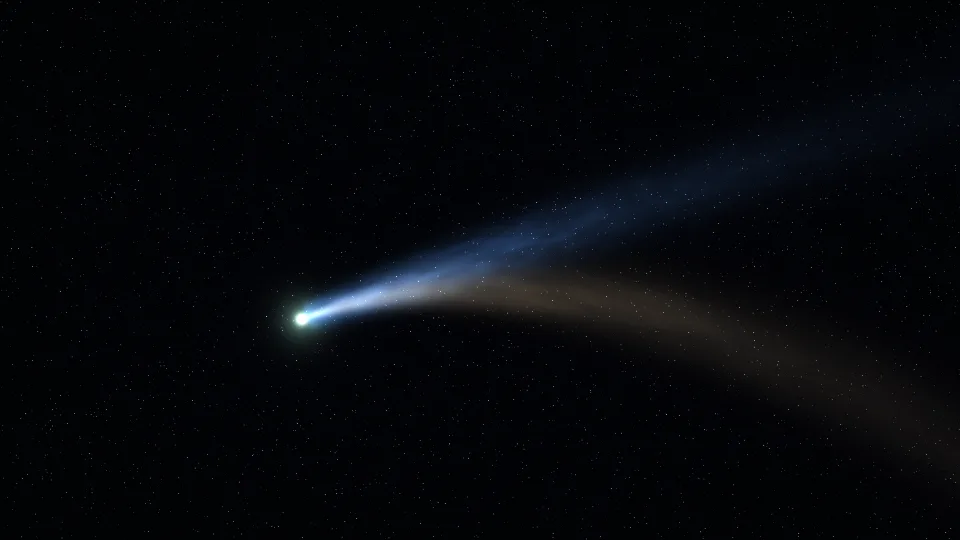
Comet
A bright comet with a blue ion tail and a golden dust tail.
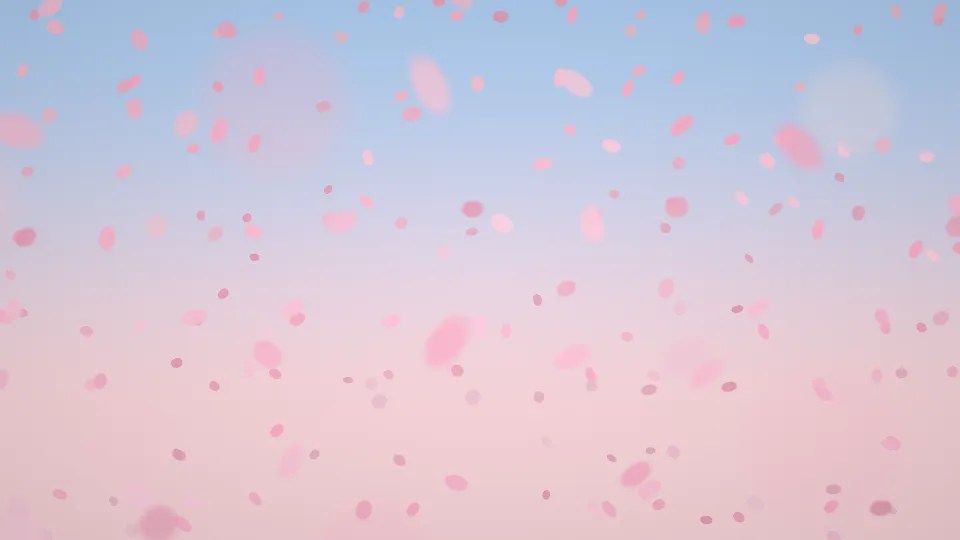
Cherry Blossom Drift
Pink petals tumbling across a pale spring sky.
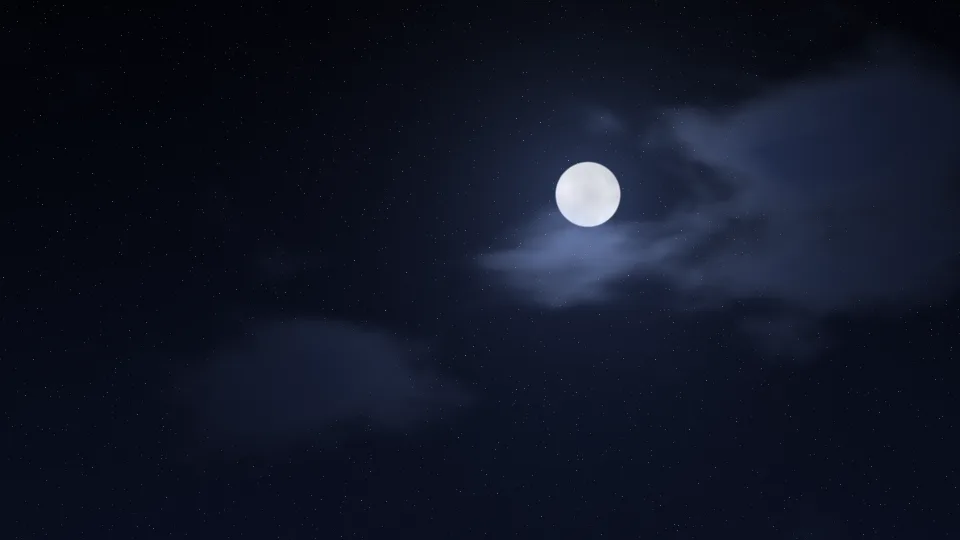
Moonlit Clouds
A full moon behind drifting, silver-edged clouds.
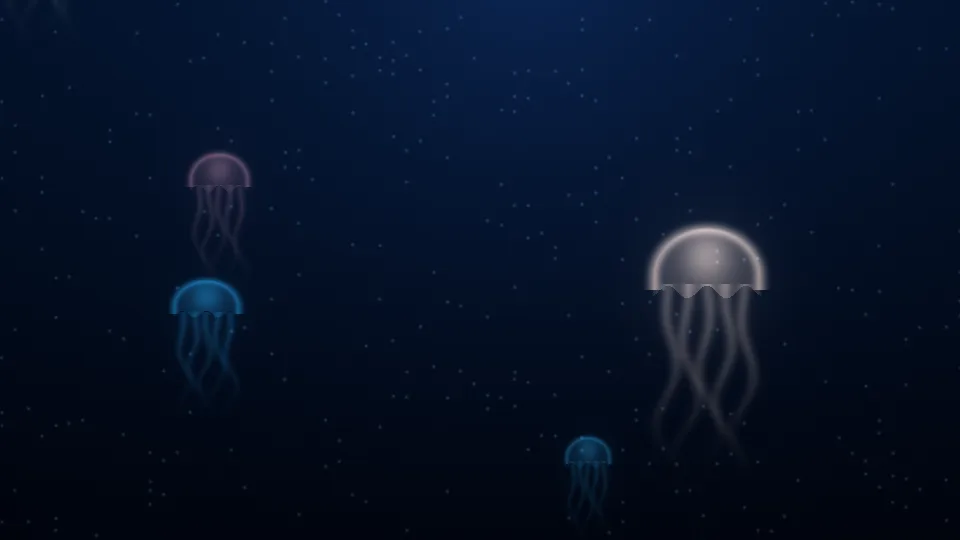
Jellyfish Drift
Glowing jellyfish pulsing upward through deep blue water.
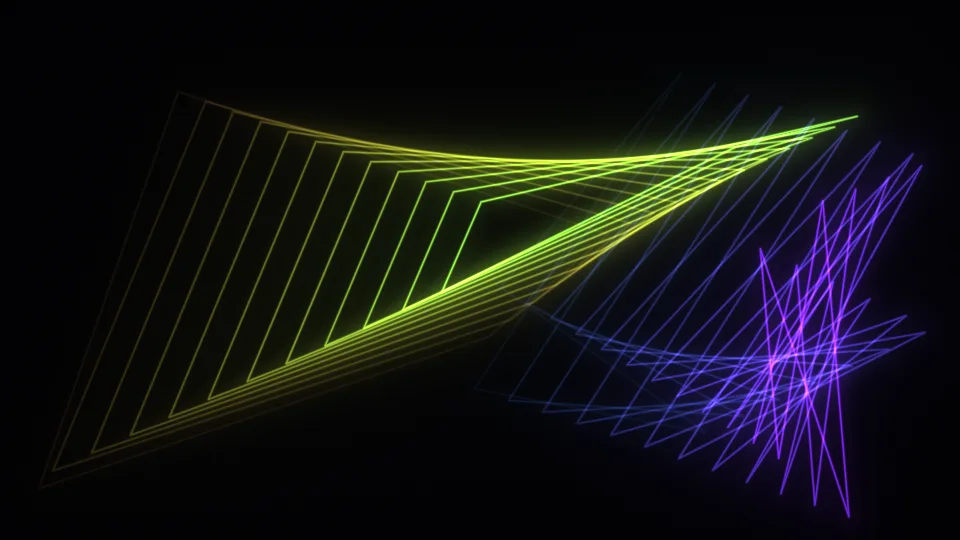
Mystify
Two glowing polygons bouncing and leaving fading trails.
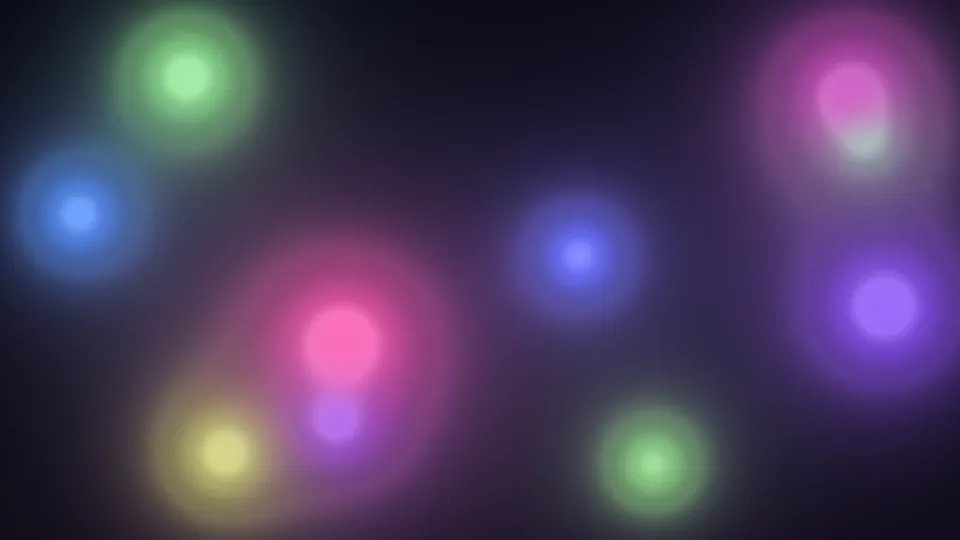
Soft Orbs
Balls of colored light drifting and merging in the dark.
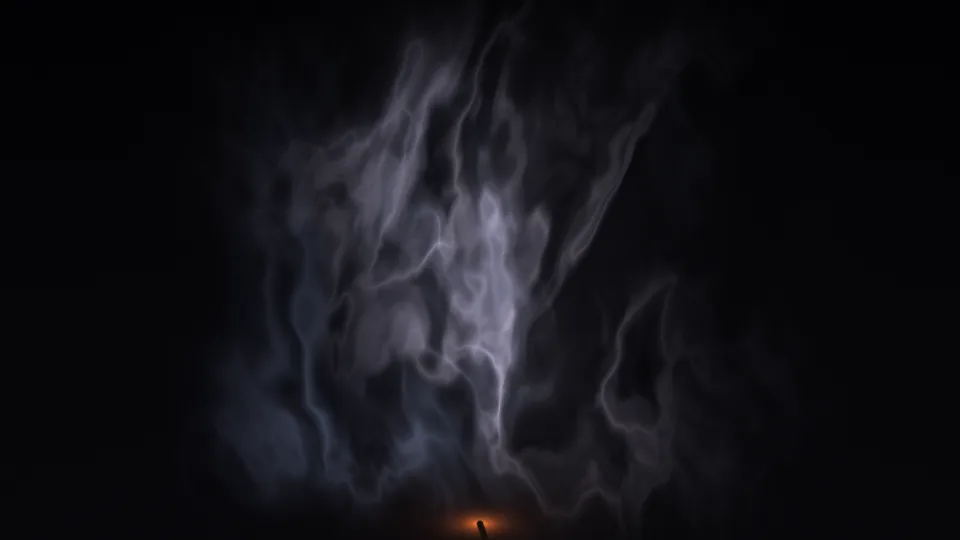
Smoke Wisps
Thin incense smoke curling into ribbons in the dark.
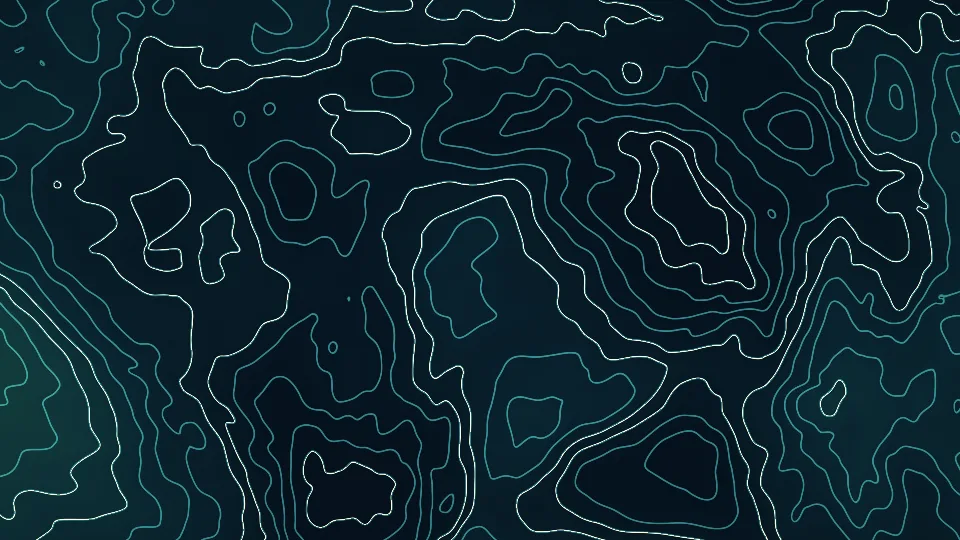
Contour Lines
A slowly changing map of fine teal contour lines.
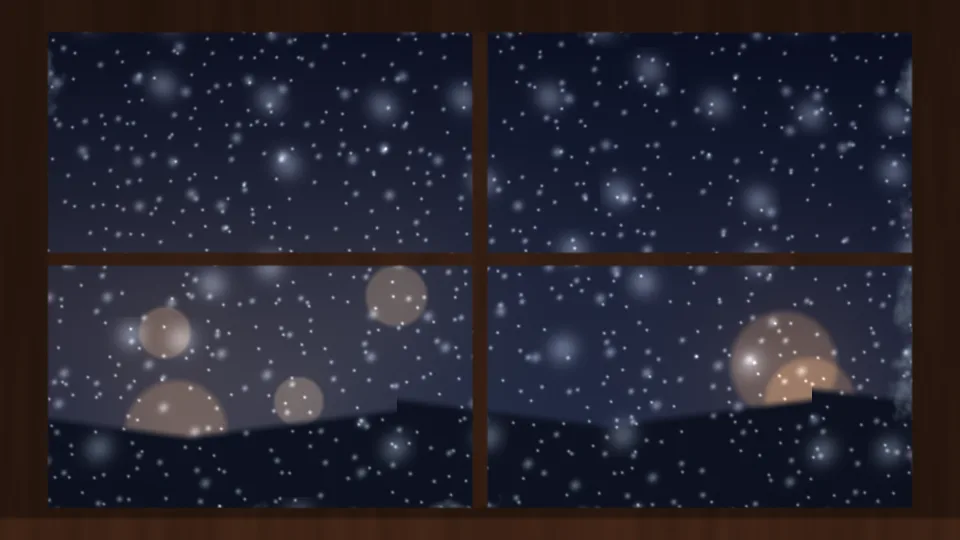
Snowy Window
Snow and warm street lights beyond a frosted window.
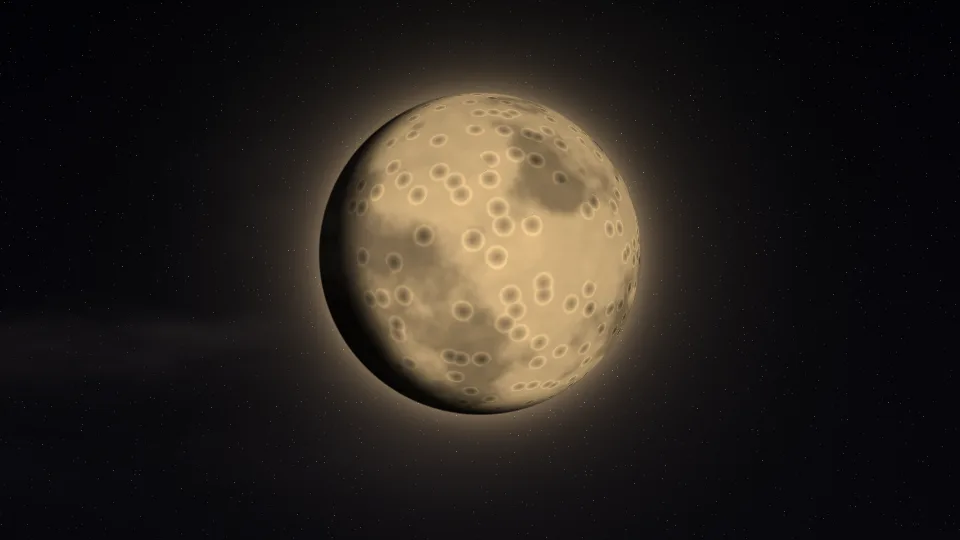
Harvest Moon
A large golden moon whose phase slowly changes.
Autumn Leaves
Red and gold leaves spinning down through amber light.
Pine Fog
Rows of pines fading into pale morning fog.
Lake at Dusk
Mountains and a crescent moon mirrored in a still lake.
Oscilloscope
A green trace looping through Lissajous figures.
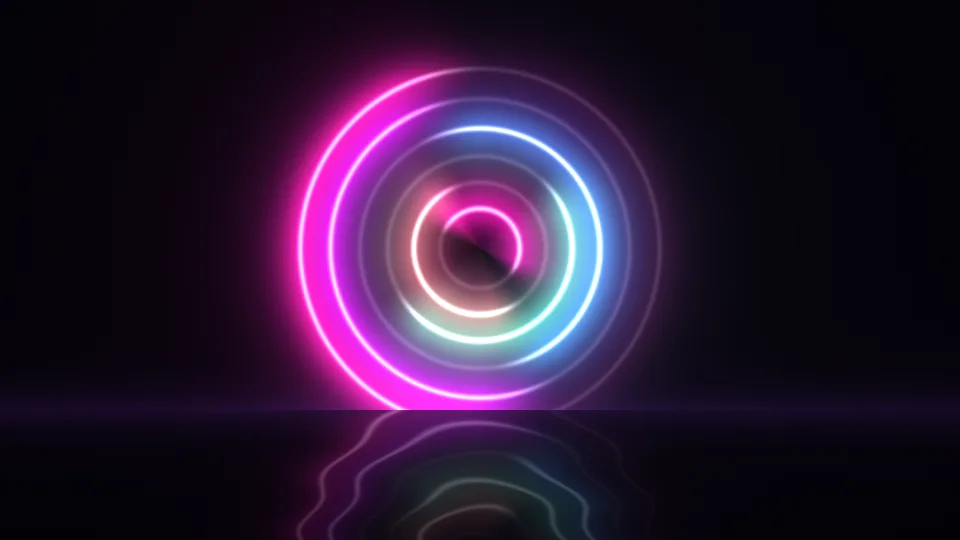
Neon Halo
Neon rings turning above a dark, glossy floor.
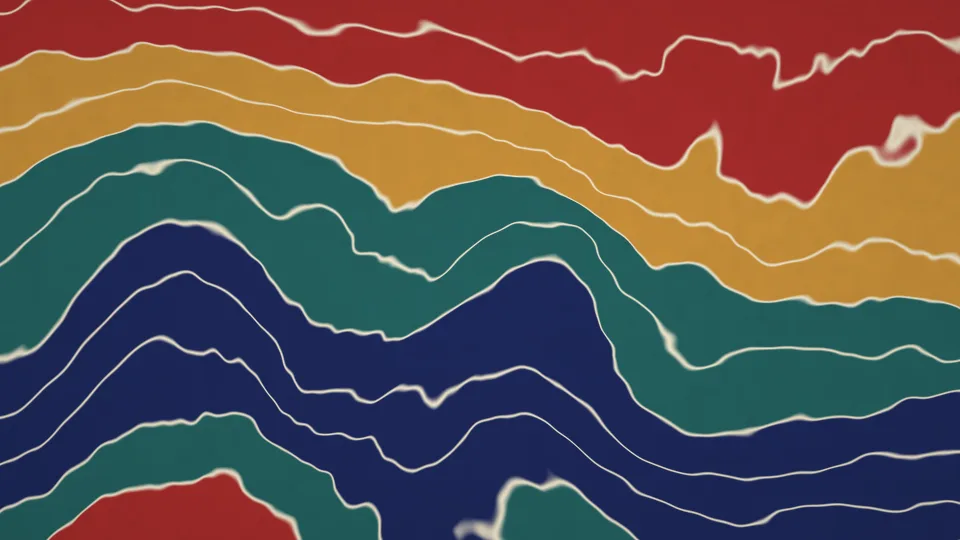
Paper Marbling
Bands of indigo, ochre, and crimson pulled into waves.
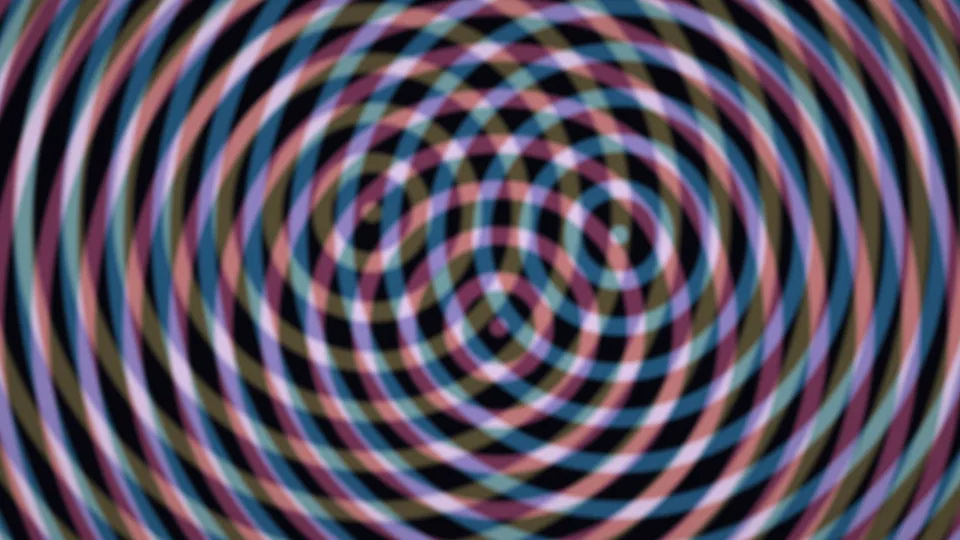
Moiré Rings
Three sets of rings sliding into moiré patterns.
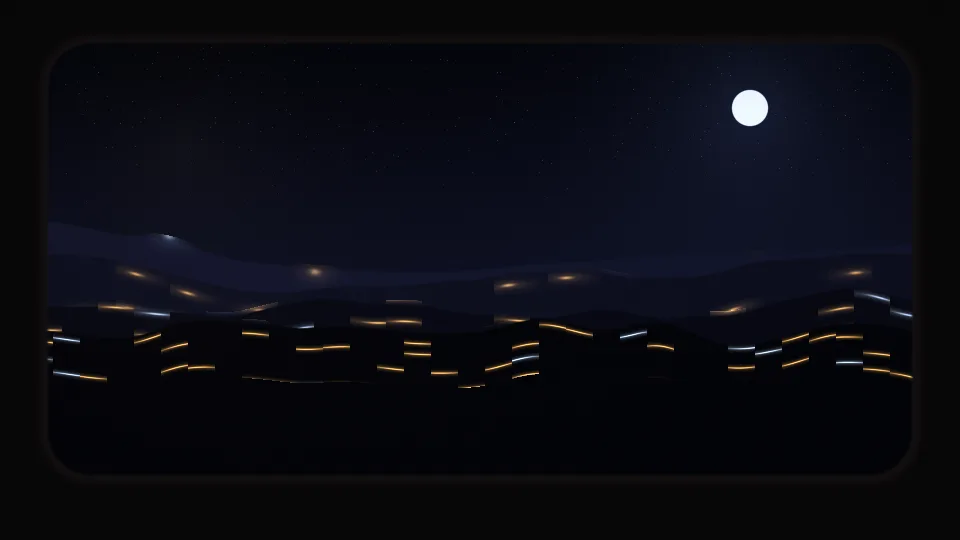
Night Train
Dark hills and distant lights passing a train window.
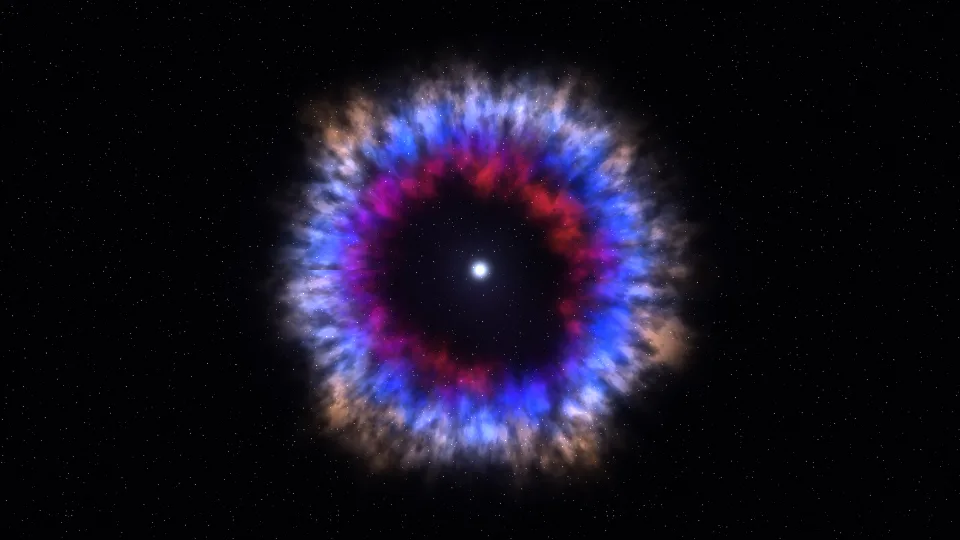
Supernova Remnant
Rings of blue, red, and gold gas around a small white star.
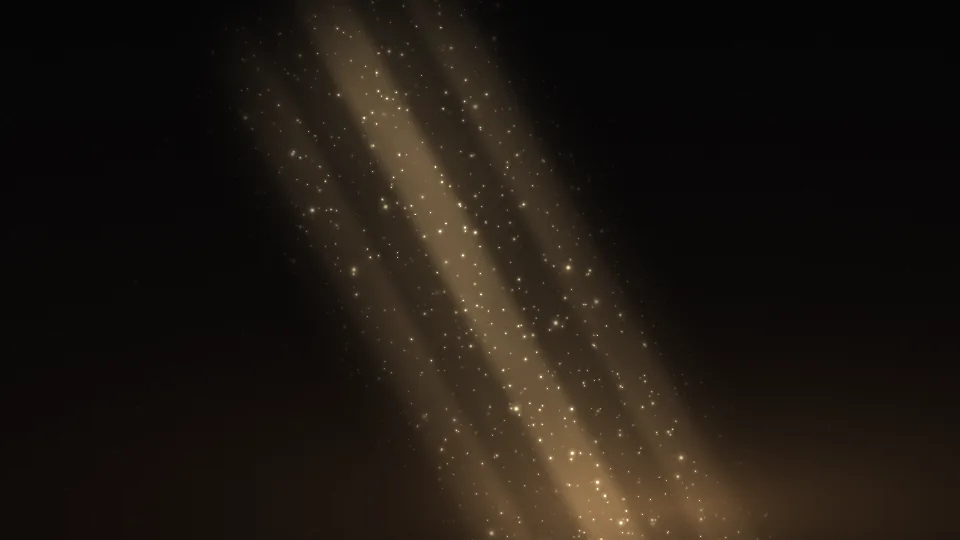
Sunbeam Dust
Dust motes glinting in a shaft of sunlight.
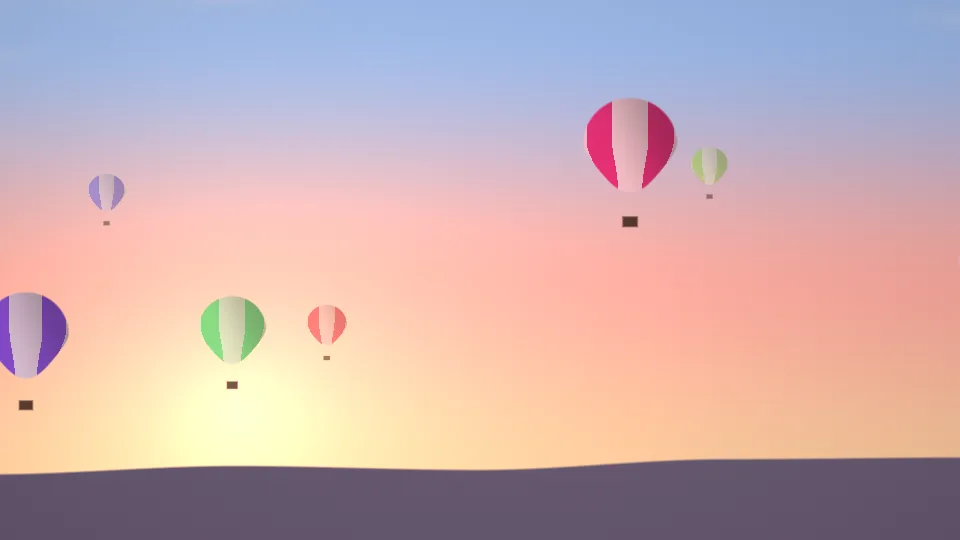
Balloon Dawn
Striped hot air balloons drifting across a dawn sky.
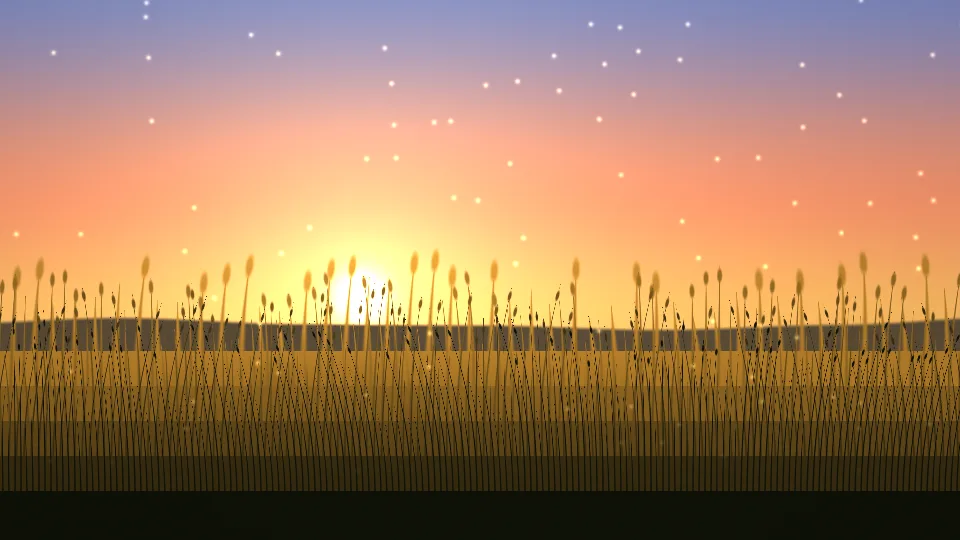
Summer Meadow
Golden grass swaying in a warm evening breeze.
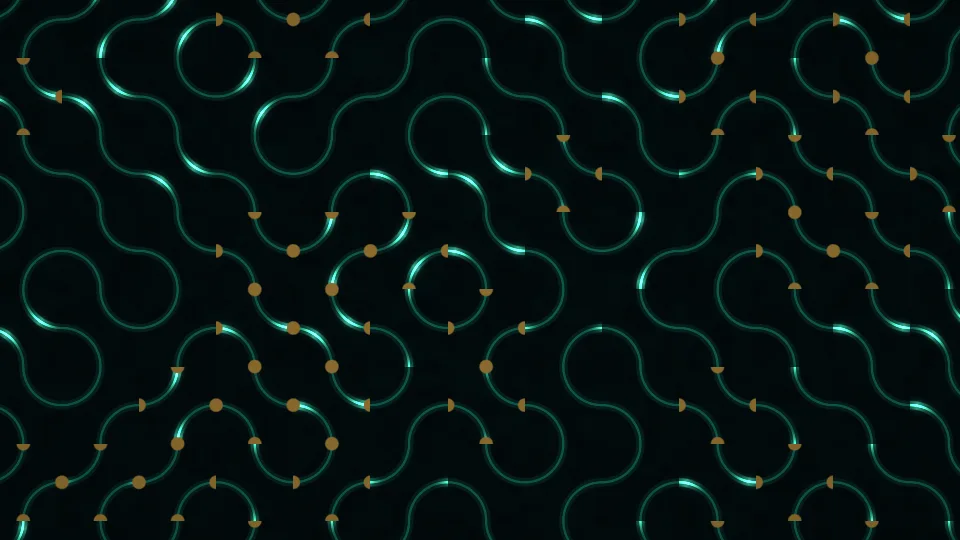
Circuit Glow
Pulses of light running along circuit board tracks.
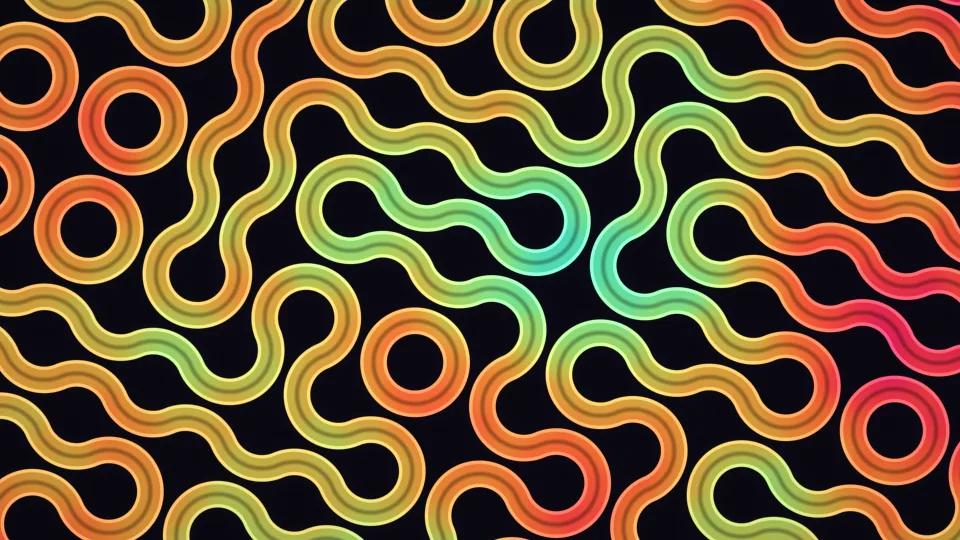
Truchet Weave
Rounded ribbons of color winding through loops and curves.
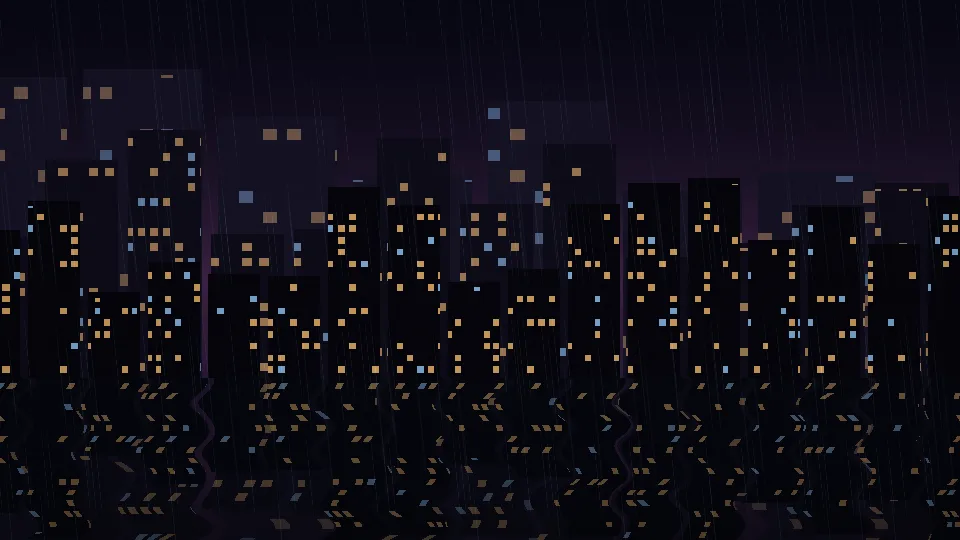
Rainy City Night
A lit skyline reflected in wet ground on a rainy night.
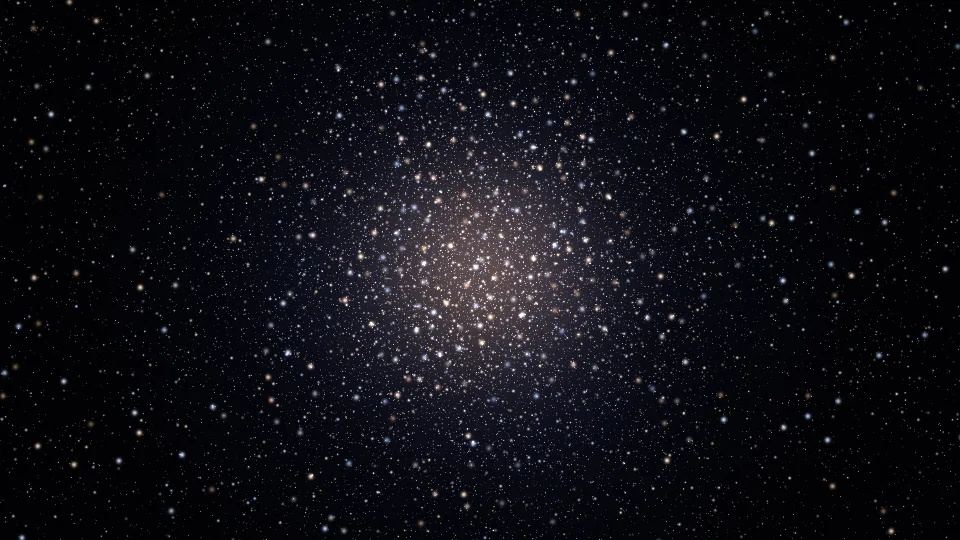
Star Cluster
Thousands of stars gathered around a bright center.
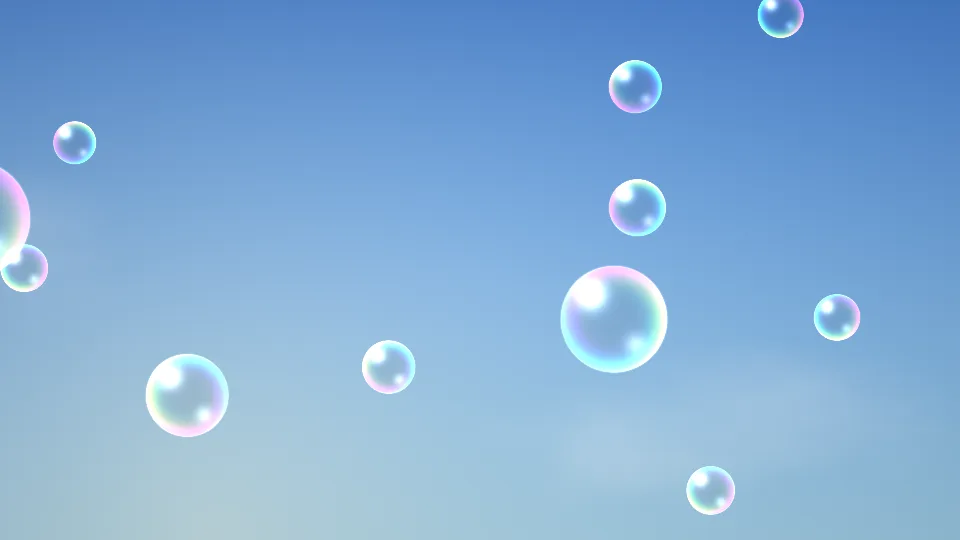
Soap Bubbles
Rainbow-rimmed bubbles rising against a blue sky.
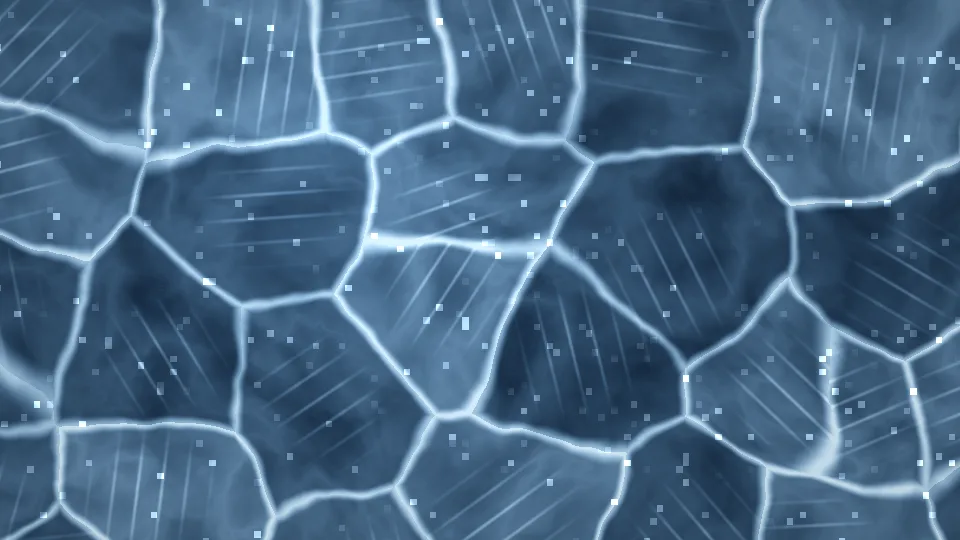
Frozen Lake
Thick blue ice, pale cracks, and glinting frost.
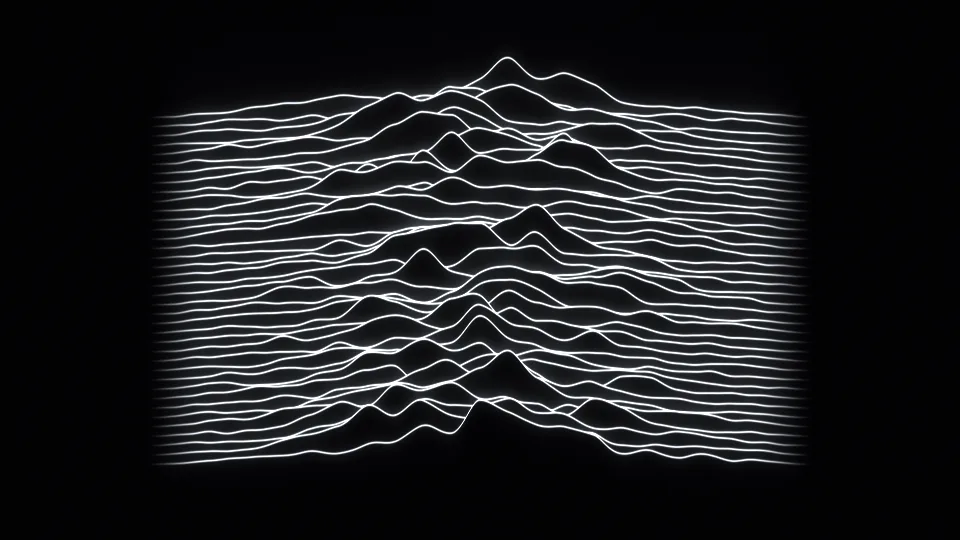
Radio Waves
Stacked white lines rising into peaks like a mountain range.
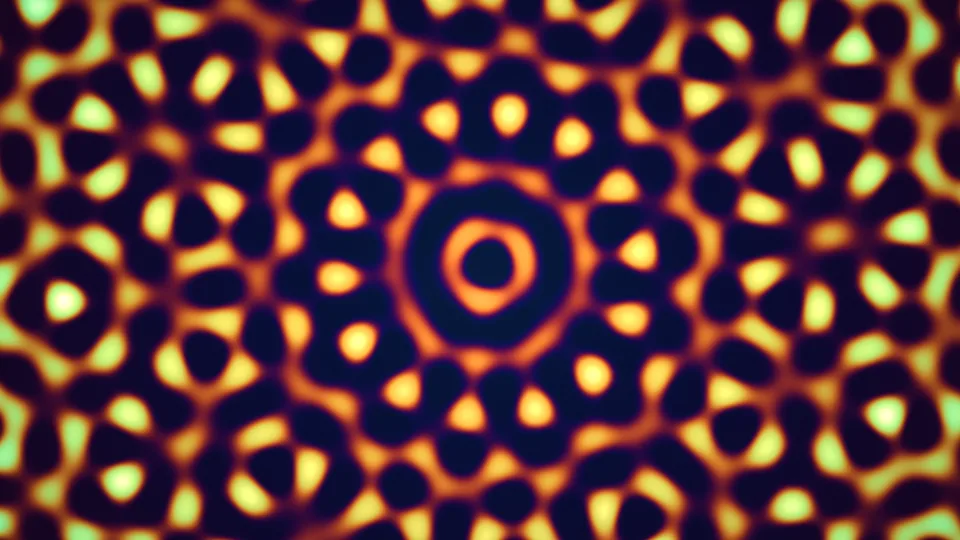
Quasicrystal
A glowing pattern with symmetry that never quite repeats.
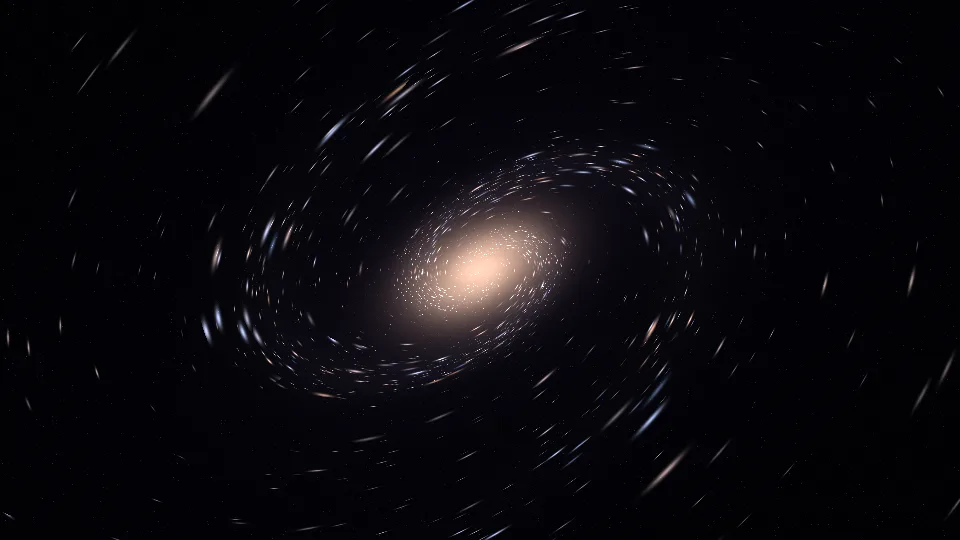
Stardust Spiral
A tilted spiral galaxy made of points of light.
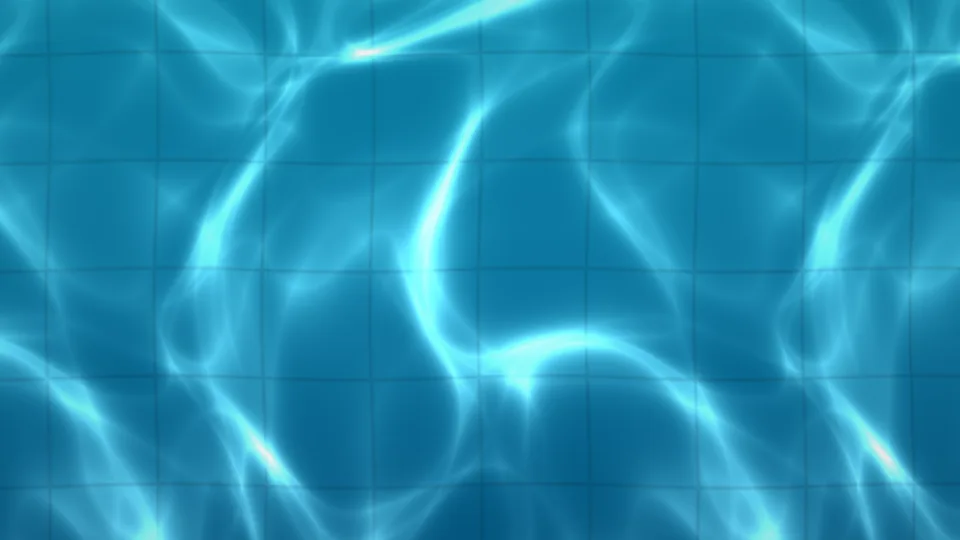
Pool Caustics
Nets of sunlight wobbling over turquoise pool tiles.
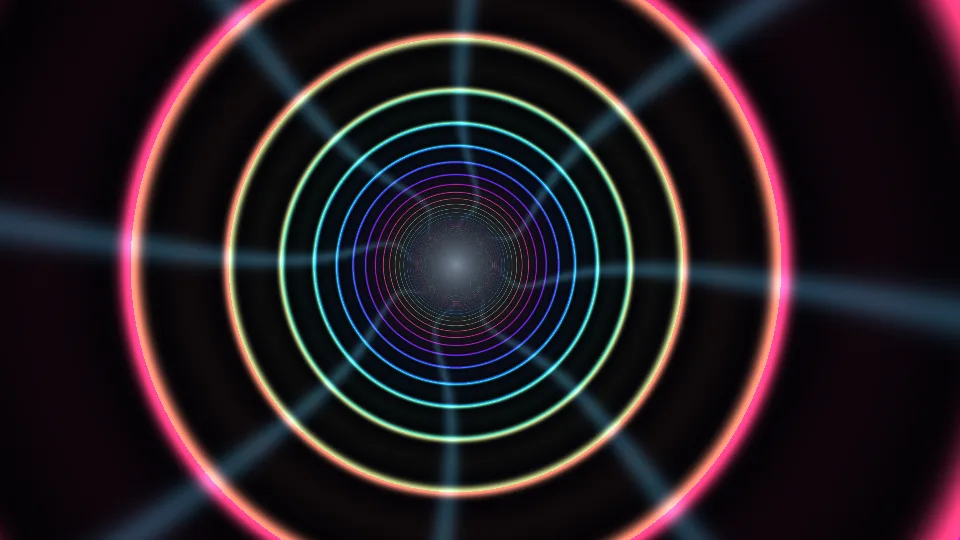
Light Tunnel
A glide down a tunnel of color-changing neon rings.
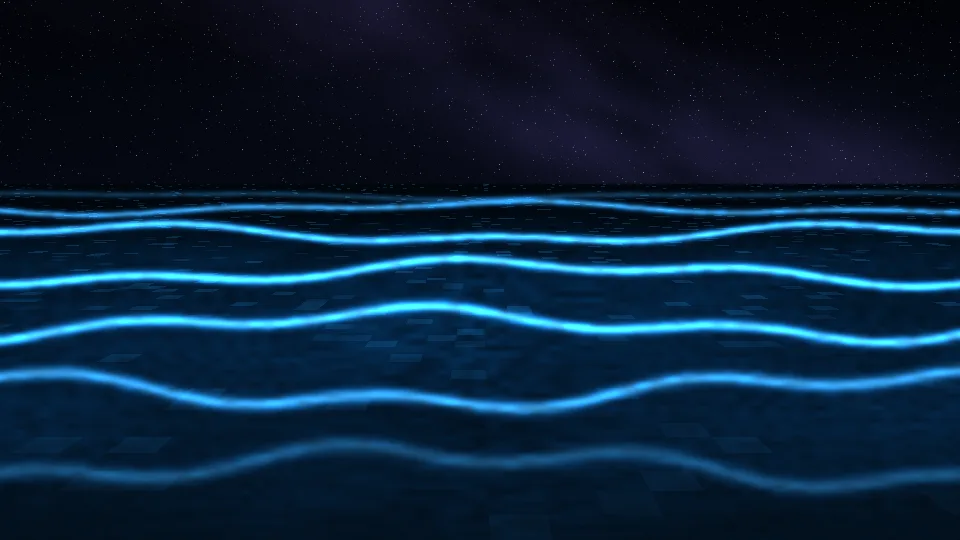
Glowing Tide
Small waves lighting up electric blue on a night beach.
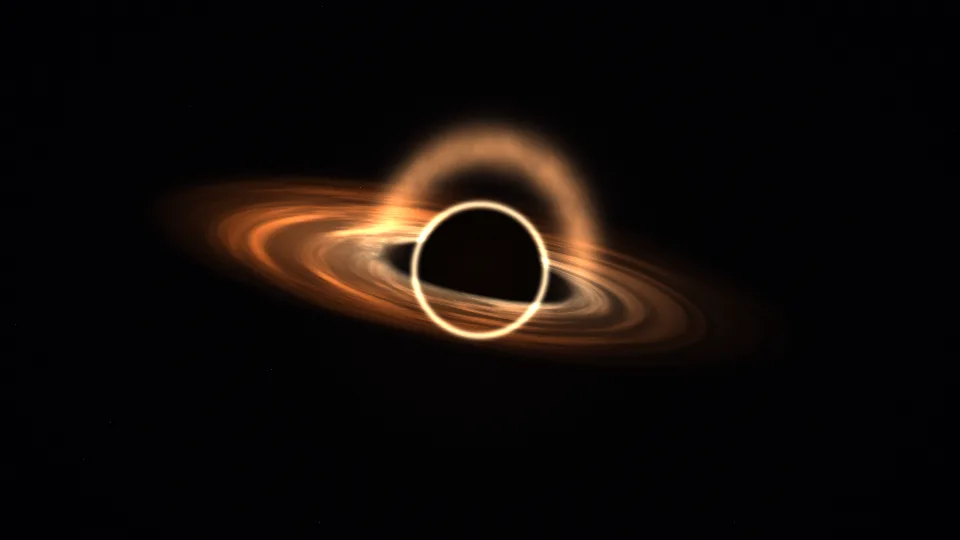
Event Horizon
A black hole bending the light of its own disk.
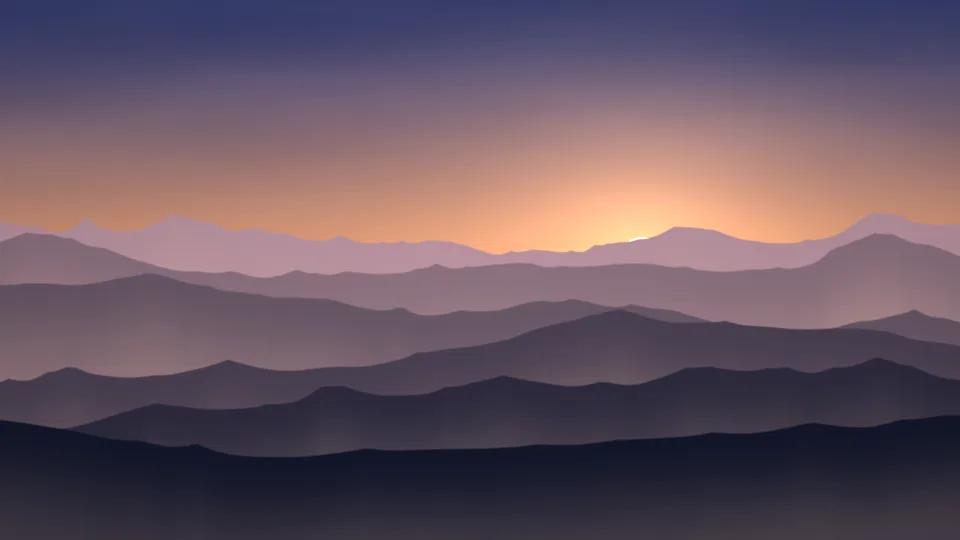
Misty Peaks
Mountain ridges fading into dawn mist.

Lava Lamp
Warm wax rising, merging, and drifting apart.
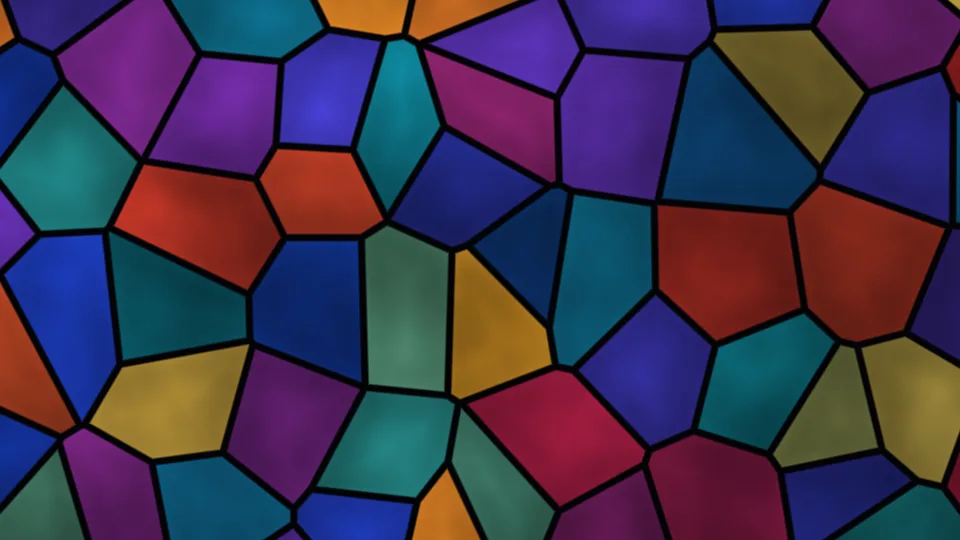
Stained Glass
Jewel-colored panes with light moving behind them.
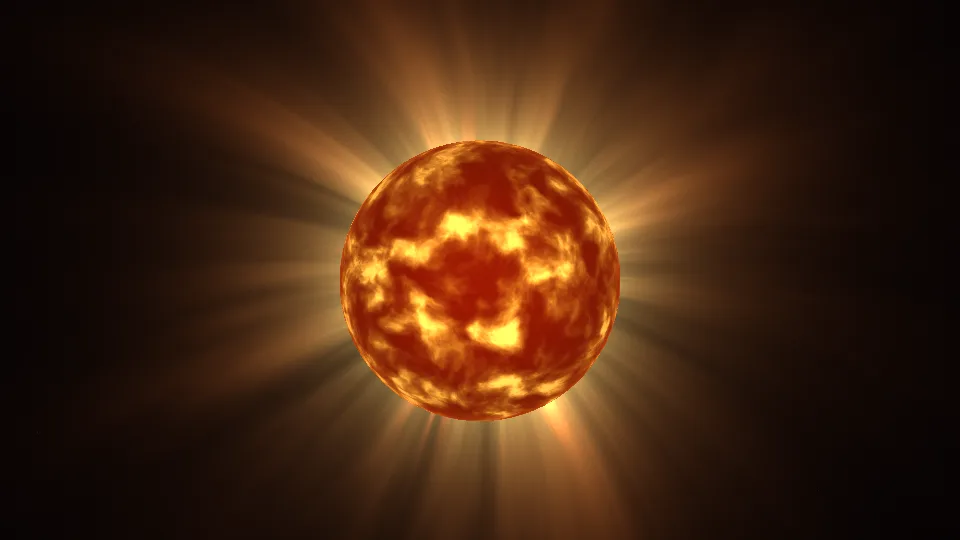
Solar Corona
The Sun up close, wrapped in slow streamers.
Sunlit Deep
Shafts of sunlight reaching into blue water.
Oil & Water
An iridescent film curling across dark water.
Honeycomb Pulse
Waves of light crossing a glowing comb.
Northern Lights
Luminous curtains above a still horizon.
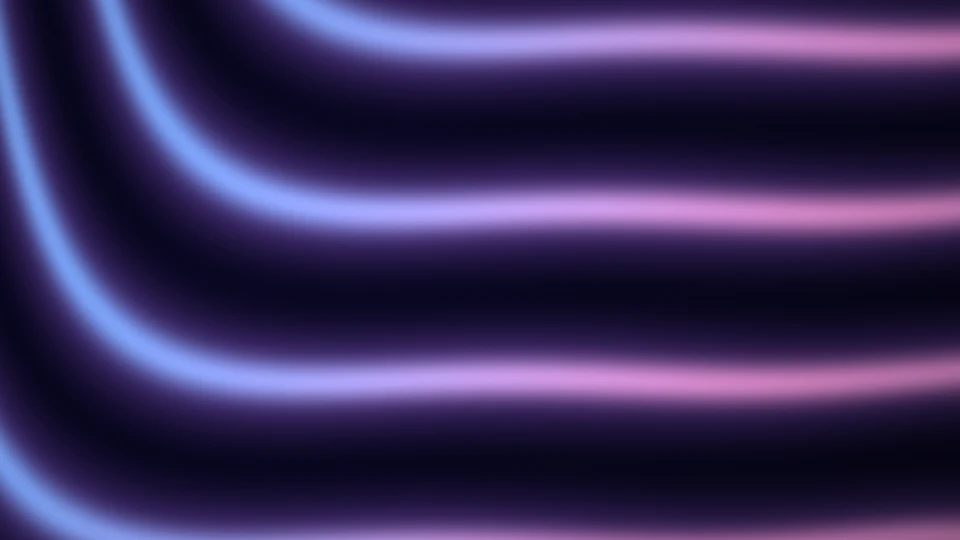
Silk Flow
Iridescent fabric, caught in a gentle current.
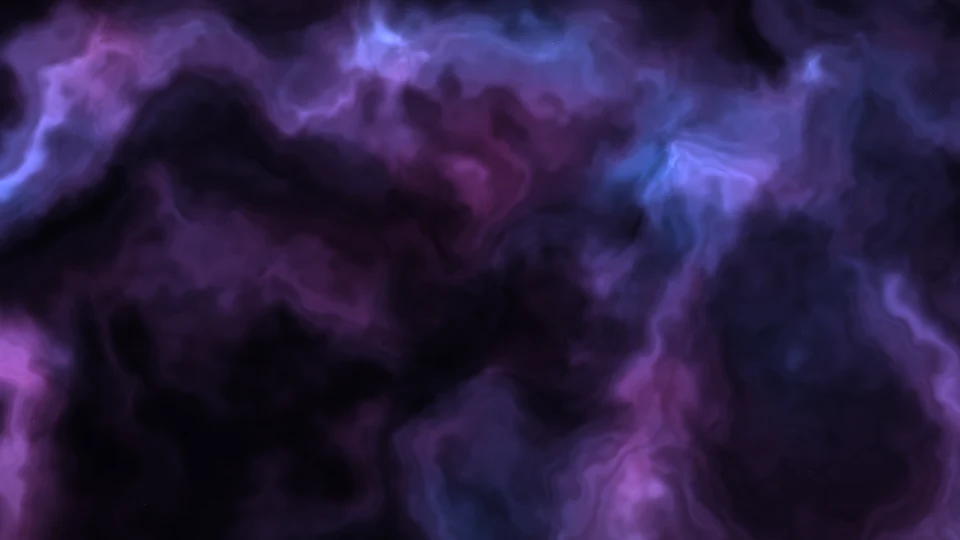
Velvet Nebula
Rose and indigo clouds drifting among stars.
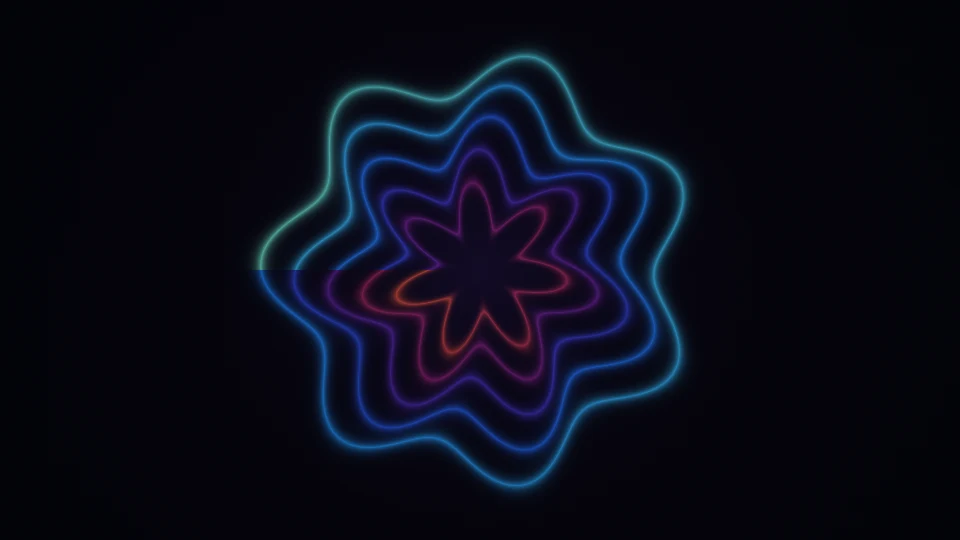
Prism Bloom
Petals of light unfolding in perfect symmetry.
Star Nest
A slow journey through a field of stars.
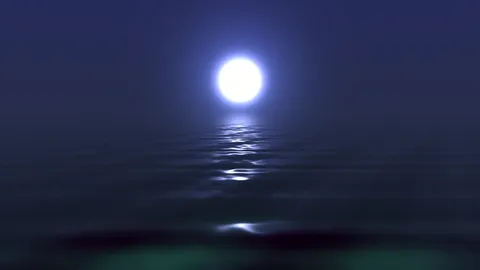
Moonlit Sea
Moonlight reflected on a quiet sea.
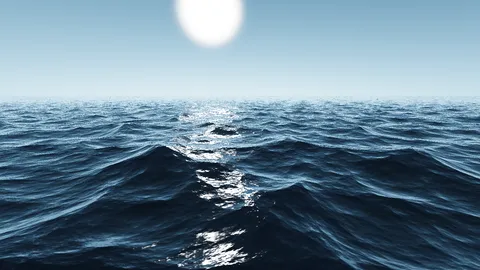
Open Ocean
Rolling blue waves beneath a low sun.
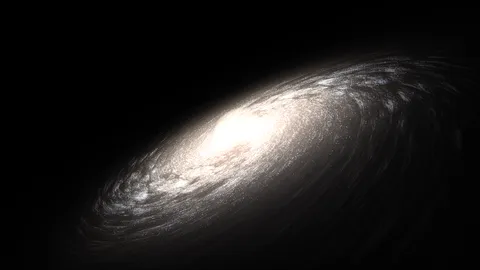
Distant Galaxy
A spiral of starlight in the deep dark.
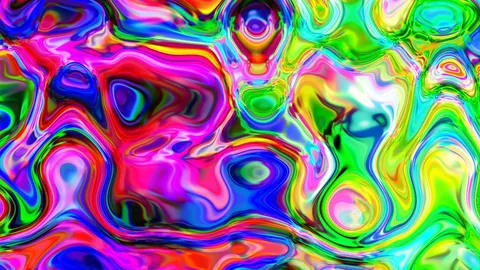
Color Melt
Pools of vivid color, endlessly folding.
Marble Drift
Blue marbling with an unhurried rhythm.
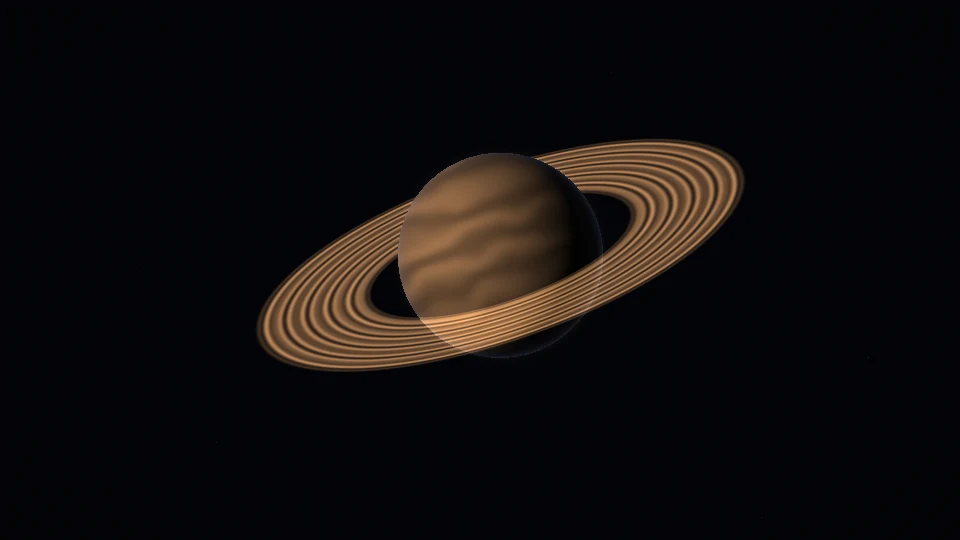
Saturn Orbit
A ringed world, suspended in soft light.
Rain on Glass
Cool raindrops and warm, distant city lights.
Liquid Gold
Warm metallic ripples with an amber glow.
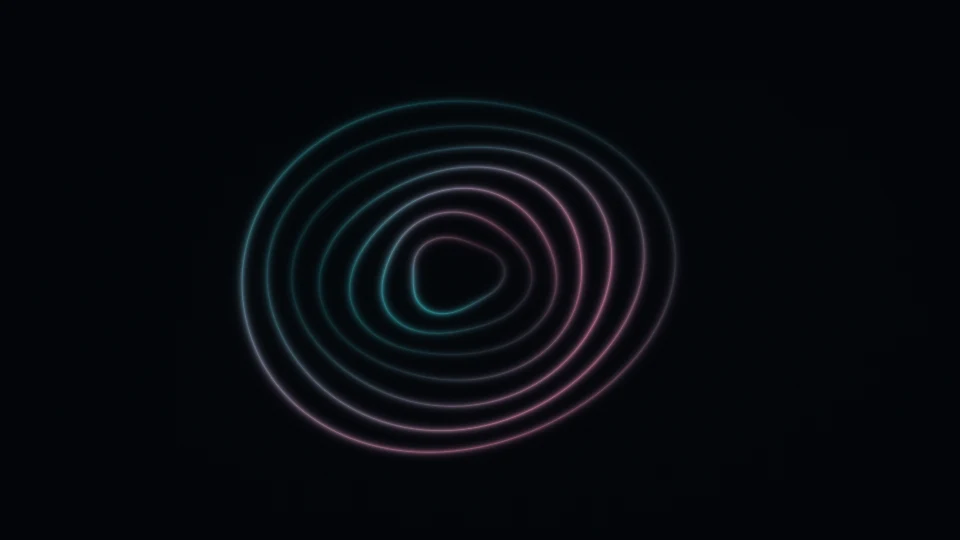
Opal Rings
Pearlescent circles, gently breathing.
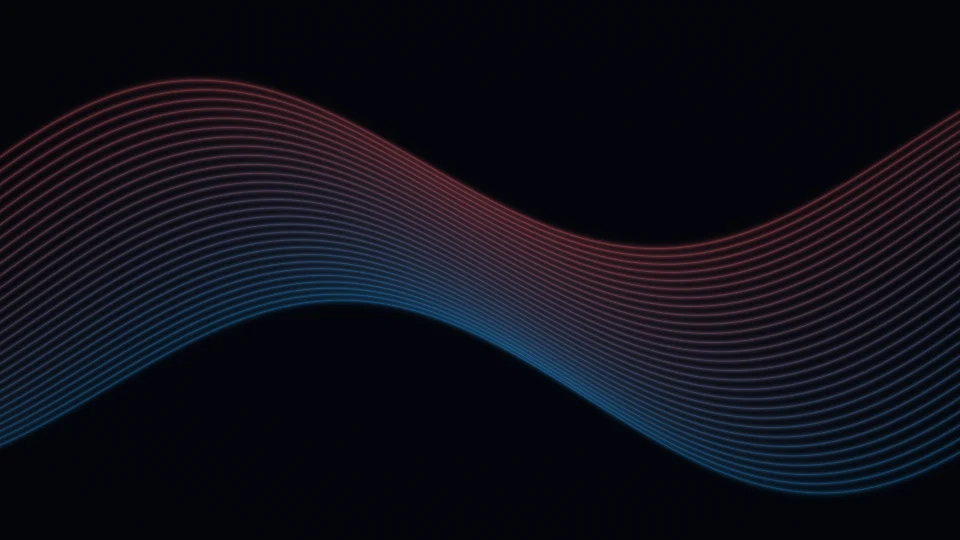
Ribbon Waves
Fine threads of light moving as one.
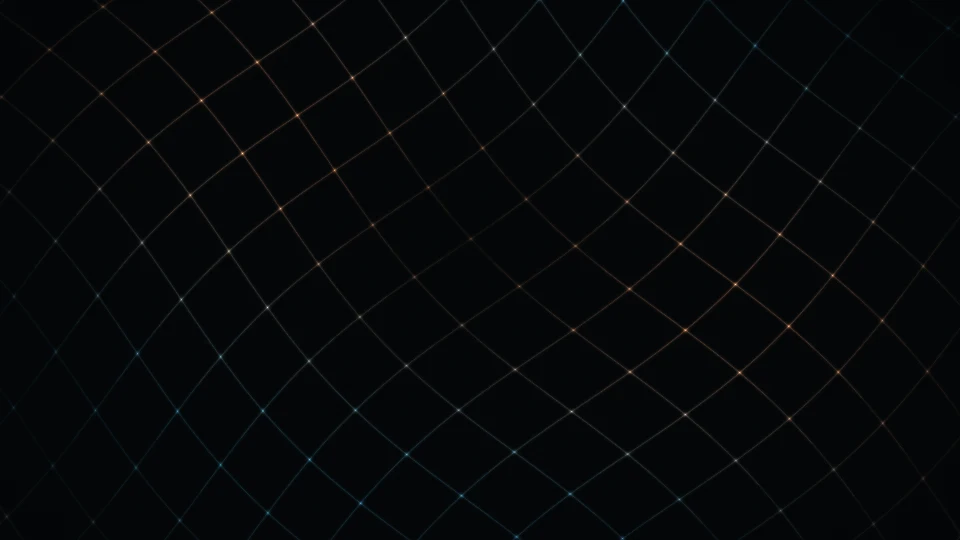
Luminous Lattice
A delicate grid with softly wandering light.
Every scene is drawn live in your browser.
Screensaver videos with music →Looking for the classic DVD bounce? →Screen Test & Utility Tools
Green Screen, Instantly
The classic chroma-key color, one click away. Double-click for fullscreen, scroll to adjust brightness - and any display becomes a green screen.
An Improvised Chroma-Key Backdrop
Point a camera at a monitor or TV showing this page fullscreen and you can key out the background in any editor. It will not replace a lit fabric screen for full-body shots, but for hand demos, product close-ups, puppets, and school video projects, a spare display works remarkably well - zero setup, perfectly even color, no wrinkles.
Why Green?
Camera sensors dedicate twice as many photosites to green as to red or blue, so green footage is the cleanest to key. That is why green replaced blue as the industry default - though when your subject is green, our blue screen keys better.
Green Screen for Virtual Backgrounds
Zoom, Teams, and OBS all detect virtual backgrounds more reliably against an even green surface. Fullscreen this page on a TV or large monitor behind you and edge detection improves instantly - hair, glasses, and gestures stop glitching.
Green Screen Display Test
Solid green exposes sub-pixels stuck on red or blue. Inspect fullscreen, then cycle red and blue to identify exactly which channel is misbehaving.
Download Green Backgrounds up to 8K
Download a uniform green matte at any resolution up to 8K or custom dimensions - drop it into your editing timeline as a keying layer, or use it to practice chroma effects without any footage.
Frequently Asked Questions
Can this replace a real green screen?
For hand demos, product close-ups, and small subjects, yes - a monitor showing this page keys cleanly. For full-body shots you still want a large lit fabric or painted screen.
What green does this page display?
A solid, even green suitable for chroma keying. Because the color is emitted by the display rather than reflected off fabric, it is perfectly uniform with no shadows or wrinkles.
Does a green background improve Zoom virtual backgrounds?
Yes. Zoom, Teams, and OBS all detect edges far more reliably against an even green surface - hair and glasses stop flickering.
Can I download a green matte image?
Yes - download a uniform green image at up to 8K or custom dimensions and use it as a keying layer in any video editor.