Christmas Steam Station
A wooden station with garlands and wreaths, its lamps lit, snow along the platform, and an old engine standing at it with steam up. The sun is going down behind the river.
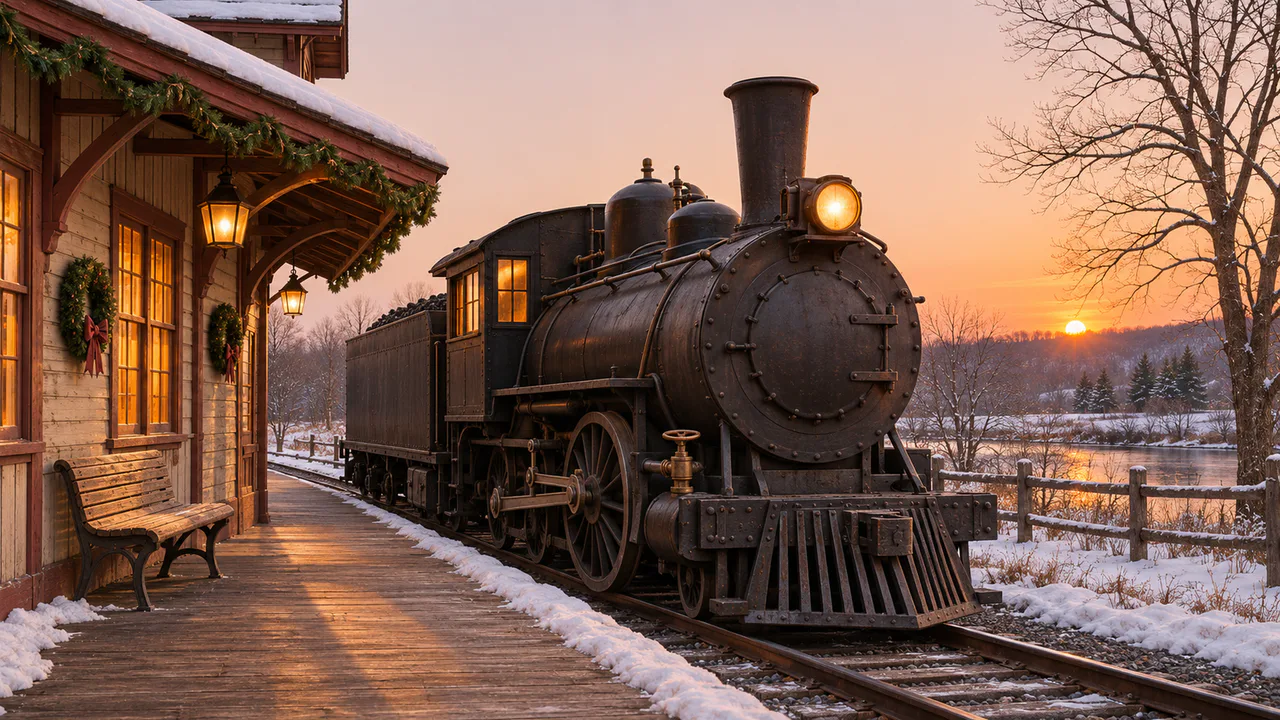
Drifting steam
Steam rises from the engine and drifts slowly on the breeze. The lamps and the sunset stay as they are. Nothing flashes. Sound plays only if you start with it.
Christmas music
Joy to the World
Morning Celebration
Carols
Written for these scenes
Play all and Shuffle go through the ticked tracks.
This scene’s pick: Joy to the World — Morning Celebration
What you can do here
- Blow off steam
- Tap the brass valve on the side of the engine, or press Open the valve. A jet of steam shoots forward along the engine, slows within a few feet as it mixes with the air, and the cloud it leaves rises and thins. The valve needs ten seconds before it opens again.
- Change the breeze
- Breeze goes from still air, where the steam climbs almost straight up, to a breeze that lays it over toward the station. The wind is a little stronger higher up, as it is outdoors, so the top of the plume leans more than the bottom.
- Push the steam around
- Move the pointer, or drag a finger, through the steam and it moves with your hand until the breeze takes it again.
- Put on some music
- Music plays apart from the scene’s own sound, with its own volume, so you can have either, both or neither. It starts on this scene’s pick and repeats it; open the list to choose another, play them all in order, or shuffle the ones you tick. There are fifteen, all instrumental: twelve carols, from Jingle Bells to O Holy Night, and three pieces written for these scenes. Music only starts when you start it.
Use it as your wallpaper
Press F for fullscreen and M to turn the sound off and on; the volume and your sound choice carry over to every wallpaper. The sound keeps playing if you switch to another tab.
Live link
https://whitescreen.tv/interactive-wallpapers/christmas-steam-train/#wallpaper- On a computer desktop
- Some wallpaper apps can show a web page behind your desktop icons. Give one the live link above and the scene runs there on its own: no page around it, no ads and no sound.
- On a TV or a spare screen
- Open this page and press F, or use Fullscreen. While it’s in fullscreen we ask the browser to keep the screen from going to sleep.
- On a phone or tablet
- Save image downloads exactly what’s on the screen as a picture. Set it as your wallpaper from your photos; the phone will crop the sides.
A live wallpaper keeps a page running all day. Through the live link the scene draws at most 30 frames a second and stops while the screen is covered, but on a laptop it still costs some battery.
Why the steam is gold on one side
What you see as steam is a cloud of tiny water droplets, and it takes its color from the light falling on it. The sun is low on the right, so the side of the plume facing it is lit gold, while the side away from it gets only the light of the sky and looks gray with a little violet. Where the steam is thin and close to the sun, the light comes through it and its edges glow.
Why winter steam looks so big
Steam itself is invisible. The white cloud is water condensing out of it as it meets cold air, so the colder the evening, the more of it you see. That’s why an engine standing in the snow seems to make far more steam than the same engine on a summer afternoon.
About the sounds
An engine standing in steam, ticking over quietly, with the open air of a winter evening under it, and a short rush of steam when you open the valve. No music, and no whistle.
If you’d rather just watch
Picture and sounds generated from our prompts. Motion, controls and mix by WhiteScreen.tv.
