Clockmaker’s Bench
A brass clock with an open movement waits on a clockmaker’s bench by the window. It keeps your time, to the second, and ticks as it does.
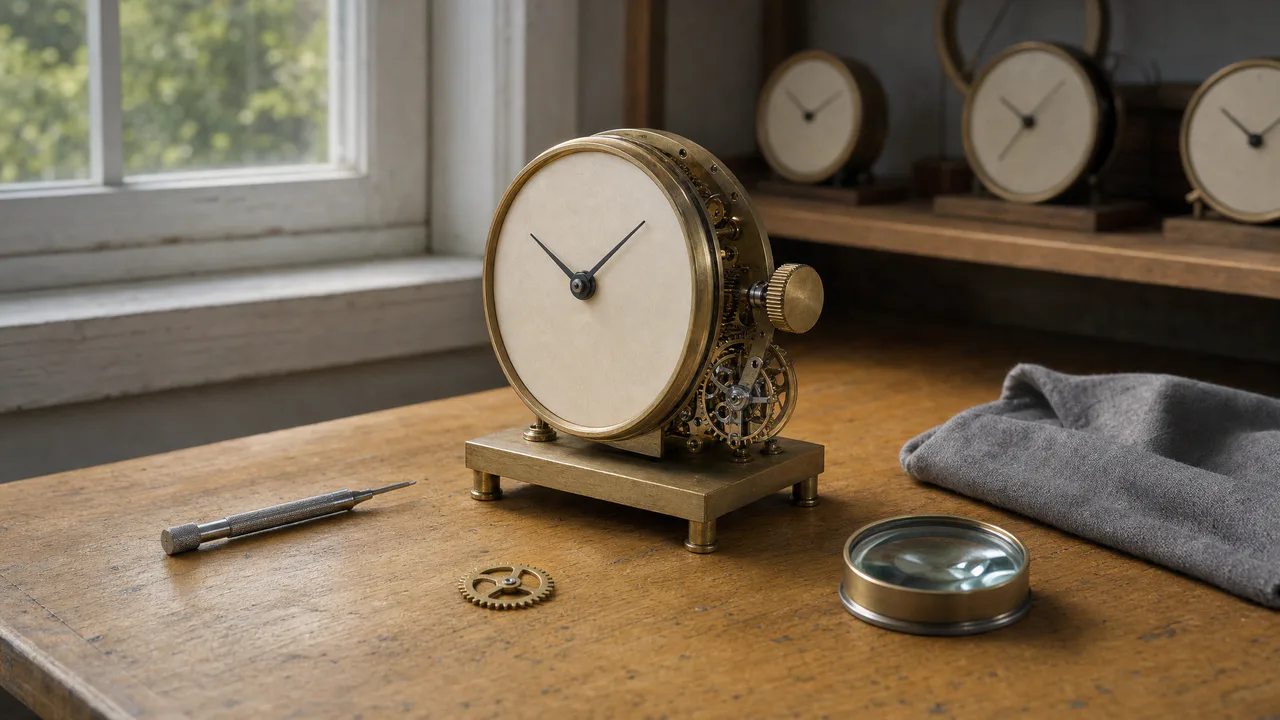
A quiet clock
The hands move as slowly as a clock’s do (with reduced motion they step once a minute), and the crown turns when you wind it. Nothing flashes. Sound plays only if you start with it.
What you can do here
- Check the time
- The clock shows the time on your own device, so it is right wherever you are. The hands are drawn on the dial itself, in the same perspective as the clock, and they cast the same soft shadow from the window that the clock’s own hands did.
- Hear it tick
- Start with sound and the clock ticks once a second, exactly on the second. Turn on the Seconds hand and you can watch it jump with each tick, with the tiny bounce a real seconds hand makes as it stops.
- Wind it
- Tap the knurled crown on the side of the clock, or press Wind the crown or W. The crown turns in three short strokes, the way your fingers would turn it, and you hear the ratchet click.
- Look over the movement
- Move over the open works on the right and a warm light follows your pointer across the brass, as if you were holding the loupe from the bench.
Use it as your wallpaper
Press F for fullscreen and M to turn the sound off and on; the volume and your sound choice carry over to every wallpaper. The sound keeps playing if you switch to another tab.
Live link
https://whitescreen.tv/interactive-wallpapers/clockmakers-bench/#wallpaper- On a computer desktop
- Some wallpaper apps can show a web page behind your desktop icons. Give one the live link above and the scene runs there on its own: no page around it, no ads and no sound.
- On a TV or a spare screen
- Open this page and press F, or use Fullscreen. While it’s in fullscreen we ask the browser to keep the screen from going to sleep.
- On a phone or tablet
- Save image downloads exactly what’s on the screen as a picture. Set it as your wallpaper from your photos; the phone will crop the sides.
A live wallpaper keeps a page running all day. Through the live link the scene draws at most 30 frames a second and stops while the screen is covered, but on a laptop it still costs some battery.
Why a clock ticks
A clock is a spring or a weight trying to unwind as fast as it can, and an escapement that only lets it move in small, even steps. Each step is a tick. Most household clocks tick once or twice a second; a wristwatch’s balance wheel beats five to ten times a second, which is why a watch sounds busier than a clock on the shelf.
About the sounds
Three recordings: a workshop clock ticking, the crown being wound, and the air of a quiet room. The ticks are not a loop. One tick is taken from the recording and played on each second of your clock, so the sound never drifts away from the time on the dial.
If you’d rather just watch
Picture and sounds generated from our prompts. Motion, controls and mix by WhiteScreen.tv.
